PAPERMAN · PRINT AT HOME

A free Rasterbator alternative
for multi-page posters.

Turn your image into a printable poster with exact dimensions,
overlapping tiles, and a preview of every sheet.

For photos, illustrations, and classroom displays. Looking for halftone dots? Compare the tools below.

YOUR POSTER WORKSPACELocal & private

A big idea starts with one image.

Drop your image here and turn it into a wall-sized poster.

JPG, PNG or WebP · Up to 40 MB / 40 megapixels

OR TRY AN ORIGINAL SAMPLE

PaperMan is an independent tool, not affiliated with The Rasterbator.

CHOOSE THE RIGHT TOOL

Rasterbator or PaperMan?

Both tools help you make a large poster with an everyday printer. The Rasterbator is known for its halftone dot effects and also offers other styles. PaperMan focuses on image tiling, exact finished dimensions, and checking each sheet before printing.

Features relevant to printing a multi-page poster
FeatureThe RasterbatorPaperMan
Multi-page poster PDFYesYes
Free to useYes; donations are optionalYes; no account required
Local image processingYes; loading an image from a URL uses a server fetchYes; selected images stay in your browser
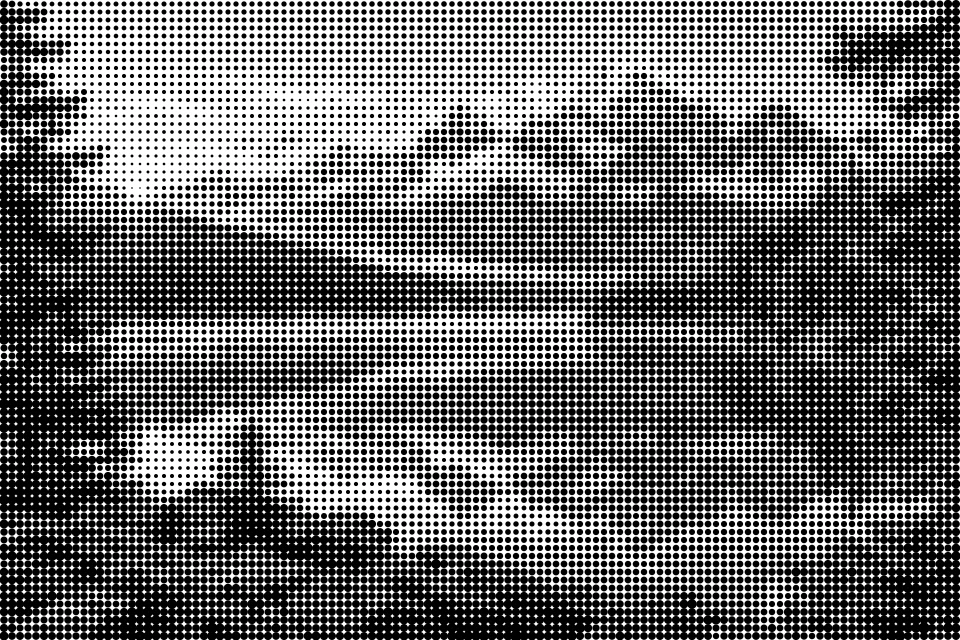
Halftone dot effectsYes; adjustable dot size and stylesNot currently available
Original-image printingOther styles are available alongside dot effectsKeep the full image by default; optional centered custom crop
Margins and assembly guidesMargins, overlap, crop marks, and page coordinatesMargins, overlap, trim guides, and page coordinates

Rasterbator details checked against its official FAQ on September 12, 2026. Its features may change. Visit The Rasterbator →

Choose PaperMan for this workflow

Enter a finished size in centimeters or inches, keep the original image proportions, and see how many sheets you need. Optional print settings and individual sheet previews are available below. The last sheets are trimmed to your requested size.

Try the poster maker ↑

Choose Rasterbator for halftone art

If your idea depends on visible dots, adjustable dot sizes, or its characteristic rasterbation style, use The Rasterbator. PaperMan does not currently provide those effects.

Explore Rasterbator →

FROM ONE IMAGE TO YOUR WALL

A familiar idea. A practical printing workflow.

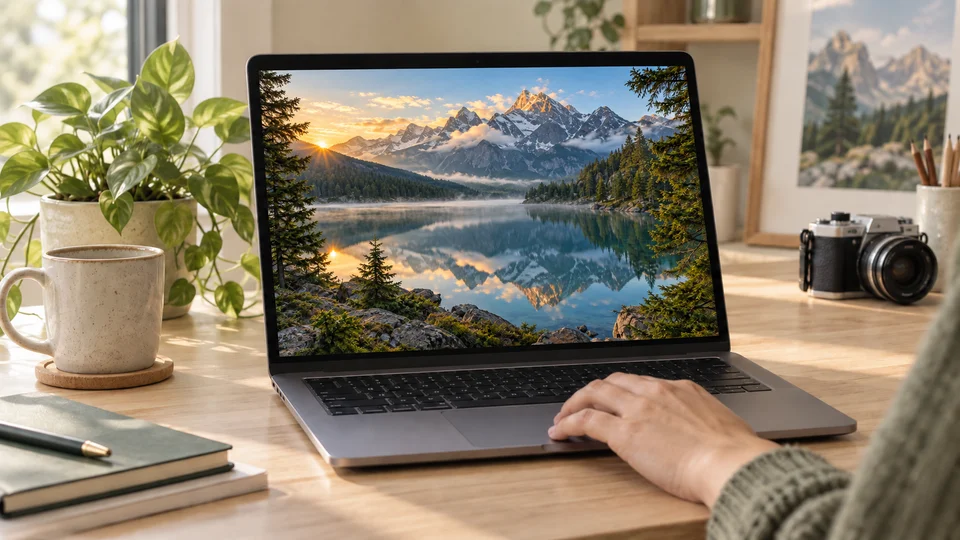
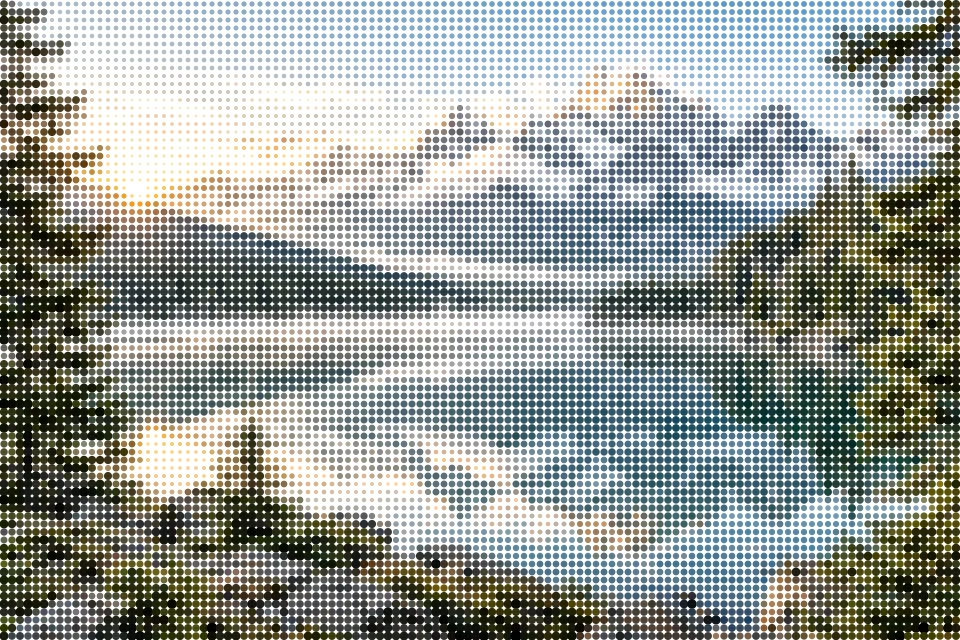
An alpine lake photograph selected on a laptop

01Start with your image

Choose a photo or illustration, or try an original sample in the tool.

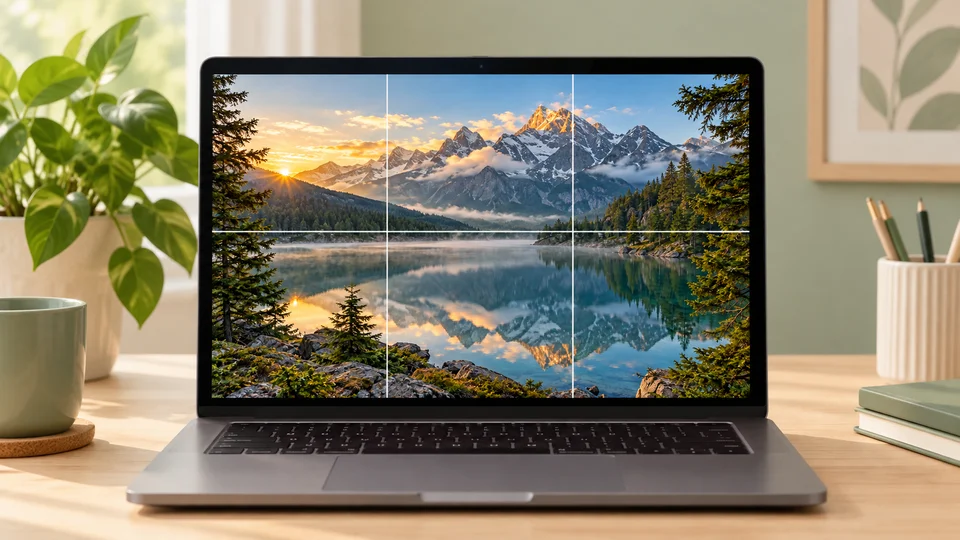
The same alpine lake image divided into a six-page preview

02Check every sheet

Set the finished dimensions, review the page grid, and inspect individual sheets.

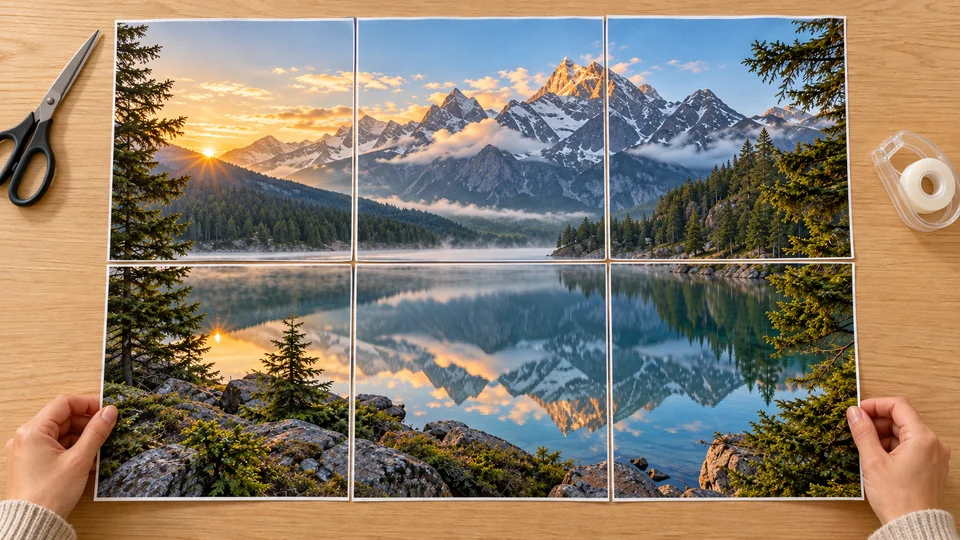
Six printed sheets of the alpine lake image being assembled

03Bring the picture together

Print at 100%, trim the guides, and align the overlapping image strips.

Illustrative scenes made with the same alpine artwork. Your actual page layout follows the settings in the tool.

BEFORE YOU PRINT

Your questions, answered.

Is PaperMan the same as The Rasterbator?

No. PaperMan is an independent tool and is not affiliated with Rasterbator. Both can turn an image into a multi-page poster PDF.

Can I use this as a free Rasterbator alternative?

Yes, if you want to print an image across several sheets. Choose your paper size, set your finished poster size, and download the PDF from the tool above.

Does this tool create the Rasterbator dot effect?

Not currently. PaperMan preserves your image rather than converting it into halftone dots. If that dot-based wall-art style is your goal, The Rasterbator provides those effects.

Can I make a poster exactly 60 × 90 cm?

Yes. Enter a width of 60 cm. Height follows the image proportions automatically. To set both dimensions independently, enable Crop to a custom shape under More print settings, then enter 60 × 90 cm. PaperMan calculates the sheets needed and marks the finished edges. Trim unused paper on the last row and column, and print at 100% to preserve the dimensions.

Will the image get sharper when enlarged?

No. Enlarging an image does not add detail. Check the effective DPI in the preview. Use a larger source image or reduce the poster size if you need more detail at close viewing distances.

What can I upload and how should I print?

Choose a JPG, PNG, or WebP image up to 40 MB and 40 megapixels. Match the selected paper size to your printer, print at Actual Size / 100%, and test one page before printing the whole poster.