
8mm A4
Printable Lined Paper A4 PDF
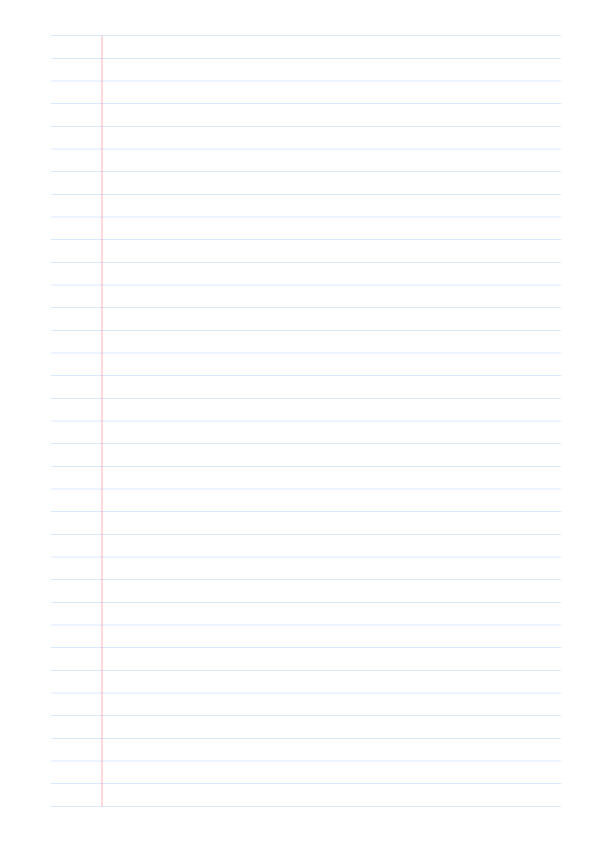
Printable A4 lined paper in portrait layout and 8mm ruling for general notebook paper and everyday writing. Built for standard school, office, and home printing.
- A4 portrait
- 8mm ruling
- Red margin line
Using this generator
Use this free online lined paper generator to create your own ruled paper for notes, handwriting, assignments, and notebook inserts. Choose A4 or another paper size, set the ruling and margin style, then download one sheet or an identical 5, 10, 25, 50, or 100-page PDF pack.
01
Match the paper size to the printer or digital document, then choose portrait or landscape. Use margins to reserve space for binding, trimming, or notes.
02
03
04
Choose PDF for physical printing and PNG for slides, worksheets, or digital notes.
Common questions
Answers about choosing settings, using the preview, and exporting this paper type.
Use about 8mm for standard notes, 10mm or more for larger handwriting, and wider spacing for early writing practice or marker work.
Enable Margin Line and adjust its offset from the left edge. Use the page margins separately to reserve printer, binding, or hole-punch space.
Yes. In PDF Pack, choose 1, 5, 10, 25, 50, or 100 pages. The generator repeats the current paper size, ruling, colors, and margin settings on every page in one PDF.
Fit to Page scales the PDF and changes line spacing. Match the paper size and print at Actual Size or 100% when physical spacing matters.
Download ready-made lined paper as direct PDF and PNG resources, or browse the full printable ruled paper collection.
Printable A4 lined paper in portrait layout and 8mm ruling for general notebook paper and everyday writing. Built for standard school, office, and home printing.

Printable A4 lined paper in portrait layout and 10mm ruling for wide ruled writing and classroom worksheets. Built for standard school, office, and home printing.