01
Choose a JPG, PNG, or WebP image
Open a photo, illustration, or classroom diagram from your device. Use a high-resolution original for a sharper enlarged poster.
Split one image into multiple printable pages and make a large poster at home. Choose A4 or US Letter, preview the layout, and download your free poster PDF.
Drag & drop your image here
Choose an image
JPG, PNG or WebP · Up to 40 MB / 40 megapixels
OR TRY AN ORIGINAL SAMPLE
Make a classroom diagram, photo poster, or party decoration with your home printer.
ONE IMAGE, MANY SHEETS
A block poster is a single picture divided into smaller printed tiles. Join the sheets to create a poster larger than your printer can handle in one pass.
Use this online block poster maker for photo wall art, classroom displays, event signs, and craft patterns. Set the finished width or height, then check the page count and image resolution before downloading. Your image and PDF are processed in your browser.
HOW IT WORKS
No large-format printer needed.
Just your image, paper, and a little tape.
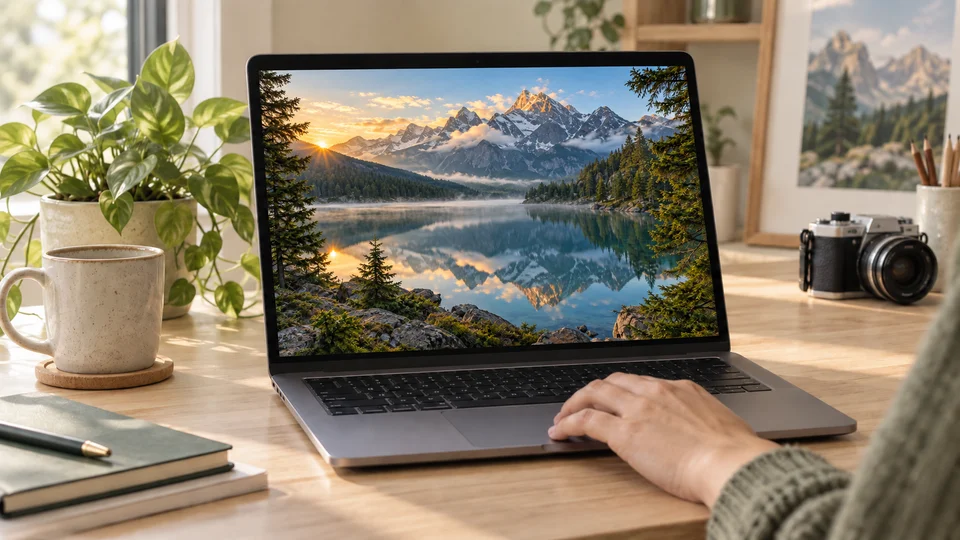
Open a photo, illustration, or classroom diagram from your device. Use a high-resolution original for a sharper enlarged poster.
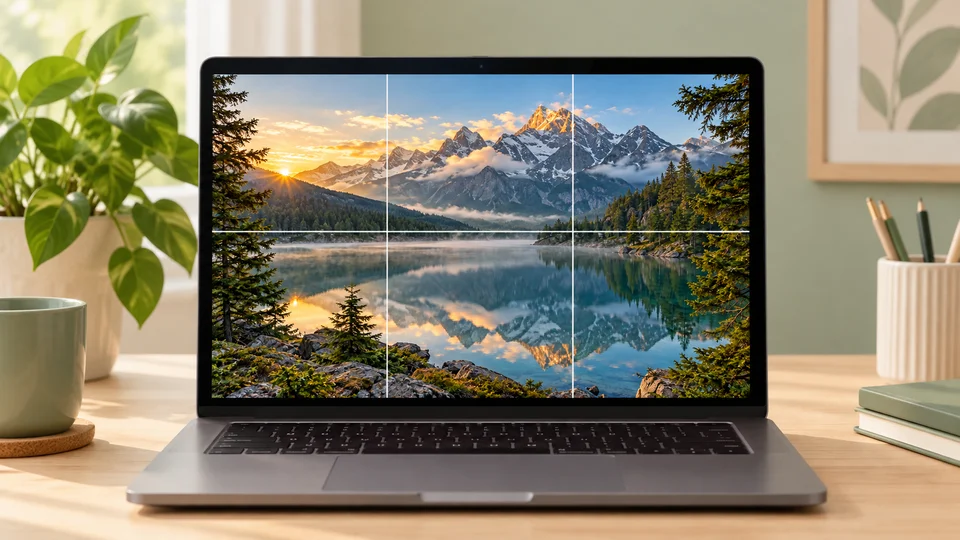
Set the finished poster width or height and match the paper in your printer. Preview how the image splits across the calculated rows and columns.
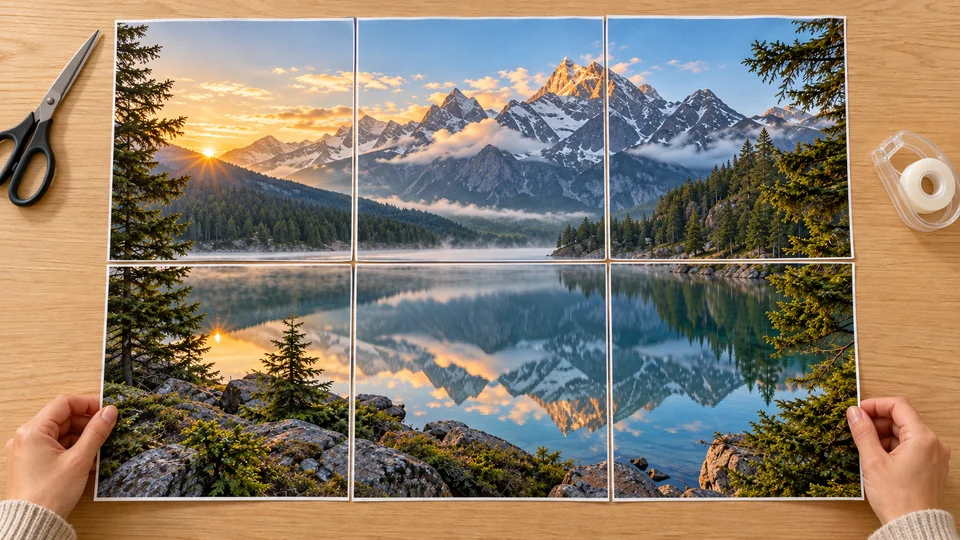
Download the multi-page PDF and print at Actual Size or 100%. Enable page coordinates and trim guides to help align the sheets, then tape them together.
TRY A SAMPLE IMAGE
Choose a sample to preview the page layout, adjust the poster size, and download a PDF before using your own image.
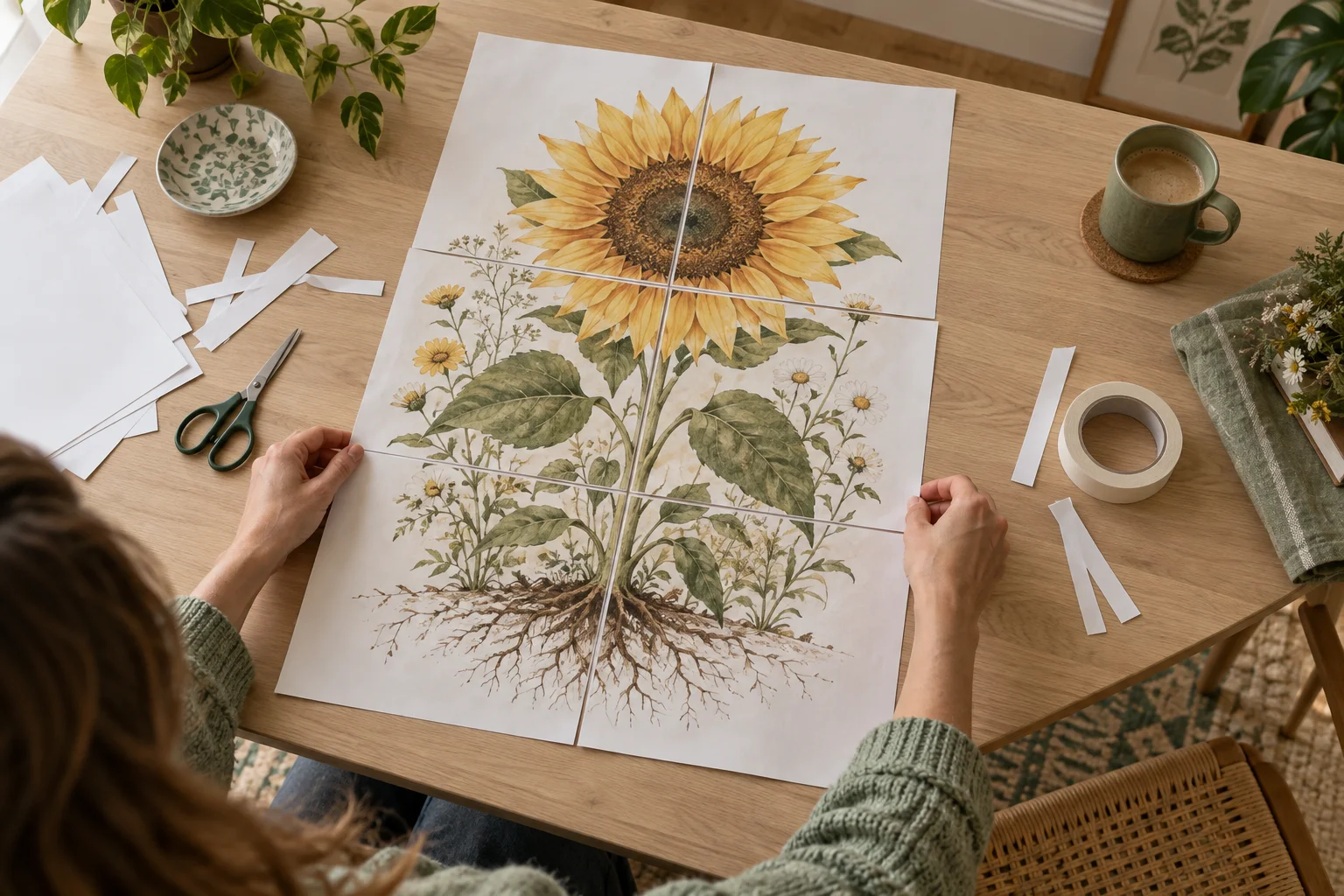
ASSEMBLE YOUR POSTER
Start with a test sheet. Print at 100%, trim along the guides, and align the repeated image strips. Tape from the back for a clean finish.
AI-generated assembly illustration. Your sheet layout follows the settings in the maker.
Read the illustrated printing guideBEFORE YOU DOWNLOAD
See how much paper you need and whether your image has enough detail for the poster size you choose.
Create your posterA4, US Letter, A3, Legal, and Tabloid. Portrait or landscape to suit your printer.
Adjustable overlap, trim guides, and optional page coordinates help you assemble each row.
See your finished image dimensions, sheet count, and effective resolution before you download.
Image processing and PDF creation happen on your device. No account or upload required.
PRINTING HELP
Check file formats, print scaling, overlap, and image quality.
A block poster is one large image printed across several smaller sheets. This tool splits your image into a multi-page PDF for your home printer. Trim and join the sheets to make the finished poster.
Yes. Create and download your poster PDF for free, without an account or a watermark on your image. Optional page coordinates and trim guides appear around the artwork.
Choose A4, US Letter, A3, US Legal, or Tabloid, in portrait or landscape. Match the selected size to the paper loaded in your printer. Larger finished posters use more sheets rather than requiring a large-format printer.
Yes. Under Poster style, choose black & white dots, color dots, or custom colors. Adjust dot spacing and the size range, then preview and download the PDF. Choose Original image to print without effects.
No. Your image is opened and processed in your browser. JPG, PNG, and WebP images up to 40 MB and 40 megapixels are supported. Closing the page clears the current project.
Upload an image, choose your printer’s paper size, and set your finished poster size. Download the PDF and print every page at Actual Size or 100%. Disable Fit to Page so the overlapping image areas line up.
The margin adds blank space around the outside of the assembled poster. Internal image joins extend to the sheet edges. Overlap repeats a narrow strip of the image on adjacent sheets. Dashed guides on later columns and rows show where to trim the left or top overlap strip before joining it to the previous sheet. Outer corner marks indicate the finished poster edges, including partially used final sheets.
Enlarging does not add image detail. The preview reports the effective print resolution and warns below 100 DPI. A larger source image or a smaller poster produces a sharper result.
Yes. Upload a PNG or JPG of your grid, coordinate plane, drawing, or classroom diagram. The full image is preserved by default. A centered custom crop is available under More print settings. If grid spacing must be exact, check the finished dimensions and print a test sheet before assembling the full poster.
Convert your image into black & white or color dots, adjust their spacing, and download a PDF to print across multiple sheets.
Make a halftone dot posterChoose an image, set the finished size, and download your free poster PDF.
Make a free block poster