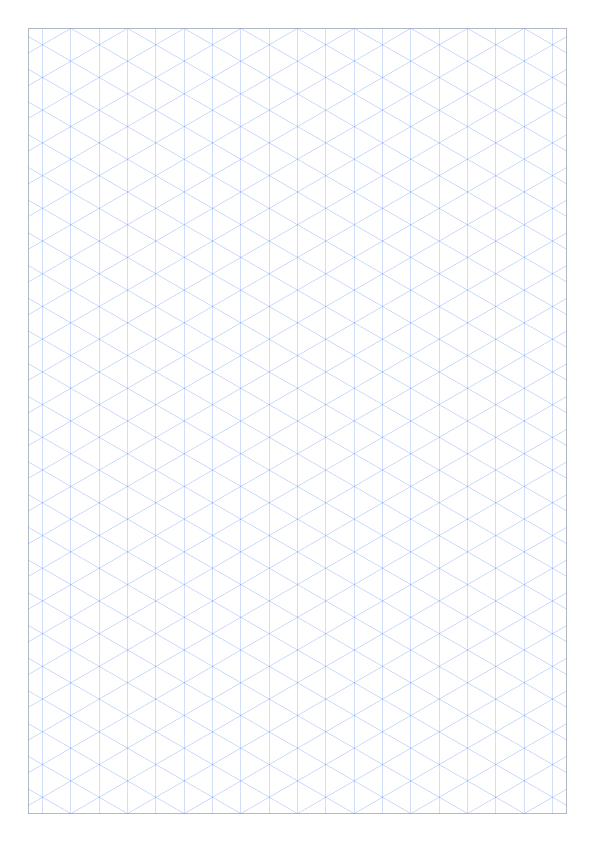
Isometric Grid Paper

Loading...
Generating paper...

Using this generator

Create and export Isometric Grid Paper

Isometric paper uses angled guide lines so cubes, product shapes, block diagrams, and spatial layouts can be drawn consistently. It is a better fit than square paper when height, width, and depth all need to appear in one sketch.

  1. 01

    Choose the finished page

    Match the paper size to the printer or digital document, then choose portrait or landscape. Use margins to reserve space for binding, trimming, or notes.

  2. 02

    Configure isometric spacing and page orientation

    • Spacing changes the scale and density of the angled construction grid.
    • Line width, color, and opacity control how much the guides compete with the drawing.
    • Border and margins define the printable working area around the isometric grid.
  3. 03

    Start from a practical setting

    • 5mm spacing for product sketches, geometry examples, and classroom 3D drawing.
    • 10mm spacing for larger visible diagrams and whiteboard-style handouts.
    • Light blue or gray lines when the final drawing will be inked over the grid.
  4. 04

    Check the preview and export

    Choose PDF for physical printing and PNG for slides, worksheets, or digital notes.

    • Keep margins enabled if the page will be hole-punched or placed in a binder.
    • Print one test sheet before using thick line widths; dense angled grids can look dark on some printers.
    • Use landscape orientation for long objects or room-layout sketches.

Common questions

Isometric Grid Paper Generator FAQ

Answers about choosing settings, using the preview, and exporting this paper type.

What spacing should I use for isometric graph paper?

Use 5mm for detailed 3D sketches and 10mm for larger classroom diagrams or block drawings. The best setting depends on the scale of the object and available writing room.

Should isometric paper be portrait or landscape?

Portrait suits tall objects and individual exercises. Landscape provides more horizontal room for product sketches, room layouts, and long assemblies.

How do I keep an isometric grid from printing too dark?

Reduce line width or opacity and choose a light gray or blue. The construction grid should remain visible without competing with pencil or ink drawings.

Isometric Graph Paper Downloads

Download ready-made isometric graph paper as direct PDF and PNG resources, or browse the full printable template collection.

More isometric templates
5mm A4
Printable Isometric Graph Paper preview

Printable Isometric Graph Paper

Printable A4 isometric graph paper in portrait layout and 5mm spacing for detailed isometric drawing and technical sketches. Built for standard classroom, design, and home printing.

  • A4 portrait
  • 5mm spacing
  • Blue 30° grid
10mm A4
A4 10mm Isometric Graph Paper PDF preview

A4 10mm Isometric Graph Paper PDF

Printable A4 isometric graph paper in portrait layout and 10mm spacing for larger 3D diagrams, classroom work, and quick layout sketches. Built for standard classroom, design, and home printing.

  • A4 portrait
  • 10mm spacing
  • Blue 30° grid