
Printable Blank Tables
A blank table divides the page into empty rows and columns so related information stays aligned and easy to scan. It gives you a clean structure without deciding in advance what each cell must contain.
Use these tables for comparisons, schedules, attendance, checklists, records, classroom worksheets, and weekly plans. Choose a ready-made layout when it fits your task, or use the maker to set the exact number of rows, columns, and headers you need.
Online Table Tools
Design a custom printable table, type cell data, or begin with a common 4 × 10 layout.
Ready-made Resources
Each resource includes A4, US Letter, and PNG downloads with a complete paper preview.
2 Column Blank Table
A wide two-column printable table for comparisons, notes, pros and cons, or paired information.
3 Column Blank Table
A balanced three-column table for categorized notes, schedules, and classroom worksheets.
4 × 10 Blank Table
Four columns and ten rows with a shaded header, sized for general lists and record keeping.
5 × 20 Blank Table
A compact five-column, twenty-row sheet for logs, attendance, inventory, or repeated entries.
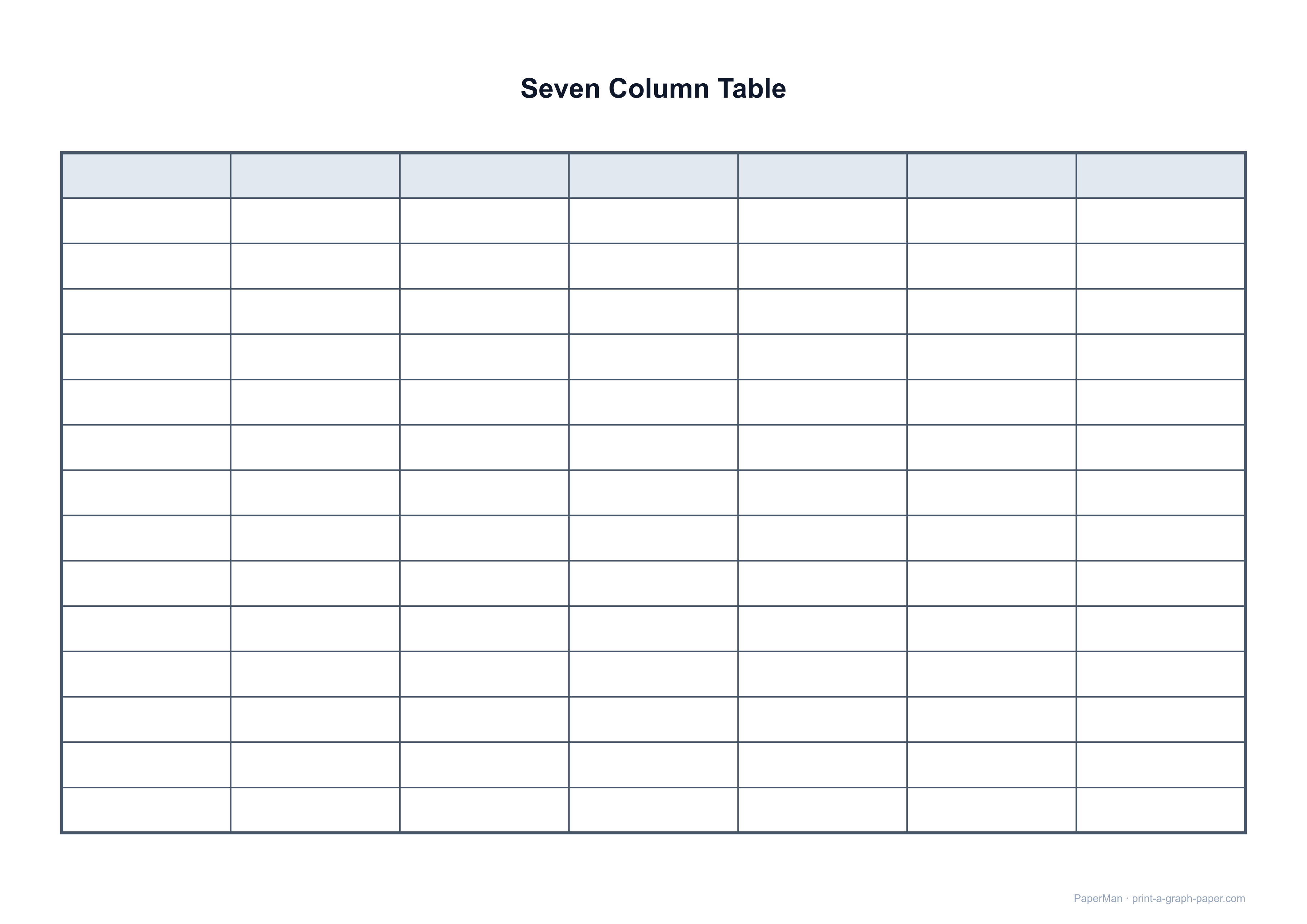
7 Column Landscape Table
A landscape weekly-style table with seven columns and fifteen writable rows.
Choosing a Table Layout
| Layout | Best use |
|---|---|
| 2–3 columns | Comparisons, categorized notes, and cells containing short phrases. |
| 4 × 10 | General lists, records, sign-up sheets, and task tracking. |
| 5 × 20 | Attendance, inventory, logs, and repeated short entries. |
| 7 columns | Weekly plans and seven-category tracking in landscape format. |
Ways to Use
-
Collect sign-ups
Print a clean sheet for names, choices, dates, and short notes.
-
Track attendance
Give every person a row and record several sessions or status fields.
-
Compare information
Place related values side by side so differences are easy to scan.
-
Plan a week
Use seven landscape columns for days, subjects, teams, or recurring tasks.
Common Questions
Quick answers about printable blank tables
Which blank table layout should I choose?
Choose two or three columns when cells need room for phrases. A 4 × 10 table is a flexible general-purpose sheet, while 5 × 20 works better for short repeated entries. Use the seven-column landscape table for weekly or seven-category records.
Are the ready-made files already formatted for printing?
Yes. Each resource page includes finished A4 and US Letter PDFs plus an A4 PNG. Select the matching paper in your printer and print the PDF at Actual Size or 100% scale.
Can I add names, dates, or other data before printing?
Yes. Open the Blank Table Maker, click individual cells, or type rows using a vertical bar between columns. You can also paste a range copied from Excel or Google Sheets.
Can I change the number of rows and columns?
Yes. The maker supports one to fifty rows and one to sixteen columns, along with header shading, paper size, margins, table alignment, and draggable row or column dividers.