
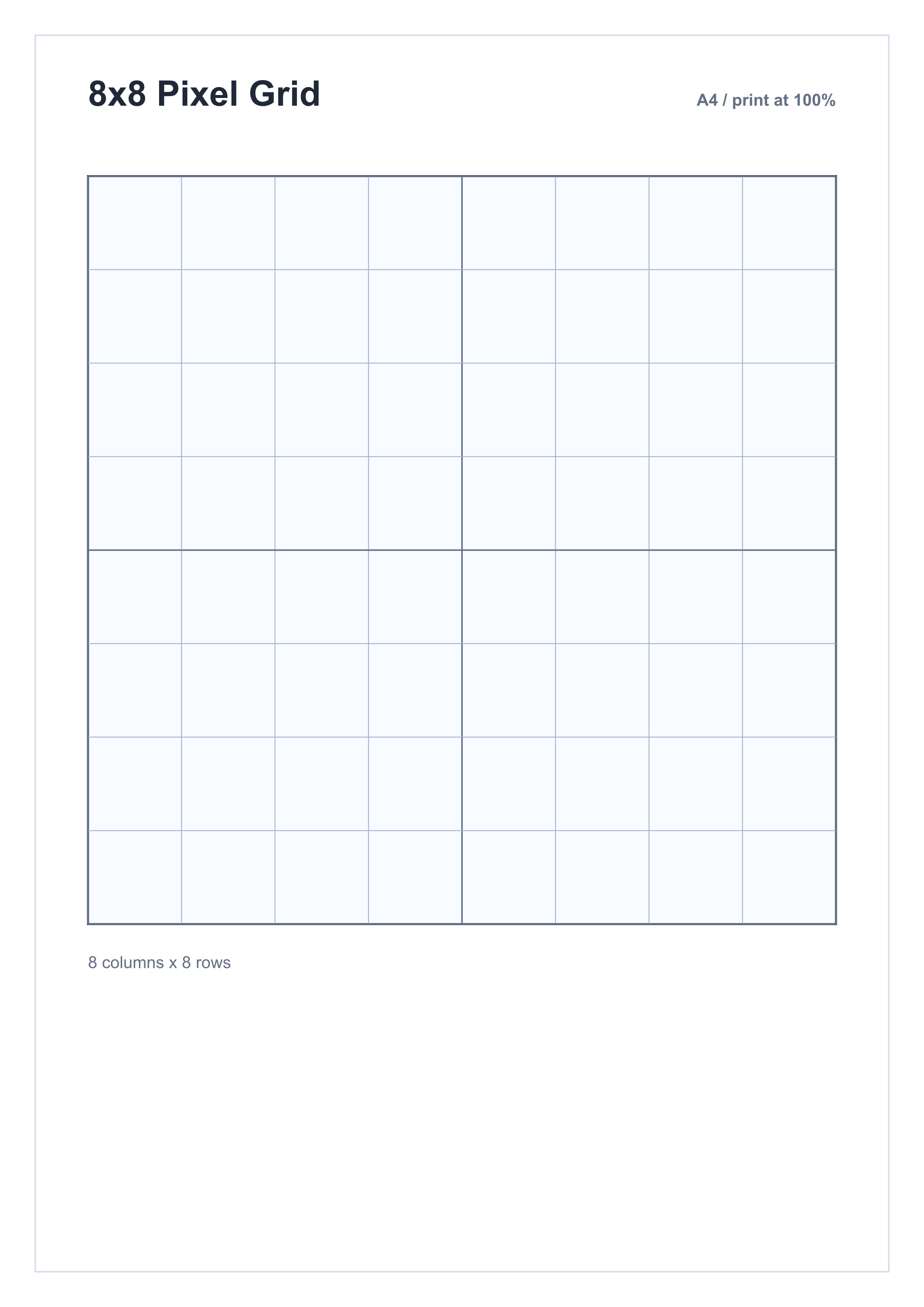
Printable A4 pixel grids
Pixel Art Grid Paper A4
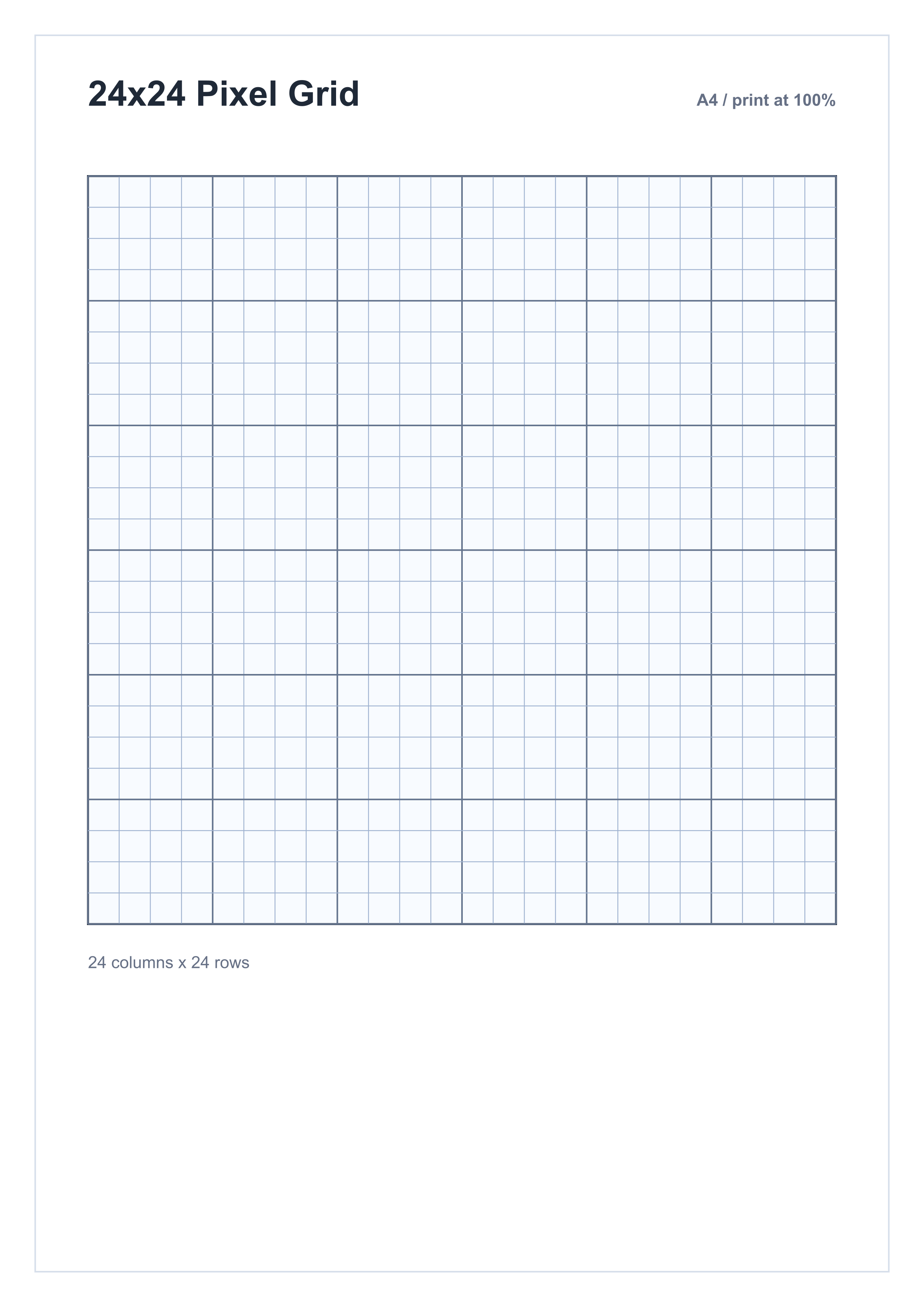
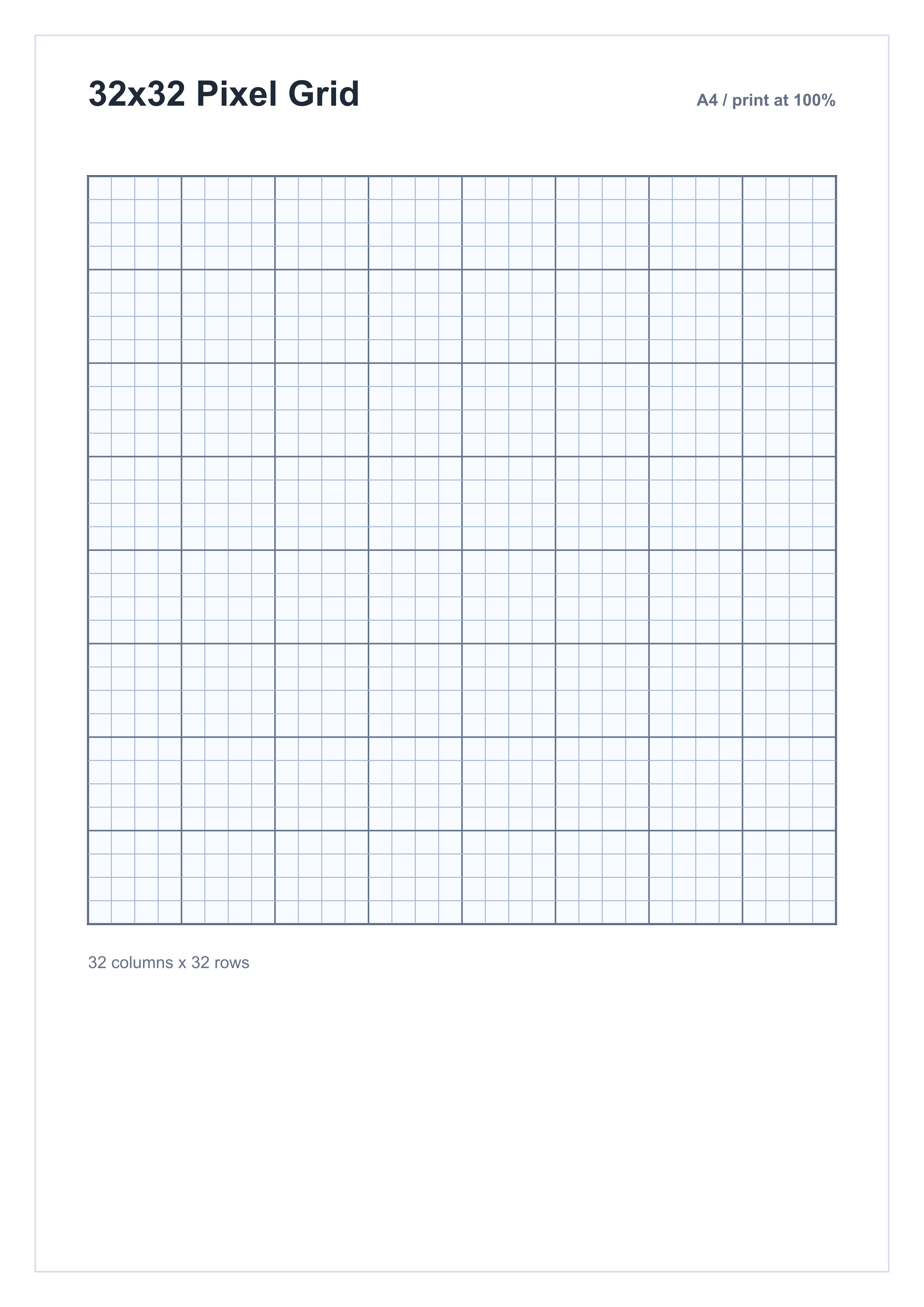
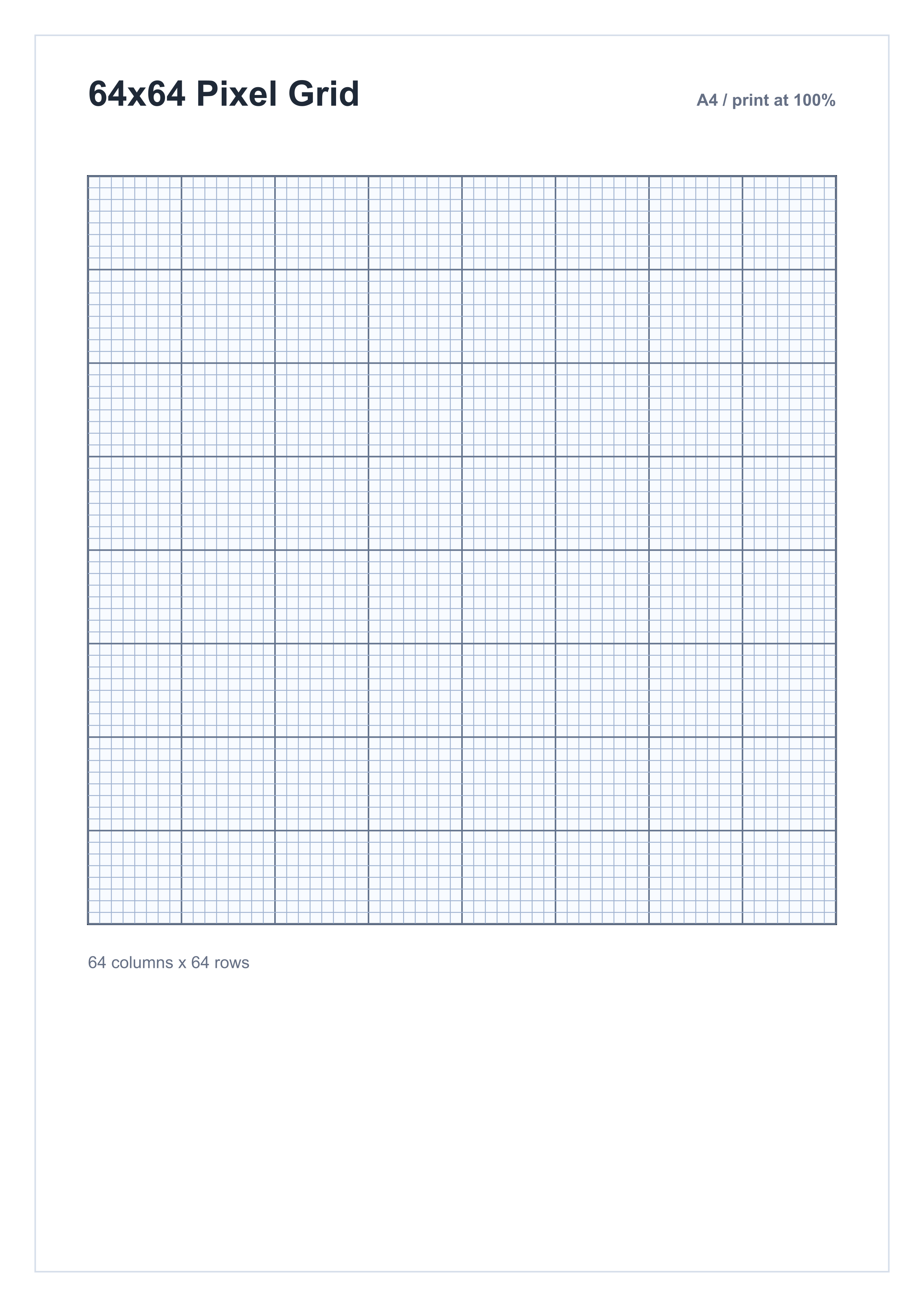
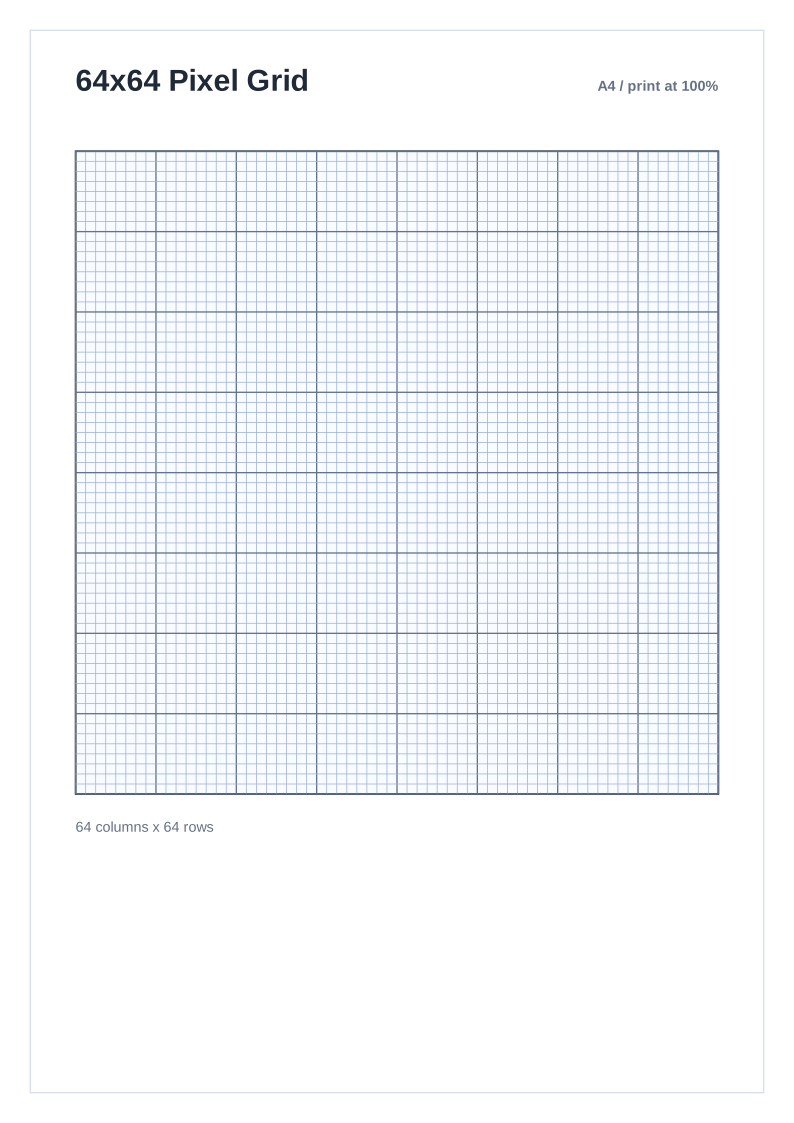
Blank A4 pixel grids for sketching sprites, icons, patterns, and block art. Choose 8x8, 16x16, 24x24, 32x32, or 64x64 and download PDF, PNG, or SVG.
Need US Letter or another paper size? View all pixel art paper.- Paper
- A4 portrait
- Default
- 16x16 grid
- Options
- 8x8 to 64x64
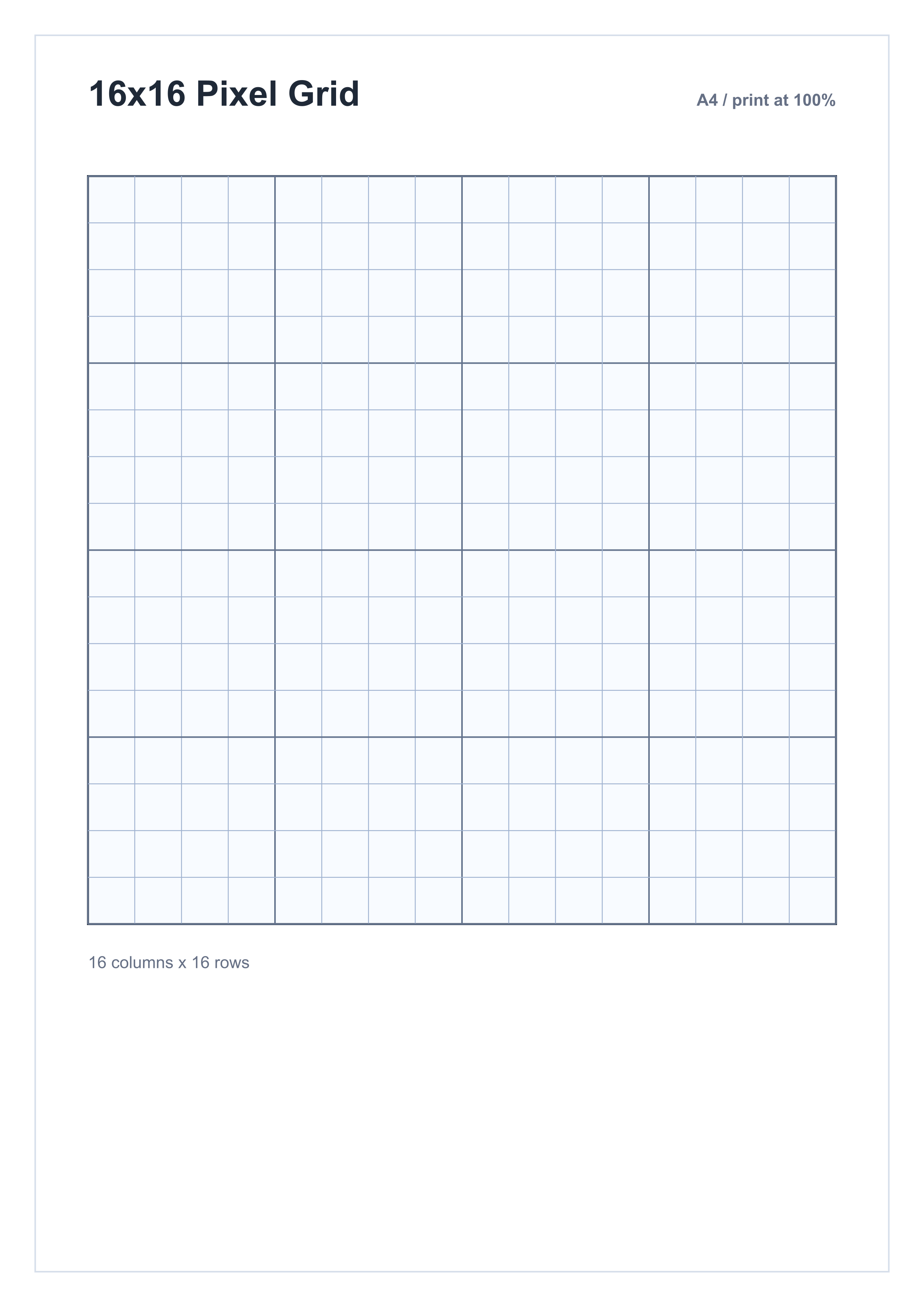
Choose a pixel canvas size
Choose a grid size
Pixel art grid sizes are canvas dimensions. Pick the number of squares you want, then download a print-ready PDF, high-resolution PNG, or scalable SVG.
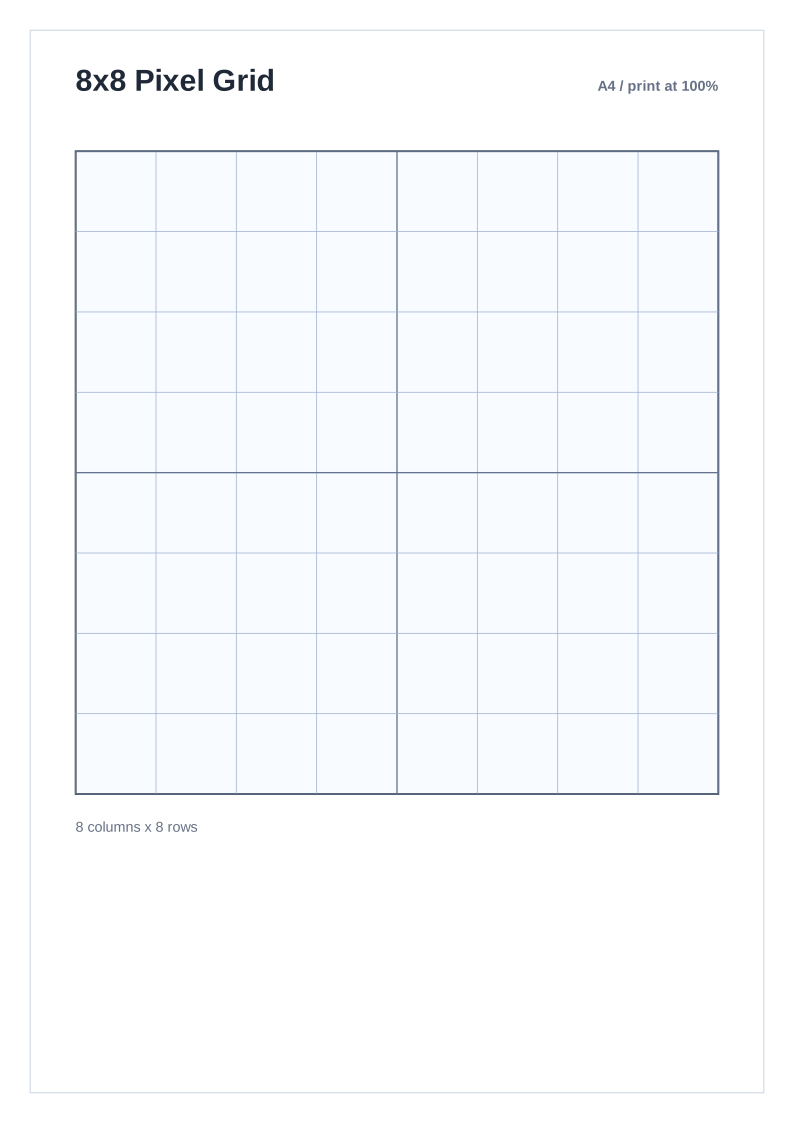
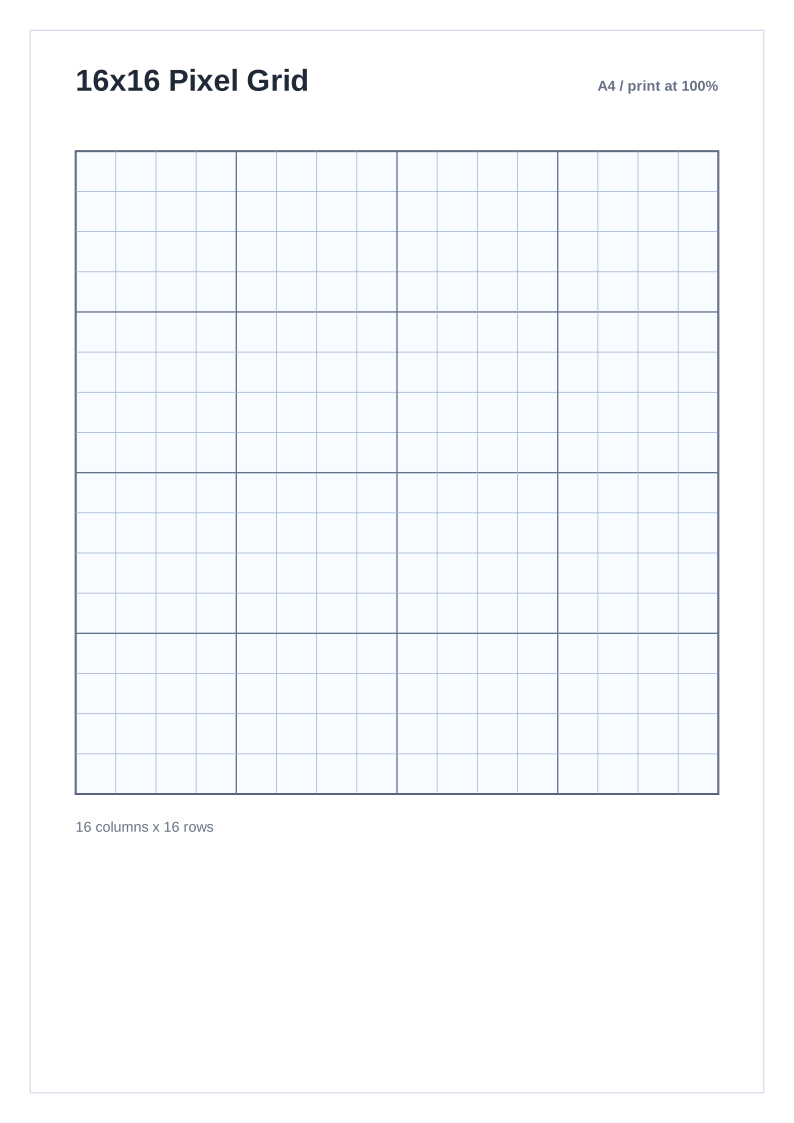
Print settings that keep the squares square
Use the PDF version, set scale to 100%, and disable any printer option that says Fit, Shrink, or Borderless enlargement. This keeps the grid cells square.
Pixel grid questions
FAQ
What grid size is best for pixel art on A4 paper?
16x16 is the safest starting point for classic game sprites. Use 8x8 for beginner exercises, 24x24 or 32x32 for more detail, and 64x64 for fine work with a sharp pencil or pen.
Can I print this at the exact grid size?
Yes. Open the PDF and print at Actual Size or 100% scale. Avoid Fit to Page because it can shrink the grid.
Which download format should I use?
Use PDF for true-size printing, PNG for a high-resolution image, and SVG when you want a scalable grid that can be edited in vector software.
Do you have pixel art paper in US Letter or larger sizes?
Yes. The full pixel art paper collection includes A2, A3, A4, Legal, Letter, Poster, and Tabloid downloads in the same five grid sizes.