A4 Engineering Paper
Most countries210 x 297 mm (8.27 x 11.69 in)
International home, school, and office printing
Printable Engineering Paper
Choose A4 metric or US Letter 5×5 engineering paper, select an orientation, and download the file.
Print at Actual Size or 100% so the prepared measurements stay accurate.
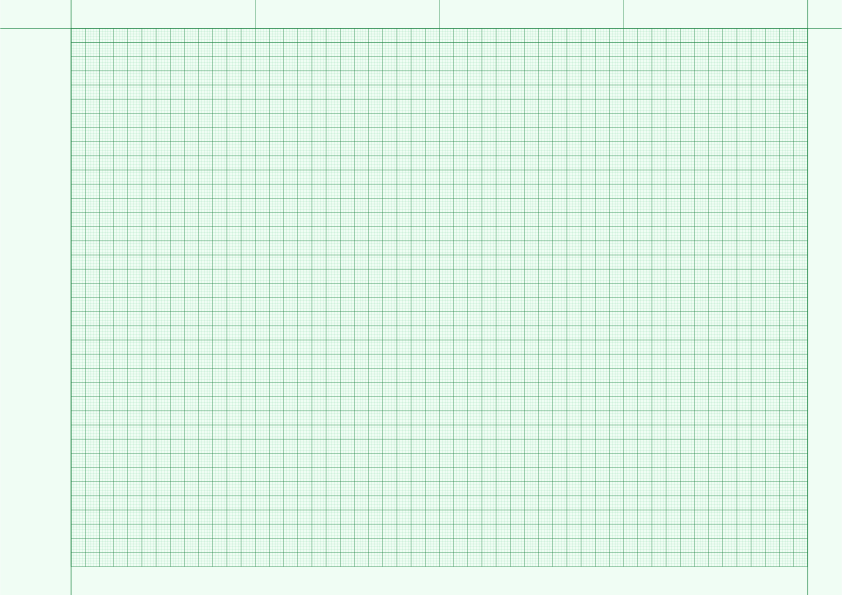
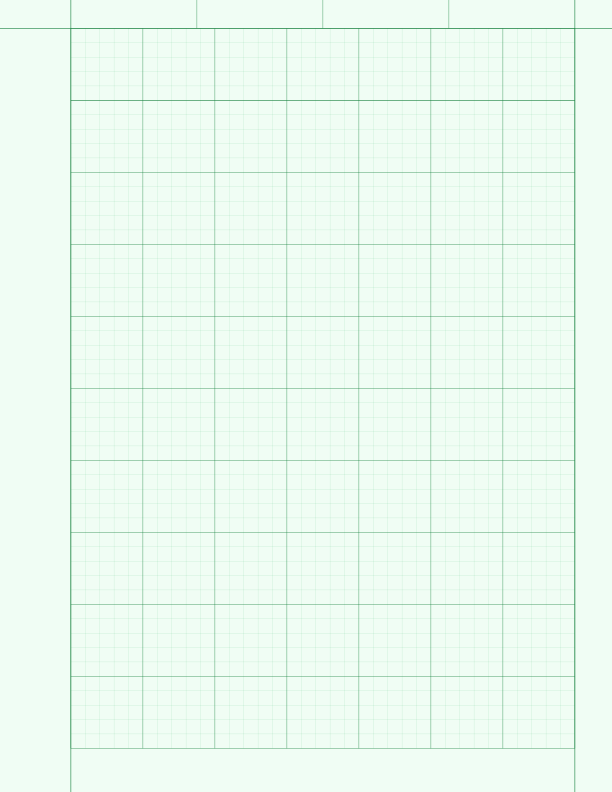
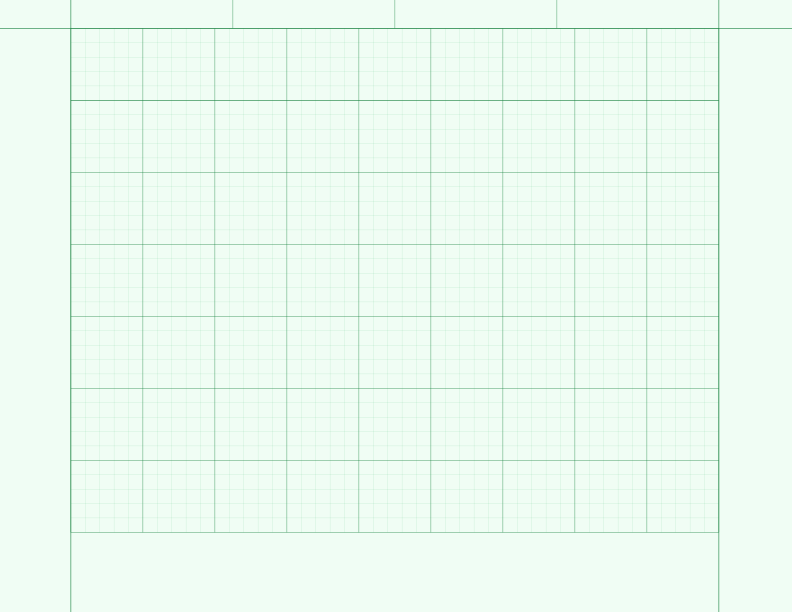
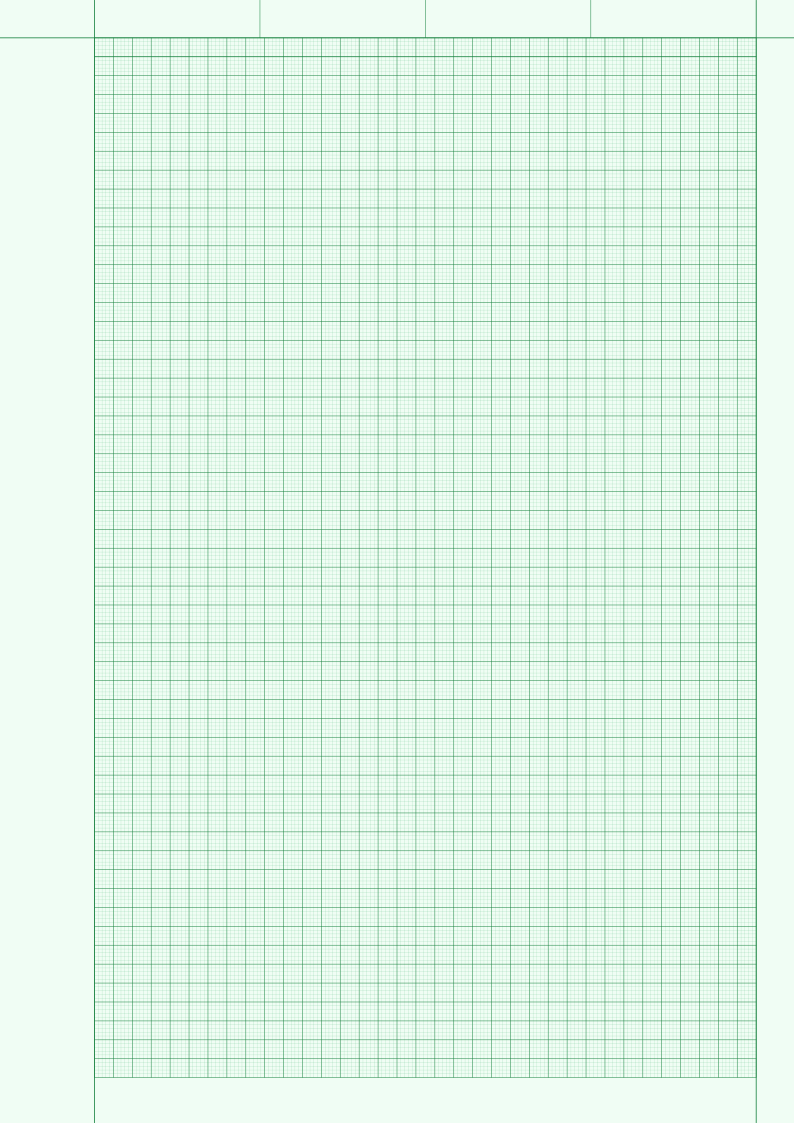
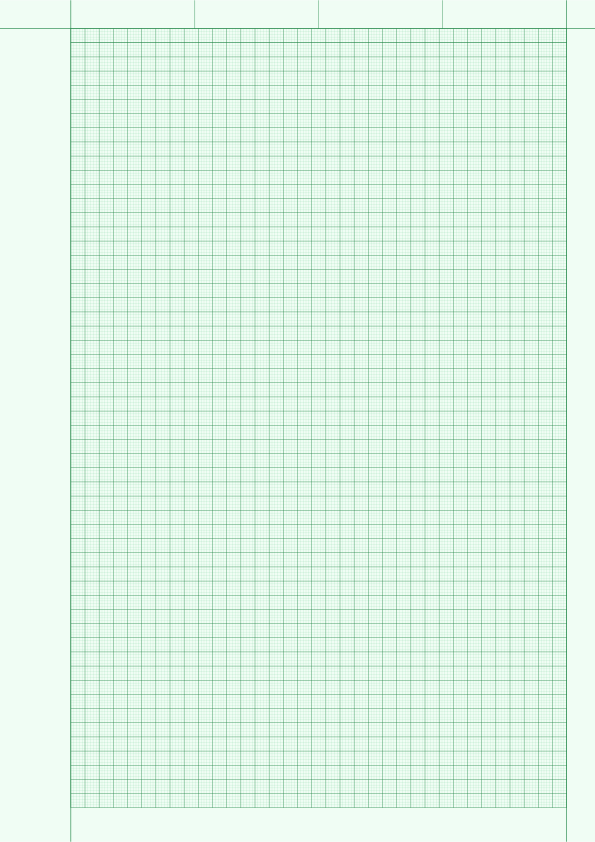
Engineering paper combines a countable pale-green grid with a wide binding margin and a divided header for identifying the work. The grid is visible enough to align equations and drawings without competing strongly with pencil, pen, dimensions, or annotations.
Use it for engineering calculations, lab records, circuit sketches, free-body diagrams, dimensioned drawings, and technical course work. Choose A4 for a metric 1mm grid or US Letter for the familiar five-squares-per-inch engineering format.
Check the size printed on your paper pack or shown in the printer tray. A4 is standard in most countries, while US Letter is standard in the United States and Canada. Choose a larger size only when your printer or print service supports it.
210 x 297 mm (8.27 x 11.69 in)
International home, school, and office printing
8.5 x 11 in (215.9 x 279.4 mm)
US home, school, and office printing
Align equations, units, intermediate results, and tables while heavier blocks make distances easier to count.
Use the divided header for a name, date, course, experiment, project, drawing number, or revision.
Lay out circuit notes, free-body diagrams, dimensions, components, and annotations on a consistent grid.
Choose from 4 ready-made templates. Open a paper-size group, then download the PDF for accurate printing, save a PNG, or customize the same layout in the generator.
Answers about choosing, downloading, customizing, and printing this paper.
The pale green grid remains visible for alignment without competing strongly with pencil, pen, calculations, and diagram labels.
A4 uses 1mm minor squares with 5mm major divisions. The Letter 5×5 standard uses five minor squares per inch with one-inch major blocks.
Yes. Open the engineering paper generator to change the orientation, spacing, colors, major-line interval, margins, and number of header dividers before exporting.
Open the Engineering Paper Generator →Choose PDF when you want to print at an accurate physical size. Use PNG for notes, worksheets, and image-based documents. Choose SVG when you need an editable vector file for a drawing or design application.
Portrait gives you more vertical working room for worksheets, notes, and tall diagrams. Landscape gives you more horizontal room for charts, maps, tables, timelines, and wide drawings. The prepared measurements stay the same in either orientation when you print at 100%.
The print dialog probably scaled the page. Print the PDF at Actual Size or 100%, and turn off Fit to Page, Shrink, and other automatic scaling options. The paper size selected in the print dialog must also match the file you downloaded.