Single-Line Percussion Paper — A4
A4 · Portrait · 14 staves per page

Printable staff paper

Single-Line Percussion Paper

Blank percussion paper with a single line and a percussion clef on each staff. Download a PDF for rhythm exercises.

Orientation
Layout
Portrait
Per page
14 staves per page
Line spacing
Single line

Single-page PDF. No login required. Print at Actual Size or 100%; set copies to print more sheets.

Using single-line percussion paper

Use single-line notation for one unpitched percussion instrument or a rhythm exercise. Add note values and rests without specifying pitched notes.

All versions use black notation on a white background with 15 mm side margins and 20 mm top and bottom margins. The small website credit sits below the writing area.

Printable Single-Line Percussion Paper PDF Downloads

Choose from 14 ready-made templates. Open a paper-size group, then download the PDF for accurate printing, save a PNG, or customize the same layout in the generator.

A4 Single-Line Percussion Paper PDFs 210 × 297 mm (8.27 × 11.69 in) · 2 templates

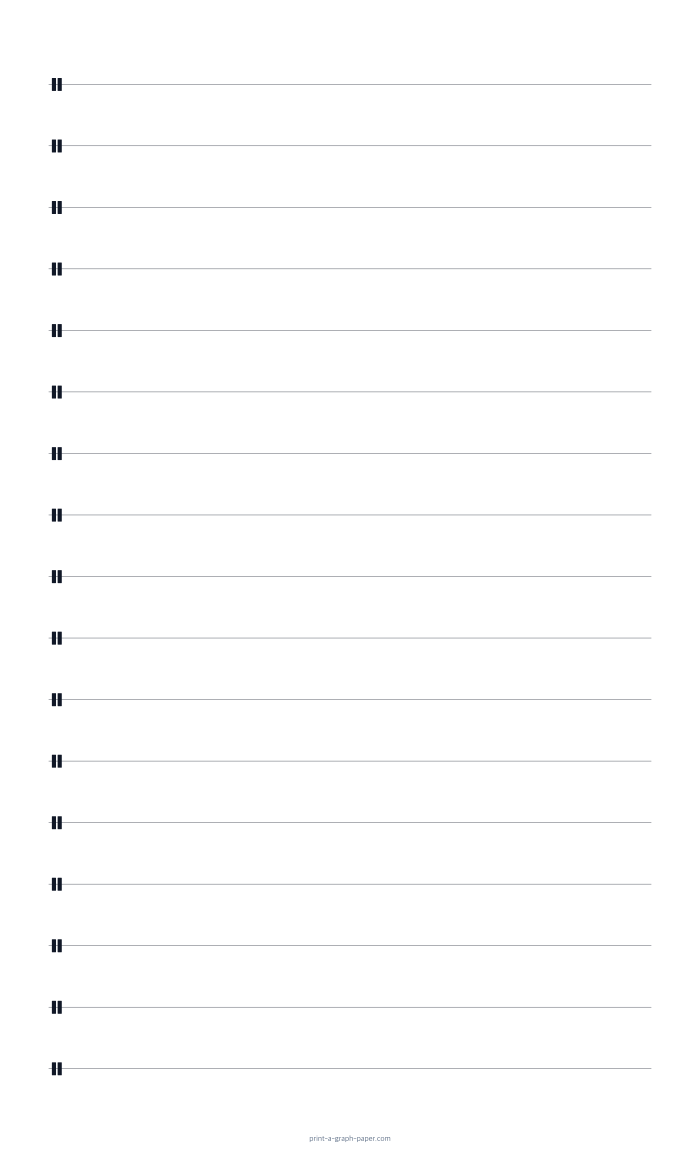
A4 portrait single-line percussion paper preview

A4 Portrait Single-Line Percussion Paper PDF

210 × 297 mm (8.27 × 11.69 in) · Portrait · 14 staves per page · 1 page

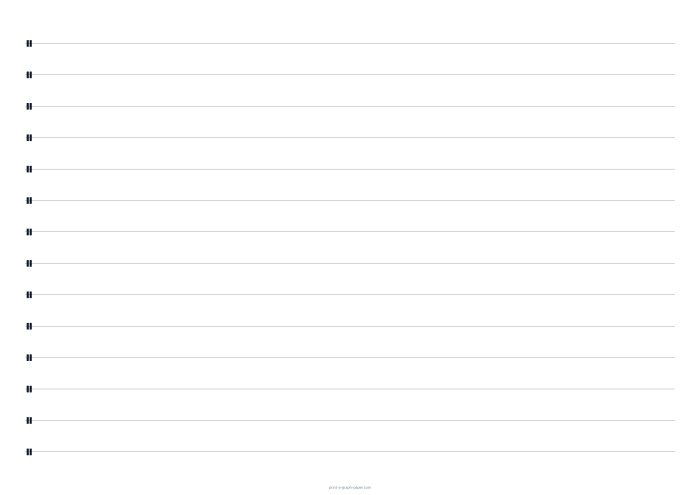
A4 landscape single-line percussion paper preview

A4 Landscape Single-Line Percussion Paper PDF

210 × 297 mm (8.27 × 11.69 in) · Landscape · 9 staves per page · 1 page

US Letter Single-Line Percussion Paper PDFs 8.5 × 11 in (215.9 × 279.4 mm) · 2 templates

US Letter portrait single-line percussion paper preview

US Letter Portrait Single-Line Percussion Paper PDF

8.5 × 11 in (215.9 × 279.4 mm) · Portrait · 13 staves per page · 1 page

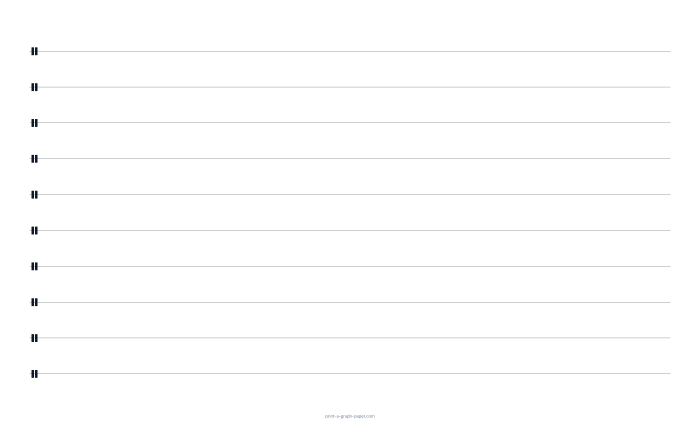
US Letter landscape single-line percussion paper preview

US Letter Landscape Single-Line Percussion Paper PDF

8.5 × 11 in (215.9 × 279.4 mm) · Landscape · 10 staves per page · 1 page

A3 Single-Line Percussion Paper PDFs 297 × 420 mm (11.69 × 16.54 in) · 2 templates

A3 portrait single-line percussion paper preview

A3 Portrait Single-Line Percussion Paper PDF

297 × 420 mm (11.69 × 16.54 in) · Portrait · 21 staves per page · 1 page

A3 landscape single-line percussion paper preview

A3 Landscape Single-Line Percussion Paper PDF

297 × 420 mm (11.69 × 16.54 in) · Landscape · 14 staves per page · 1 page

A2 Single-Line Percussion Paper PDFs 420 × 594 mm (16.54 × 23.39 in) · 2 templates

A2 portrait single-line percussion paper preview

A2 Portrait Single-Line Percussion Paper PDF

420 × 594 mm (16.54 × 23.39 in) · Portrait · 31 staves per page · 1 page

A2 landscape single-line percussion paper preview

A2 Landscape Single-Line Percussion Paper PDF

420 × 594 mm (16.54 × 23.39 in) · Landscape · 21 staves per page · 1 page

US Legal Single-Line Percussion Paper PDFs 8.5 × 14 in (215.9 × 355.6 mm) · 2 templates

11 × 17 Tabloid Single-Line Percussion Paper PDFs 11 × 17 in (279.4 × 431.8 mm) · 2 templates

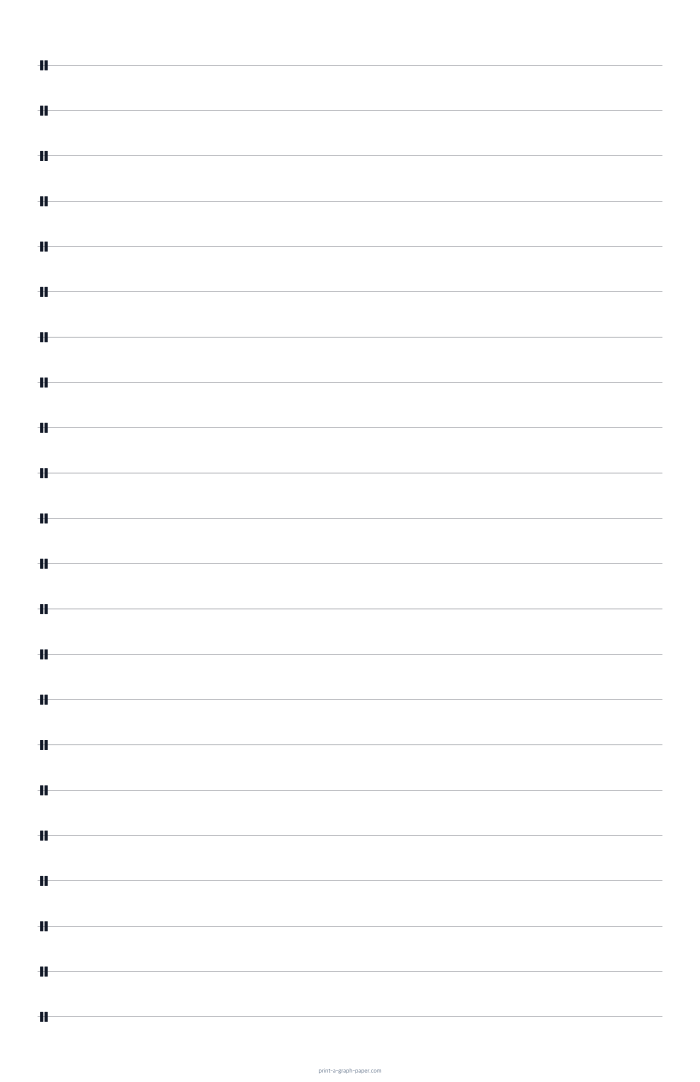
11 × 17 Tabloid portrait single-line percussion paper preview

11 × 17 Tabloid Portrait Single-Line Percussion Paper PDF

11 × 17 in (279.4 × 431.8 mm) · Portrait · 22 staves per page · 1 page

11 × 17 Tabloid landscape single-line percussion paper preview

11 × 17 Tabloid Landscape Single-Line Percussion Paper PDF

11 × 17 in (279.4 × 431.8 mm) · Landscape · 13 staves per page · 1 page

18 × 24 Poster Single-Line Percussion Paper PDFs 18 × 24 in (457.2 × 609.6 mm) · 2 templates

18 × 24 Poster portrait single-line percussion paper preview

18 × 24 Poster Portrait Single-Line Percussion Paper PDF

18 × 24 in (457.2 × 609.6 mm) · Portrait · 31 staves per page · 1 page

18 × 24 Poster landscape single-line percussion paper preview

18 × 24 Poster Landscape Single-Line Percussion Paper PDF

18 × 24 in (457.2 × 609.6 mm) · Landscape · 23 staves per page · 1 page

Frequently asked questions

Is this staff paper free to download?

Yes. Download the prepared PDF directly without creating an account. Each PDF contains one sheet. Set the number of copies in your print dialog to print several sheets.

Does the PDF include a key signature or time signature?

These templates have no printed key signatures, time signatures, or measure divisions. Add them by hand, or use Customize in Generator to include them where supported by the selected staff type.

How do I print this sheet at the correct size?

Choose the PDF that matches your paper: A4, US Letter, or another supported size. In the print dialog, select Actual Size or 100% and match the orientation. Disable automatic Fit to Page scaling.

Can I change the spacing or generate more pages?

Yes. Customize in Generator opens this layout with matching settings. Adjust spacing, margins, notation, and PDF page count before exporting.

More staff paper templates

View all templates →