
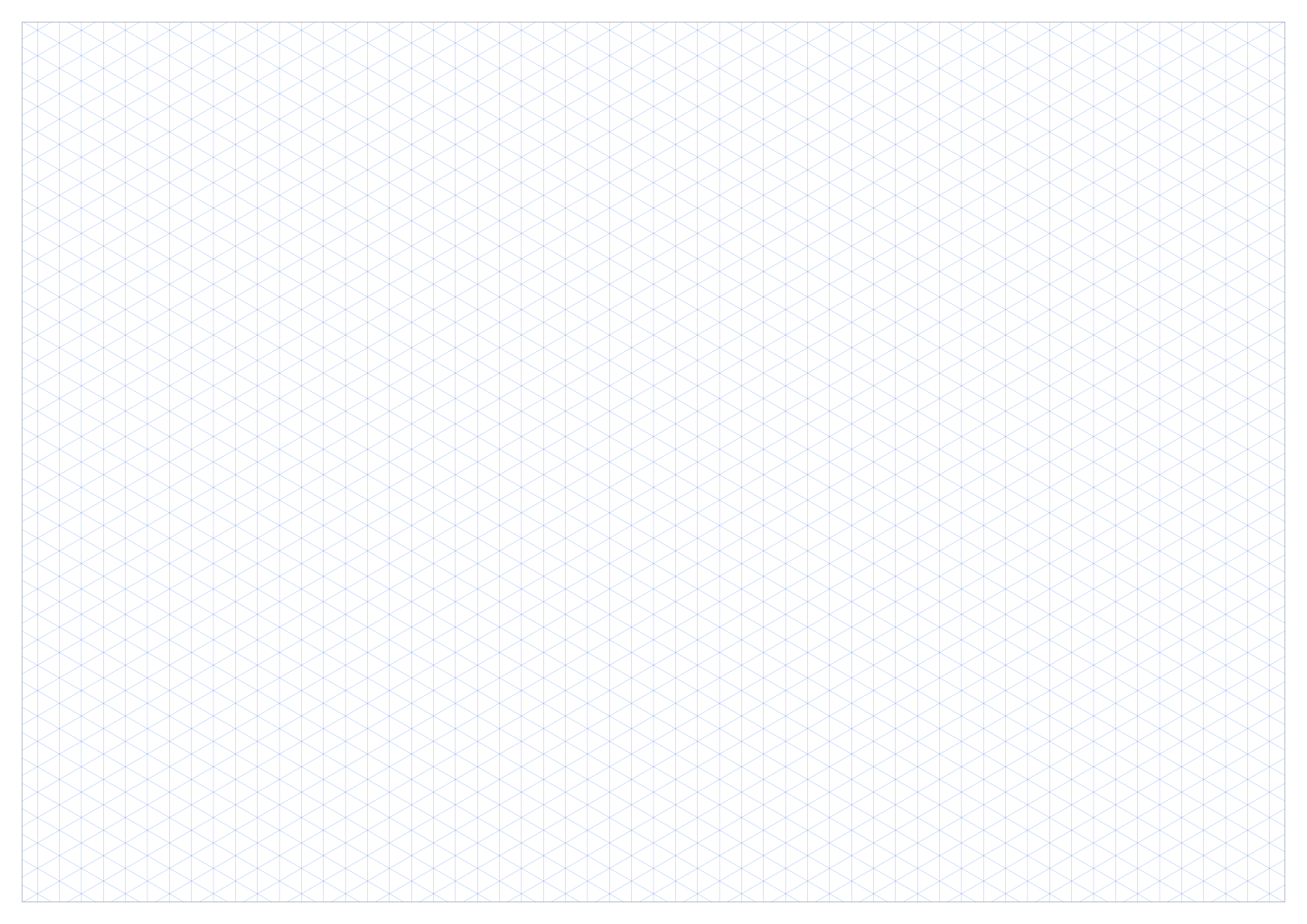
A2 5mm Isometric Graph Paper PDF
A2 portrait | 5mm spacing | Blue 30° grid
A2 landscape isometric paper
These A2 landscape isometric templates use a larger 10mm triangular grid on a 420 x 594 mm page. Download the PDF directly or customize the grid for classroom work, quick layouts, block forms, labels, and simple 3D diagrams.
Template details
A2 provides four times the area of A4 for technical drawings, classroom displays, and projects that need a large metric grid. This template combines vertical lines with two diagonal line sets at 30 degrees, creating an equilateral triangular grid for drawing three-dimensional forms without perspective convergence.
With the template's 10mm margins, the usable drawing area is 574 x 400 mm. Parallel grid lines are 10mm apart, giving approximately 57 x 40 intervals across the rectangular drawing area.
A 10mm isometric grid creates larger triangular cells for classroom demonstrations, quick 3D concepts, simple block forms, labels, and presentation-friendly drawings.
Use the 10mm grid to keep parallel edges aligned while drawing components, packaging, furniture, mechanisms, and product concepts in three dimensions.
The three equal line directions support cubes, voxel-style scenes, room layouts, game maps, geometric solids, and exploded diagrams without a vanishing point.
A2 is suited to large plans, displays, and technical drawings. Choose portrait for taller objects and worksheets or landscape for wider assemblies, maps, and presentation sketches.
Both formats preserve the same 10mm spacing and 30-degree line geometry. Choose A2 for large plans, displays, and technical drawings; choose A3 when engineering sketches and larger diagrams is a better match for the printer or project.
Open A3 10mm isometric paper →| Comparison | A2 | A3 |
|---|---|---|
| Page size | 420 x 594 mm (16.54 x 23.39 in) | 297 x 420 mm (11.69 x 16.54 in) |
| Drawing area | 574 x 400 mm | 400 x 277 mm |
| Approx. 10mm intervals | 57 x 40 | 40 x 27 |
| Typical use | Large plans, displays, and technical drawings | Engineering sketches and larger diagrams |
The PDF is vector-based, but the selected spacing and 30-degree geometry are only preserved when the printer uses the correct paper and scale settings.
Load 420 x 594 mm paper and select A2 in the print dialog. A large-format printer may be required.
Select Actual Size or 100% scale. Turn off Fit, Shrink, and Scale to Page options.
Keep the print dialog set to landscape so the isometric grid is not rotated or reduced automatically.
Measure across two neighboring parallel grid lines; the perpendicular distance should be 10mm. The diagonal lines should remain symmetrical at 30 degrees to the horizontal.
4 ready-made templates are available for this paper size.
A2 portrait | 5mm spacing | Blue 30° grid
A2 landscape | 5mm spacing | Blue 30° grid
A2 portrait | 10mm spacing | Blue 30° grid
A2 landscape | 10mm spacing | Blue 30° grid
Answers specific to printing 10mm isometric graph paper on A2 sheets.
With the current 10mm margins, this landscape A2 template provides a 574 x 400 mm drawing area with approximately 57 x 40 10mm intervals across its rectangular bounds.
Choose 10mm spacing for larger objects, quick layout sketches, classroom work, labels, and drawings that benefit from fewer, more visible grid intersections.
The printable grid uses one vertical line direction and two symmetrical diagonal directions at 30 degrees to the horizontal. Together they form equilateral triangles and three equal drawing axes.
Select A2 paper, use Actual Size or 100% scale, and disable Fit to Page. Then use a ruler to confirm the 10mm distance between neighboring parallel lines.
Portrait is useful for tall objects, stacked forms, and worksheets. Landscape gives more horizontal room for assemblies, maps, wide product sketches, and presentation diagrams.