
A4 Square Grid Paper
Most countries210 x 297 mm
Standard home, school, and office paper outside North America.
Printable graph paper
Choose the paper size in your printer, the square spacing, and portrait or landscape. The preview and download links update to match your selection.
Print at Actual Size or 100% to preserve the selected square measurement.
Square grid paper, also called graph paper, has evenly spaced horizontal and vertical lines that form equal squares. It is commonly used for math, plotting graphs, technical drawings, diagrams, floor plans, and pixel art.
Download A4, US Letter, A3, and other paper sizes with 2mm, 5mm, 1cm, 1/4-inch, 1/2-inch, or 1-inch squares. Each size is available in portrait and landscape PDF, PNG, and SVG formats.
Check the size printed on your paper pack or shown in the printer tray. A4 is standard in most countries, while US Letter is standard in the United States and Canada. Choose a larger size only when your printer or print service supports it.
210 x 297 mm
Standard home, school, and office paper outside North America.
8.5 x 11 in
Standard home, school, and office paper in North America.
297 x 420 mm
For larger worksheets, diagrams, and technical drawings.
420 x 594 mm
For plans, posters, maps, and classroom displays.
8.5 x 14 in
For long worksheets, calculations, and schedules.
11 x 17 in
For large handouts, wide plans, and presentation sheets.
18 x 24 in
For wall charts, large maps, and collaborative planning.
Square sizes: 2mm, 5mm, 1cm, 1/4 in, 1/2 in, 1 in
Orientations: Portrait and landscape
Files: PDF, PNG, and SVG
Smaller squares fit more detail on the page. Larger squares leave more room for handwriting, labels, classroom work, and bold layouts.
A 2mm grid is intended for fine-detail plotting, compact calculations, small diagrams, and layouts that need more precision than standard graph paper.
A 5mm grid balances writing room and plotting detail, making it a common choice for mathematics, technical notes, diagrams, and measured sketches.
A 1cm grid leaves more room for handwriting, labels, early math, classroom charts, and diagrams that need larger cells.
Quarter-inch spacing is large enough for handwriting and classroom work but still dense enough for plotting, diagrams, and measured sketches.
Half-inch spacing gives handwriting, labels, early math, planning marks, and simple drawings more room than a standard graph-paper grid.
One-inch spacing creates very large cells for classroom demonstrations, maps, bold planning layouts, and activities that need generous writing room.
Choose from 84 ready-made templates. Open a paper-size group, then download the PDF for accurate printing, save a PNG, or customize the same layout in the generator.

A4 portrait · 2mm spacing · Gray grid
A4 portrait · 5mm spacing · Gray grid
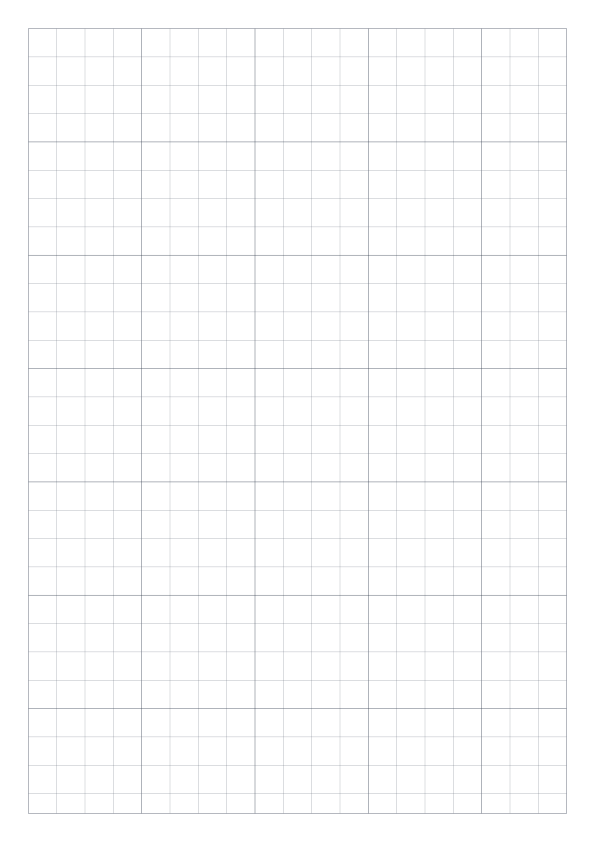
A4 portrait · 1cm spacing · Gray grid
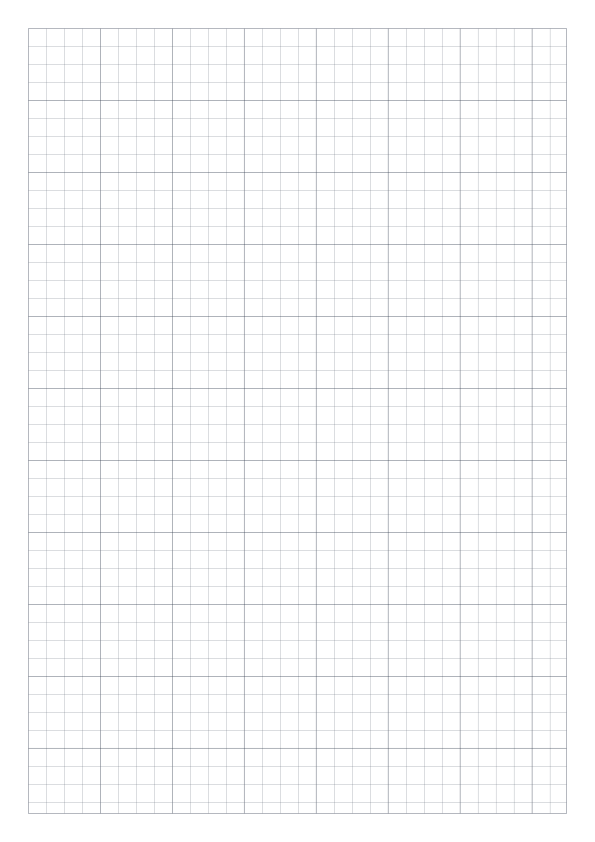
A4 portrait · 1/4 inch spacing · Gray grid
A4 portrait · 1/2 inch spacing · Gray grid
A4 portrait · 1 inch spacing · Gray grid

A4 landscape · 2mm spacing · Gray grid
A4 landscape · 5mm spacing · Gray grid
A4 landscape · 1cm spacing · Gray grid
A4 landscape · 1/4 inch spacing · Gray grid
A4 landscape · 1/2 inch spacing · Gray grid
A4 landscape · 1 inch spacing · Gray grid
Letter portrait · 2mm spacing · Gray grid
Letter portrait · 5mm spacing · Gray grid
Letter portrait · 1cm spacing · Gray grid
Letter portrait · 1/4 inch spacing · Gray grid
Letter portrait · 1/2 inch spacing · Gray grid
Letter portrait · 1 inch spacing · Gray grid
Letter landscape · 2mm spacing · Gray grid
Letter landscape · 5mm spacing · Gray grid
Letter landscape · 1cm spacing · Gray grid
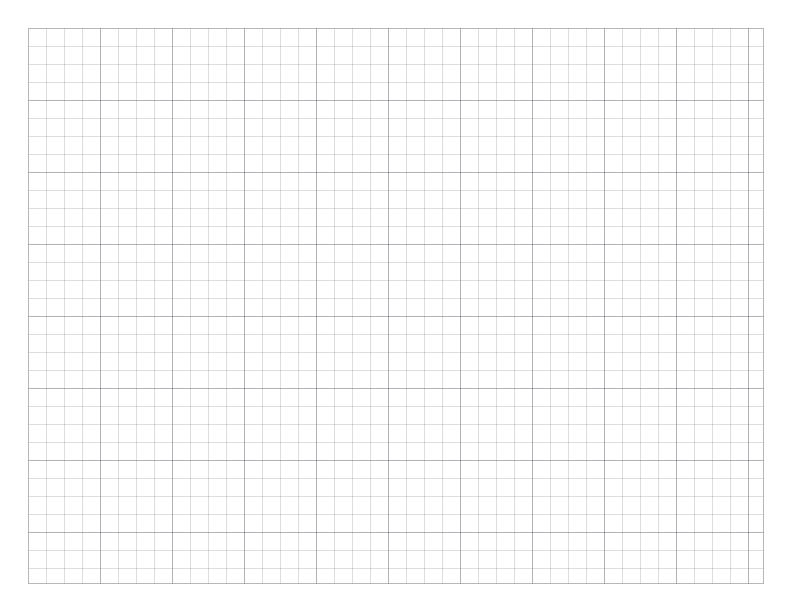
Letter landscape · 1/4 inch spacing · Gray grid
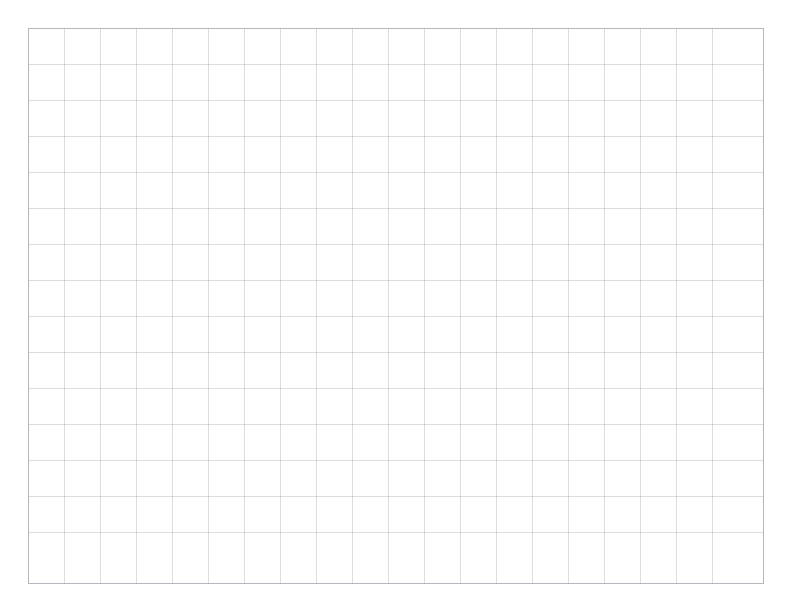
Letter landscape · 1/2 inch spacing · Gray grid
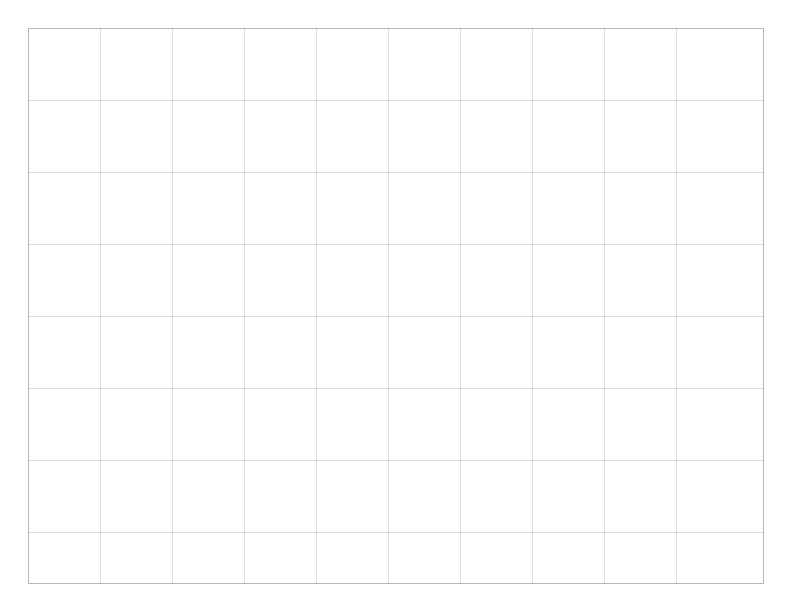
Letter landscape · 1 inch spacing · Gray grid
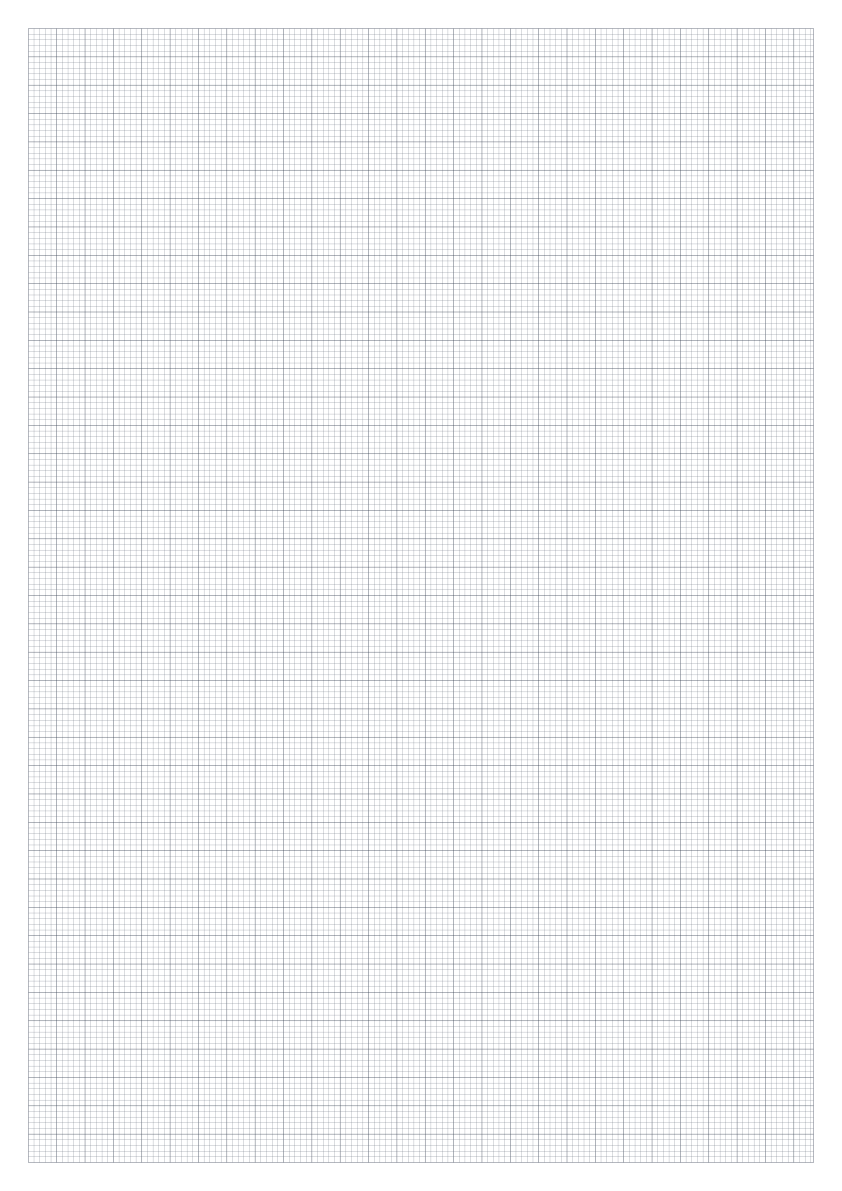
A3 portrait · 2mm spacing · Gray grid
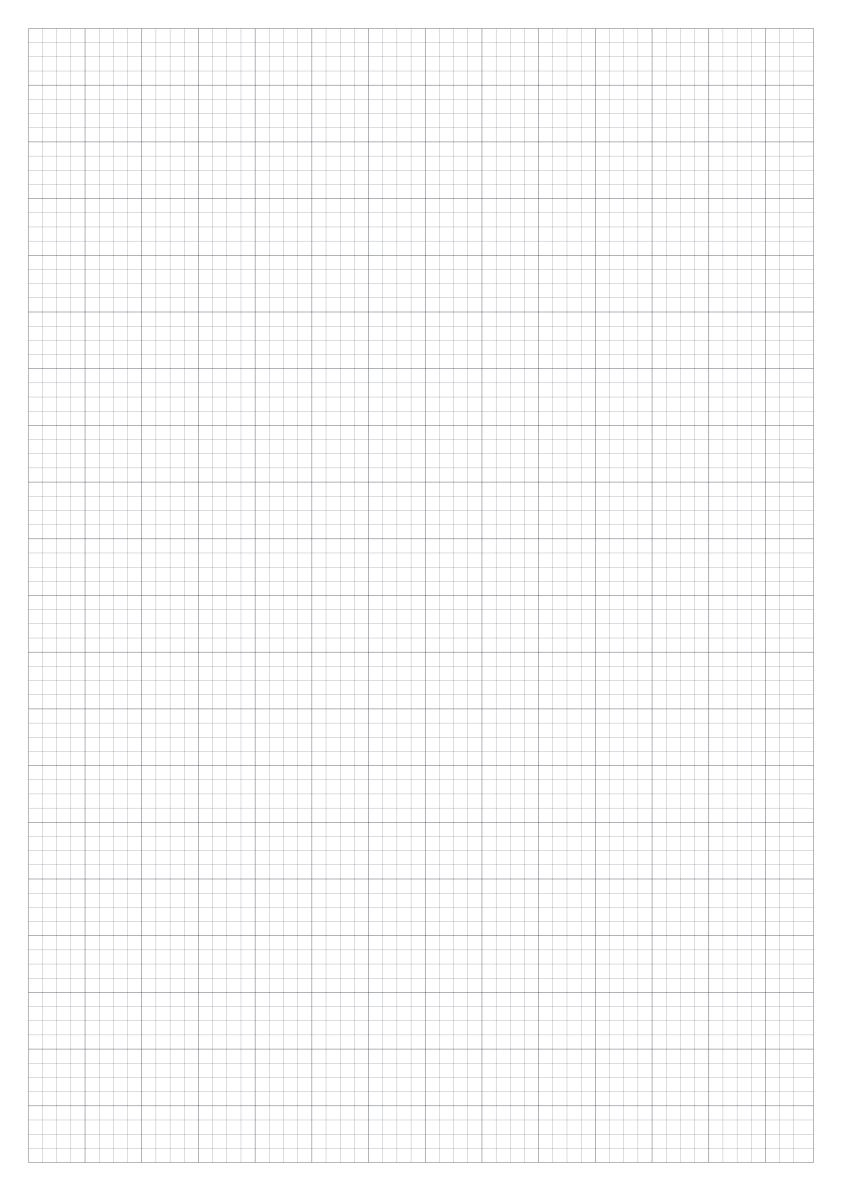
A3 portrait · 5mm spacing · Gray grid
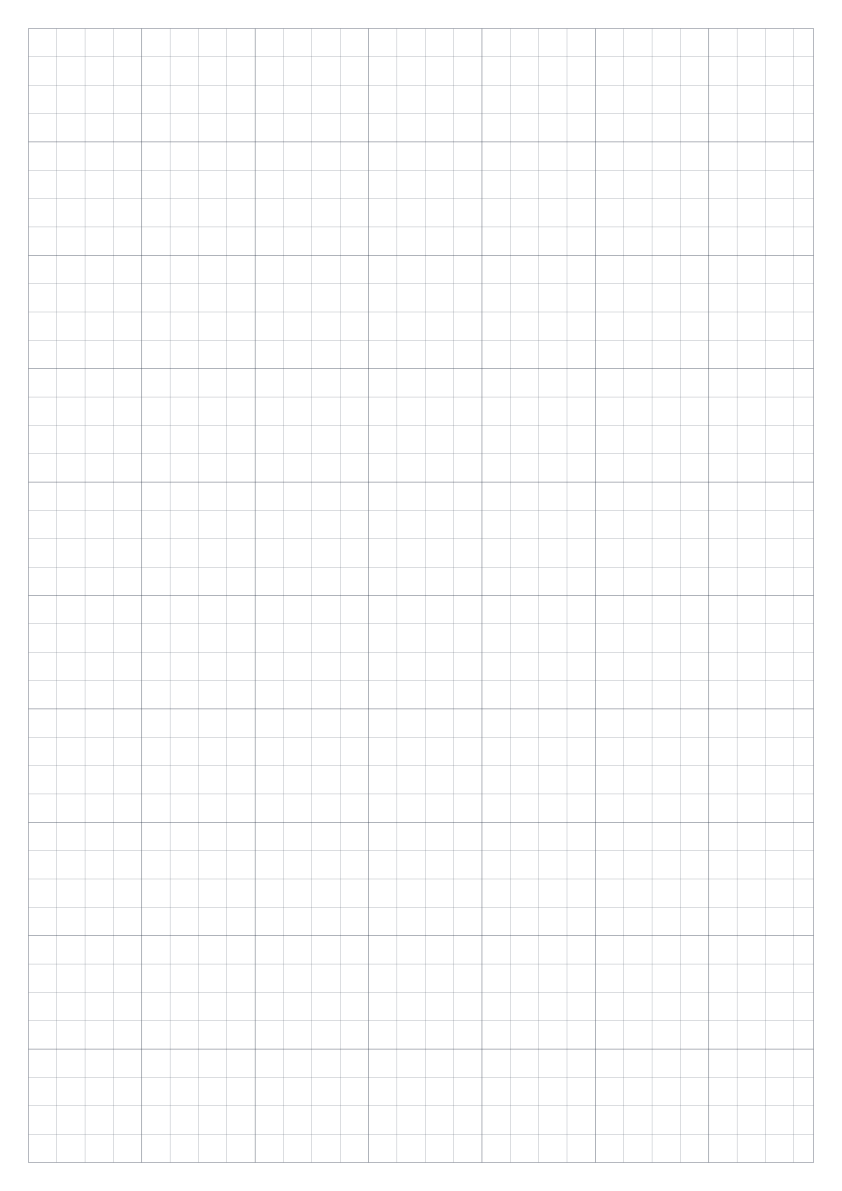
A3 portrait · 1cm spacing · Gray grid
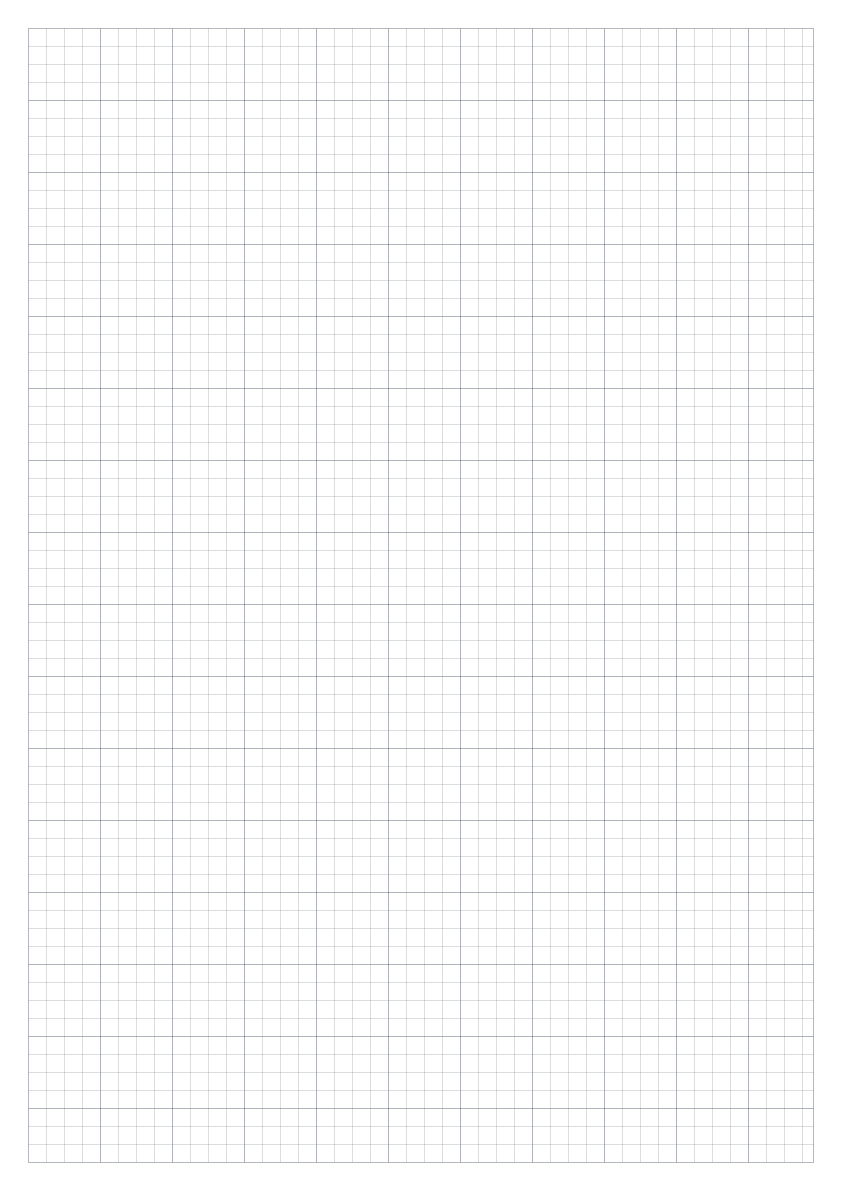
A3 portrait · 1/4 inch spacing · Gray grid
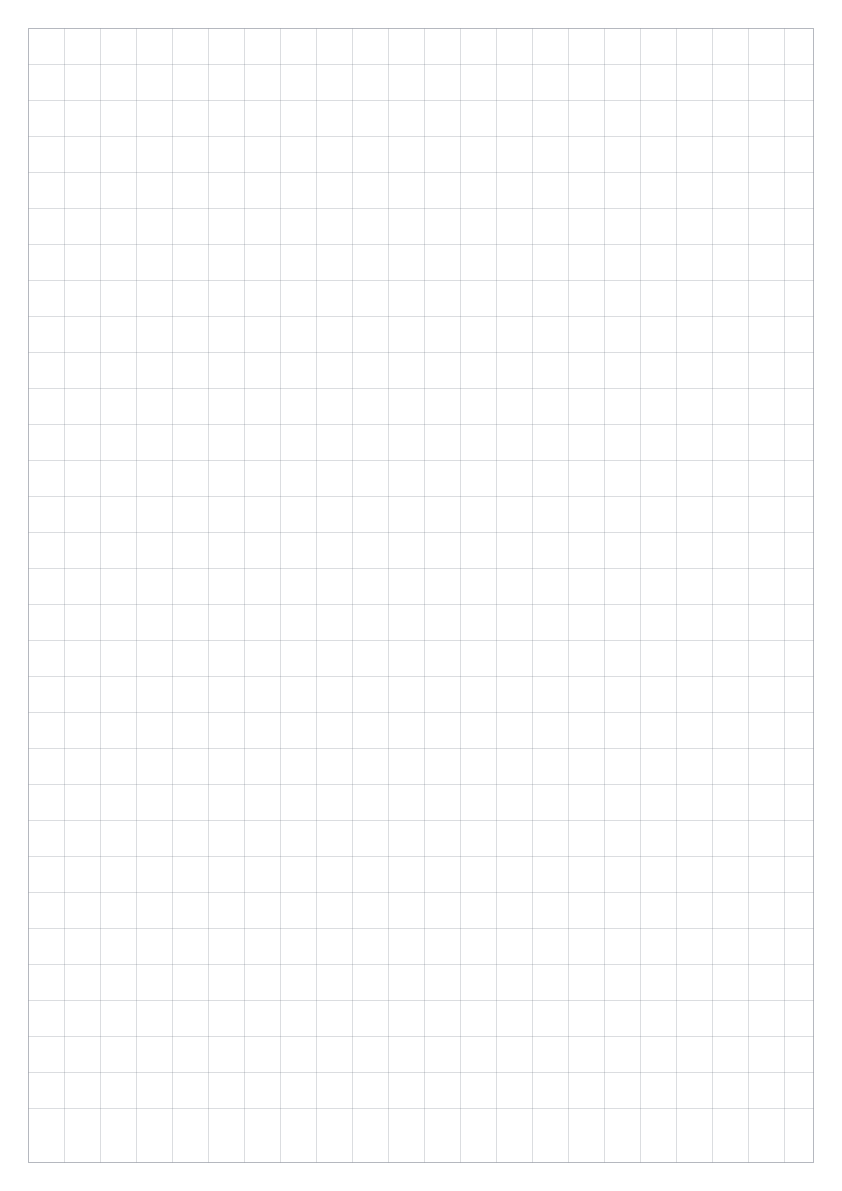
A3 portrait · 1/2 inch spacing · Gray grid
A3 portrait · 1 inch spacing · Gray grid
A3 landscape · 2mm spacing · Gray grid
A3 landscape · 5mm spacing · Gray grid
A3 landscape · 1cm spacing · Gray grid
A3 landscape · 1/4 inch spacing · Gray grid
A3 landscape · 1/2 inch spacing · Gray grid
A3 landscape · 1 inch spacing · Gray grid

A2 portrait · 2mm spacing · Gray grid

A2 portrait · 5mm spacing · Gray grid

A2 portrait · 1cm spacing · Gray grid
A2 portrait · 1/4 inch spacing · Gray grid

A2 portrait · 1/2 inch spacing · Gray grid

A2 portrait · 1 inch spacing · Gray grid

A2 landscape · 2mm spacing · Gray grid

A2 landscape · 5mm spacing · Gray grid
A2 landscape · 1cm spacing · Gray grid
A2 landscape · 1/4 inch spacing · Gray grid
A2 landscape · 1/2 inch spacing · Gray grid
A2 landscape · 1 inch spacing · Gray grid
Legal portrait · 2mm spacing · Gray grid
Legal portrait · 5mm spacing · Gray grid
Legal portrait · 1cm spacing · Gray grid
Legal portrait · 1/4 inch spacing · Gray grid
Legal portrait · 1/2 inch spacing · Gray grid
Legal portrait · 1 inch spacing · Gray grid
Legal landscape · 2mm spacing · Gray grid
Legal landscape · 5mm spacing · Gray grid
Legal landscape · 1cm spacing · Gray grid
Legal landscape · 1/4 inch spacing · Gray grid
Legal landscape · 1/2 inch spacing · Gray grid
Legal landscape · 1 inch spacing · Gray grid

Tabloid portrait · 2mm spacing · Gray grid

Tabloid portrait · 5mm spacing · Gray grid
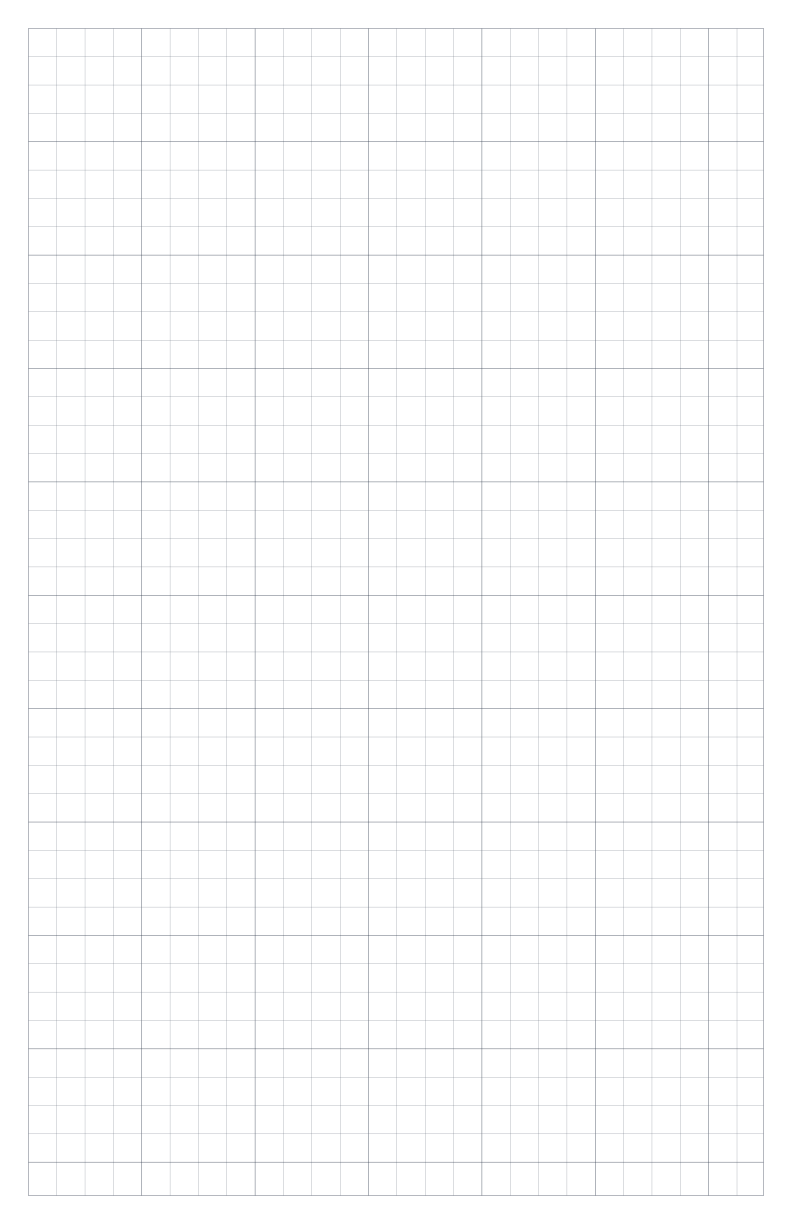
Tabloid portrait · 1cm spacing · Gray grid
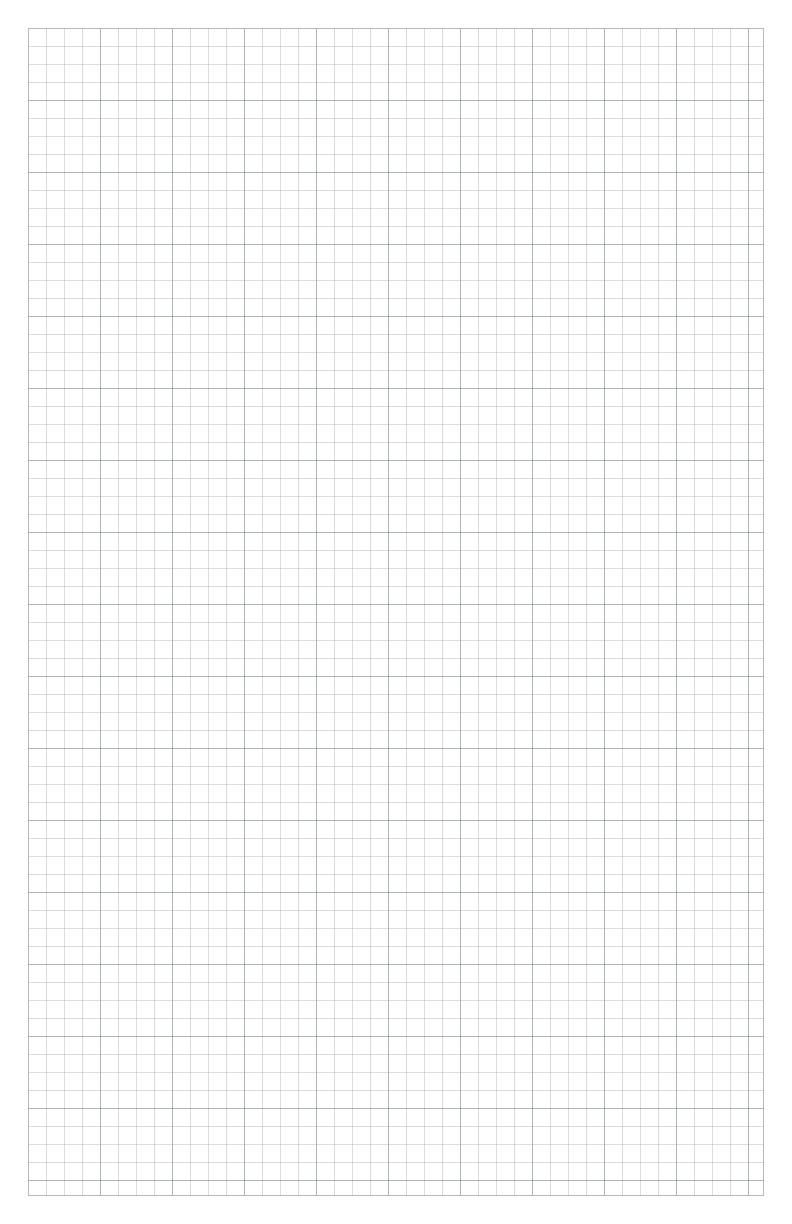
Tabloid portrait · 1/4 inch spacing · Gray grid
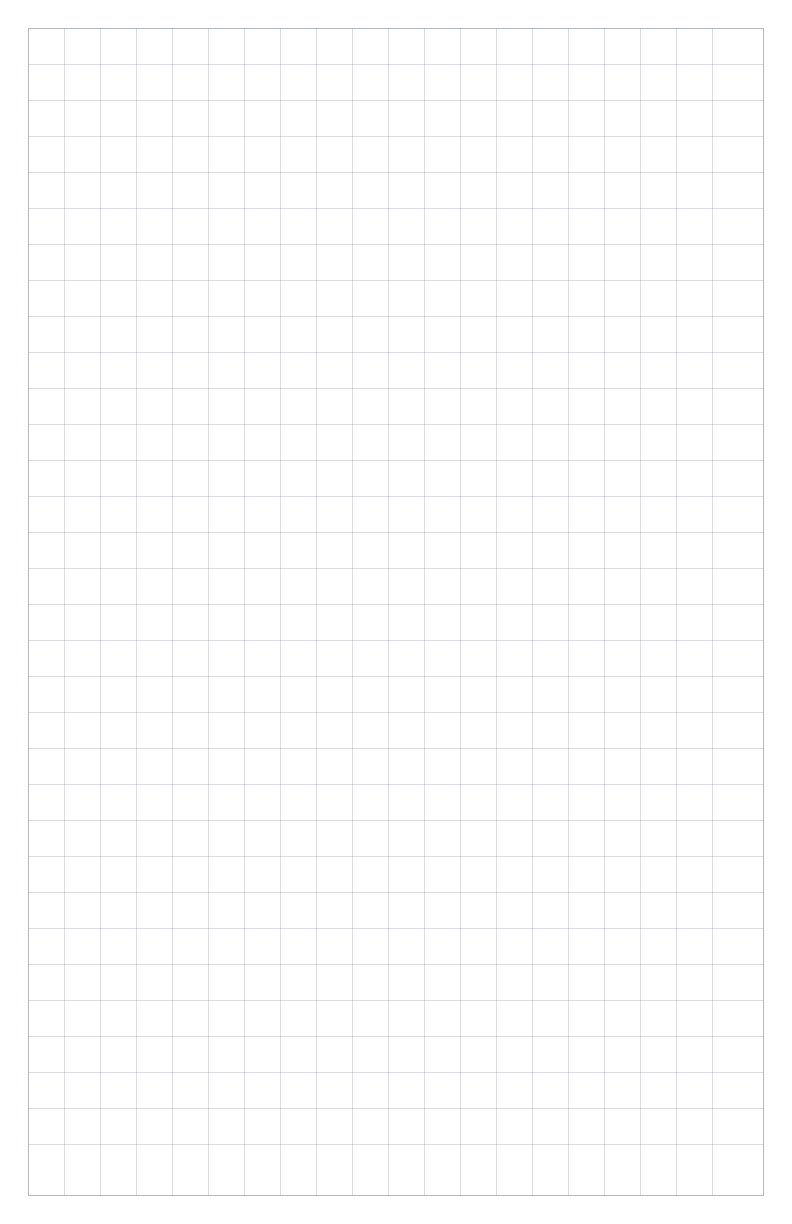
Tabloid portrait · 1/2 inch spacing · Gray grid
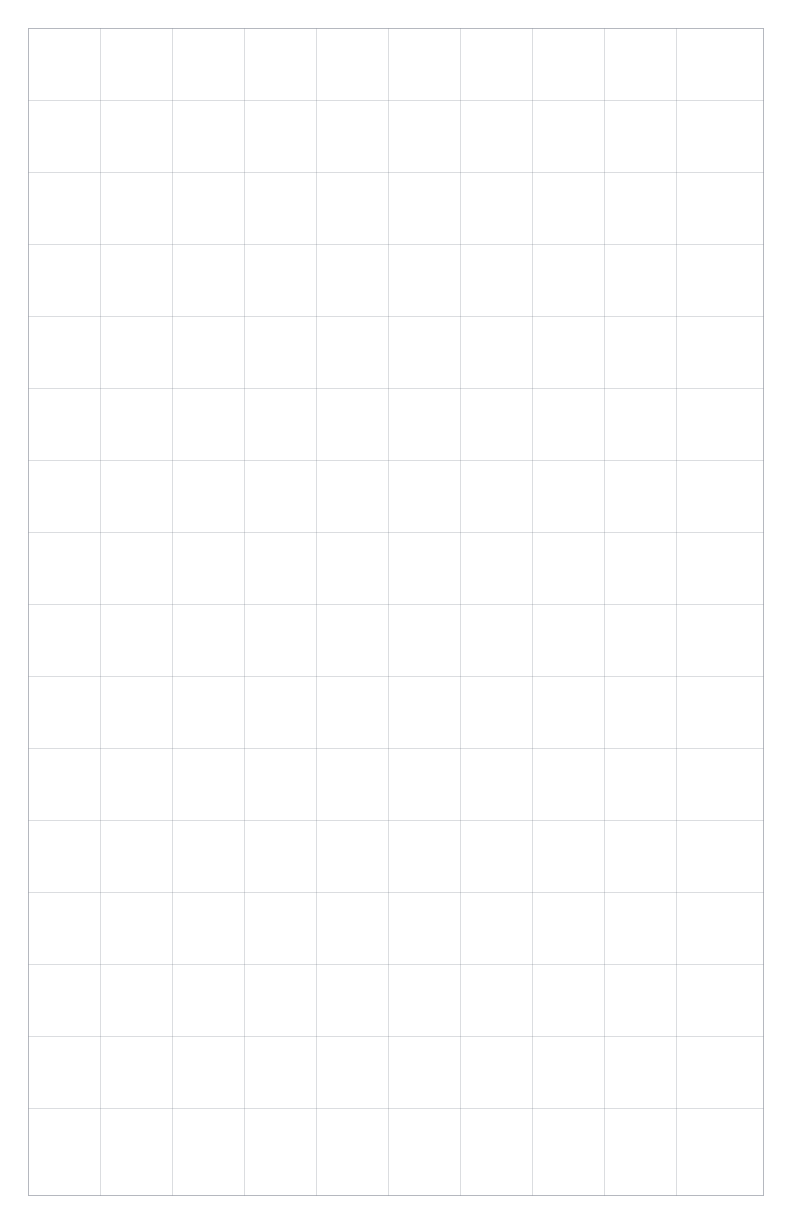
Tabloid portrait · 1 inch spacing · Gray grid

Tabloid landscape · 2mm spacing · Gray grid

Tabloid landscape · 5mm spacing · Gray grid
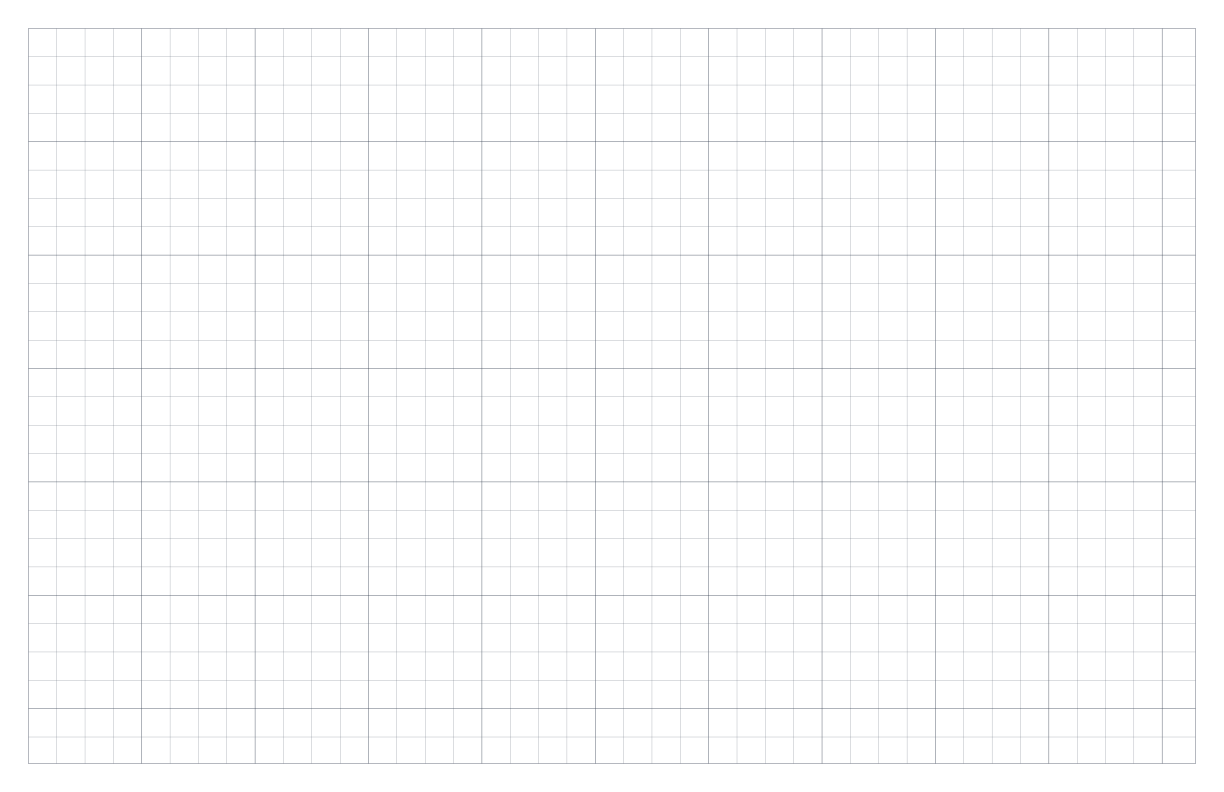
Tabloid landscape · 1cm spacing · Gray grid
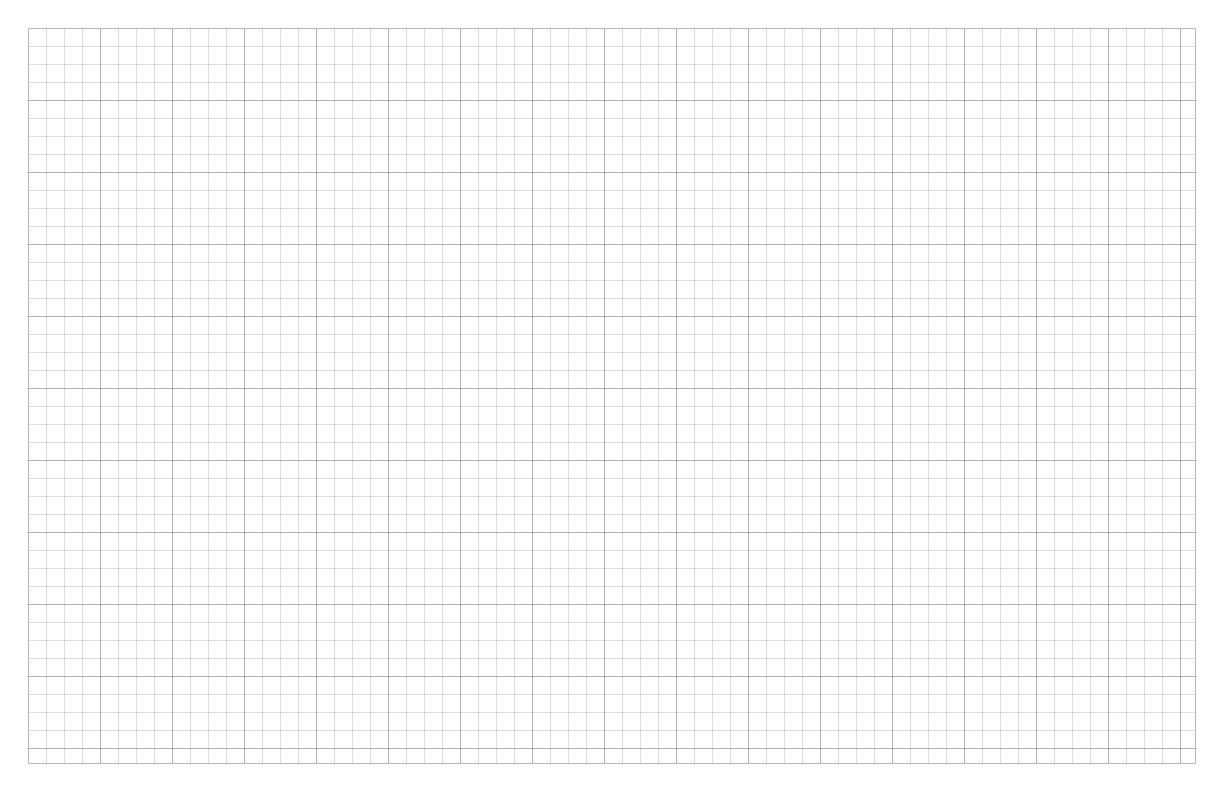
Tabloid landscape · 1/4 inch spacing · Gray grid
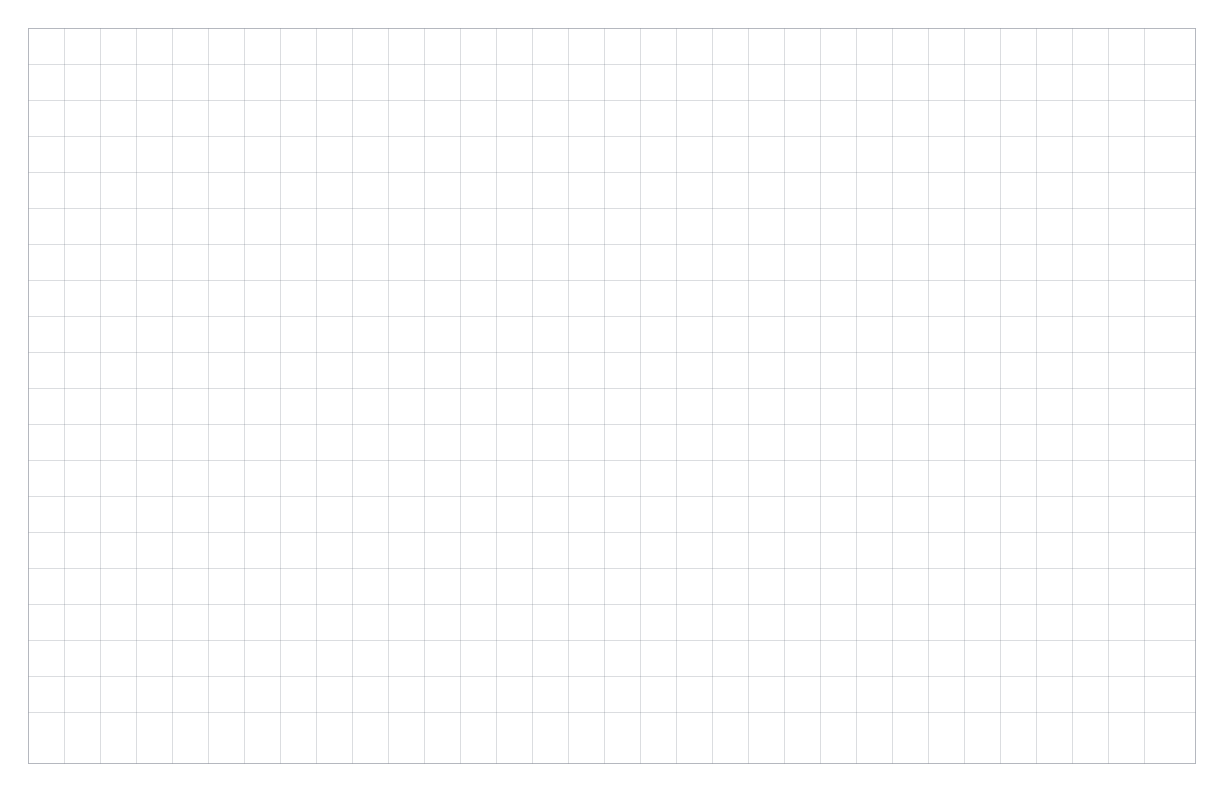
Tabloid landscape · 1/2 inch spacing · Gray grid
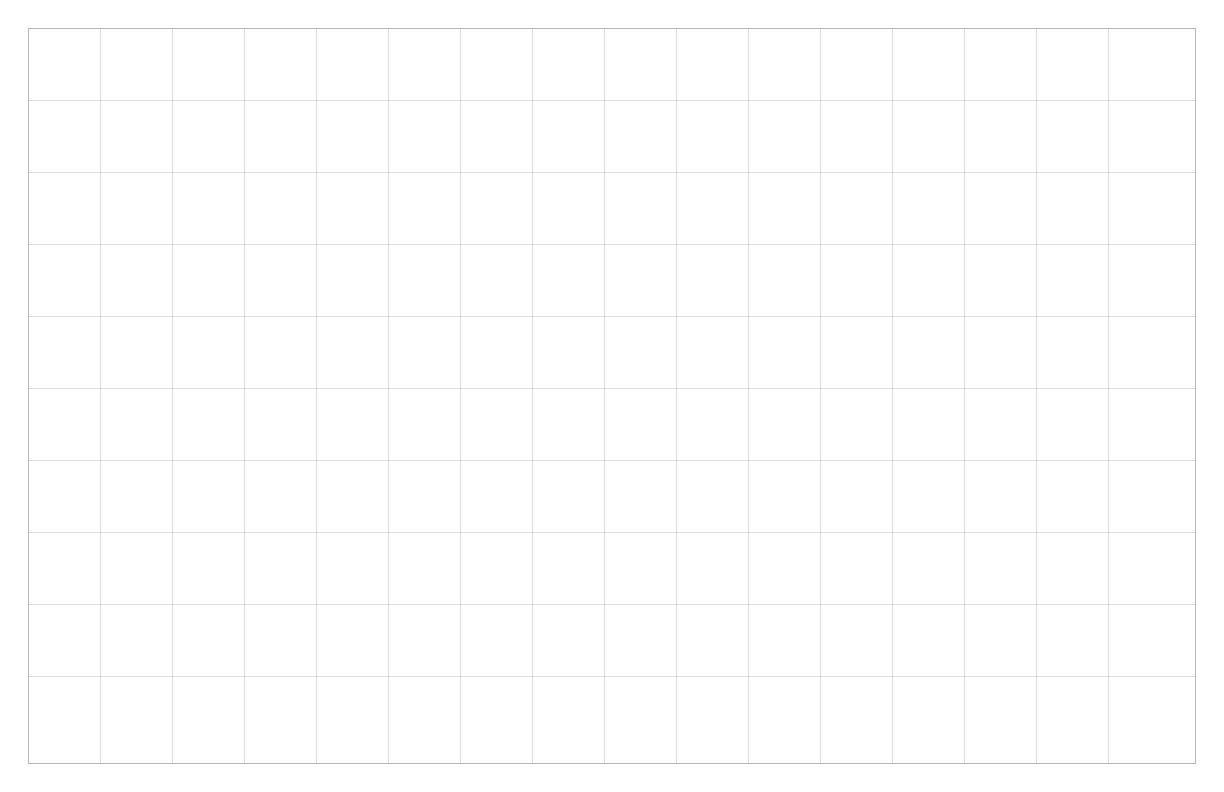
Tabloid landscape · 1 inch spacing · Gray grid
Poster portrait · 2mm spacing · Gray grid
Poster portrait · 5mm spacing · Gray grid
Poster portrait · 1cm spacing · Gray grid
Poster portrait · 1/4 inch spacing · Gray grid

Poster portrait · 1/2 inch spacing · Gray grid
Poster portrait · 1 inch spacing · Gray grid
Poster landscape · 2mm spacing · Gray grid
Poster landscape · 5mm spacing · Gray grid
Poster landscape · 1cm spacing · Gray grid
Poster landscape · 1/4 inch spacing · Gray grid

Poster landscape · 1/2 inch spacing · Gray grid

Poster landscape · 1 inch spacing · Gray grid
Practical answers for choosing a file, setting up the page, and fixing the most common printing problems.
Choose PDF when you want to print the grid at an accurate physical size. Use PNG for inserting the paper into notes, worksheets, or other digital documents. Choose SVG when you need an editable vector file for a design or drawing application.
Portrait gives you more vertical working room for calculations, lists, and standard worksheets. Landscape gives you more horizontal room for charts, timelines, floor plans, tables, and wide diagrams. The square measurement stays the same in either orientation.
Yes. Select Customize beside the download buttons to open the graph paper generator, where you can create a grid that is different from the ready-made options on this page.
Open the Graph Paper Generator →The print dialog probably scaled the page. Print the PDF at Actual Size or 100%, and turn off Fit to Page, Shrink, and other automatic scaling options. Measure a few squares with a ruler after printing to confirm the result.
Make sure the paper size selected on this page matches both the paper in the printer and the size selected in the print dialog. Also check that the print orientation matches the portrait or landscape file you downloaded.
Printer quality, toner settings, and draft mode can change how the lines appear. Try a normal or high-quality print setting. If you need a different result, use Customize to adjust the grid color, opacity, or line thickness before downloading.
Open the Graph Paper Generator →