
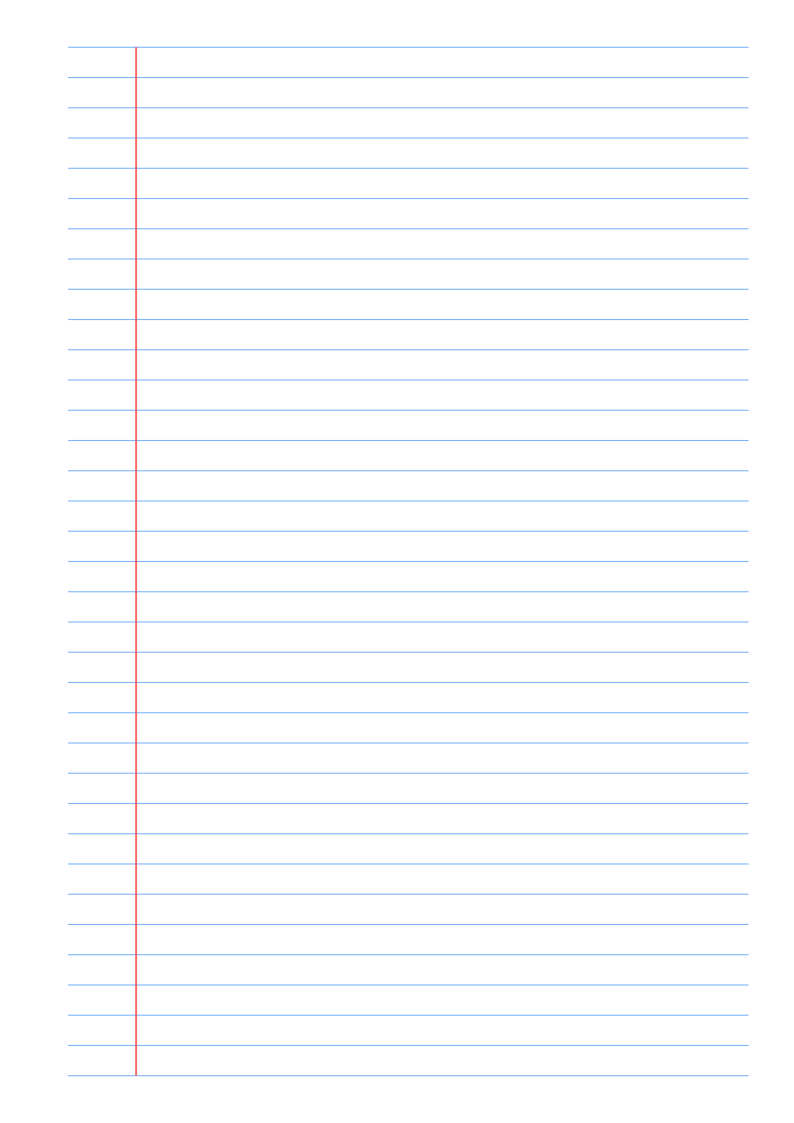
A4 Lined Paper
Most countries210 x 297 mm (8.27 x 11.69 in)
International home, school, and office printing

Printable Lined Paper
Choose narrow, everyday, wide, or large-handwriting ruling, then select portrait or landscape.
Print at Actual Size or 100% so the prepared measurements stay accurate.
Lined paper uses evenly spaced horizontal rules to keep handwriting straight and consistent. A red left margin separates the writing area from list numbers, corrections, headings, or binding space, giving the sheet the familiar structure of notebook paper.
Use it for class notes, assignments, letters, journals, spelling practice, and handwriting exercises. The 8mm ruling is a comfortable everyday choice; 6mm fits compact writing, while 10mm and 12mm provide more room for large handwriting and younger learners.
Check the size printed on your paper pack or shown in the printer tray. A4 is standard in most countries, while US Letter is standard in the United States and Canada. Choose a larger size only when your printer or print service supports it.
210 x 297 mm (8.27 x 11.69 in)
International home, school, and office printing
8.5 x 11 in (215.9 x 279.4 mm)
US home, school, and office printing
297 x 420 mm (11.69 x 16.54 in)
Engineering sketches and larger diagrams
420 x 594 mm (16.54 x 23.39 in)
Large plans, displays, and technical drawings
8.5 x 14 in (215.9 x 355.6 mm)
Long worksheets, calculations, and plans
11 x 17 in (279.4 x 431.8 mm)
Large handouts, plans, and presentation sheets
18 x 24 in (457.2 x 609.6 mm)
Wall charts, maps, displays, and large plans
The choices below explain what changes and when each option is useful. Make the actual selection in the download panel at the top of the page.
A 6mm ruling fits more writing on each page and suits compact notes, small handwriting, language practice, lists, and dense study sheets.
An 8mm ruling provides comfortable spacing for everyday handwriting, notes, journals, letters, assignments, and general classroom work.
A 10mm ruling gives handwriting more vertical room for wide-ruled schoolwork, writing practice, worksheets, and notes with larger letterforms.
A 12mm ruling creates generous writing rows for early learners, large handwriting, accessibility needs, tracing activities, and classroom demonstrations.
Keep sentences, calculations, lists, and annotations aligned on a clean printable page.
Choose wider rules for larger letterforms, early learners, tracing, or accessibility needs.
Print a familiar ruled layout for personal writing without buying a dedicated notebook format.
Choose from 56 ready-made templates. Open a paper-size group, then download the PDF for accurate printing, save a PNG, or customize the same layout in the generator.
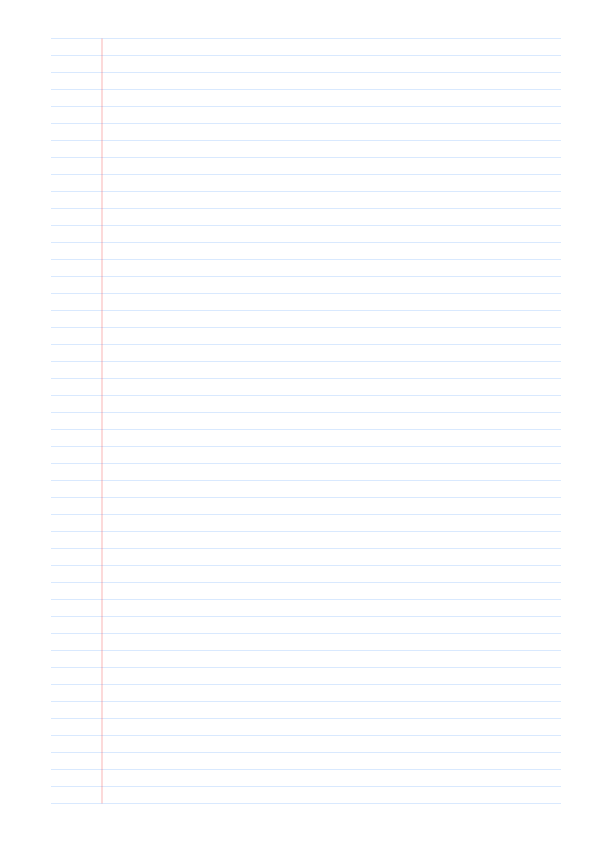
A4 portrait · 6mm ruling · Red margin line
A4 portrait · 8mm ruling · Red margin line

A4 portrait · 10mm ruling · Red margin line

A4 portrait · 12mm ruling · Red margin line

A4 landscape · 6mm ruling · Red margin line

A4 landscape · 8mm ruling · Red margin line

A4 landscape · 10mm ruling · Red margin line

A4 landscape · 12mm ruling · Red margin line
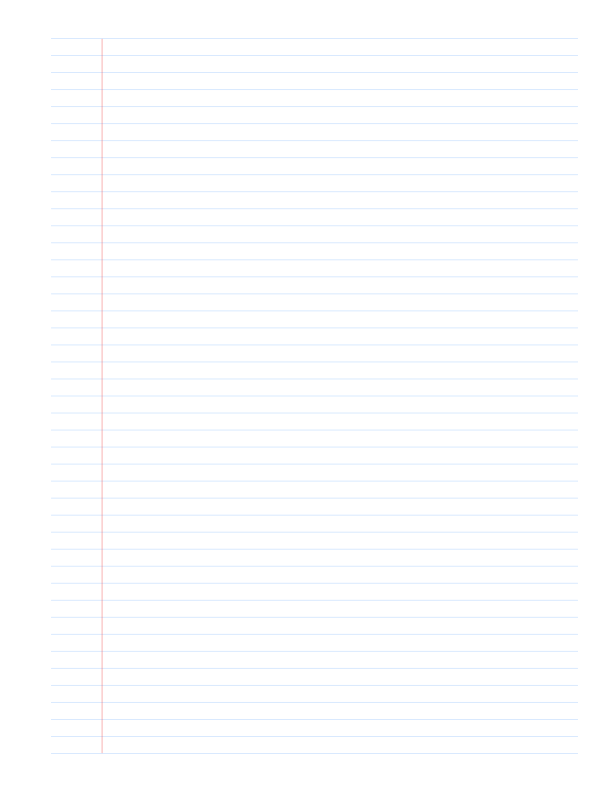
Letter portrait · 6mm ruling · Red margin line
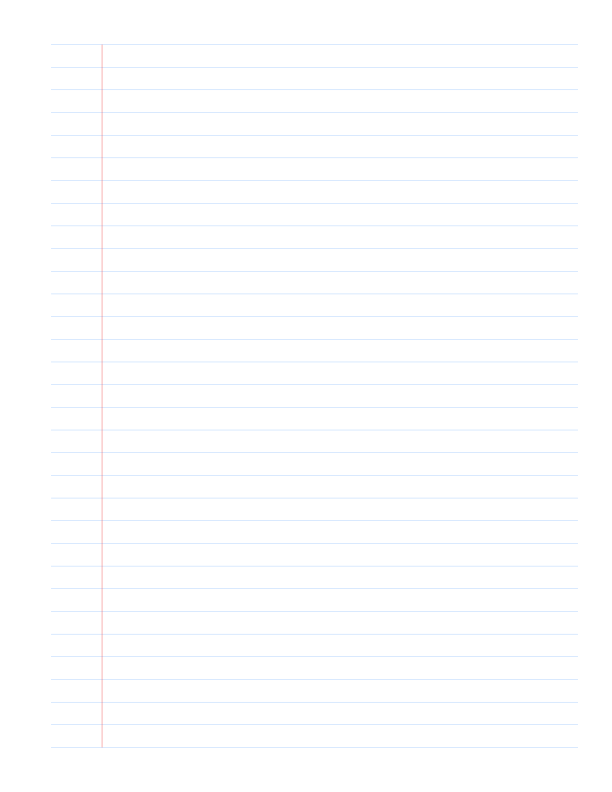
Letter portrait · 8mm ruling · Red margin line
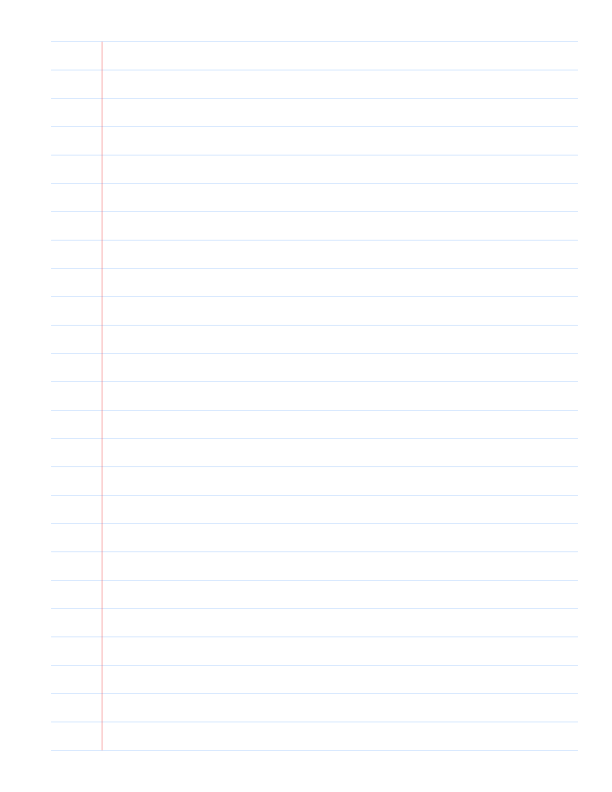
Letter portrait · 10mm ruling · Red margin line

Letter portrait · 12mm ruling · Red margin line

Letter landscape · 6mm ruling · Red margin line

Letter landscape · 8mm ruling · Red margin line

Letter landscape · 10mm ruling · Red margin line

Letter landscape · 12mm ruling · Red margin line
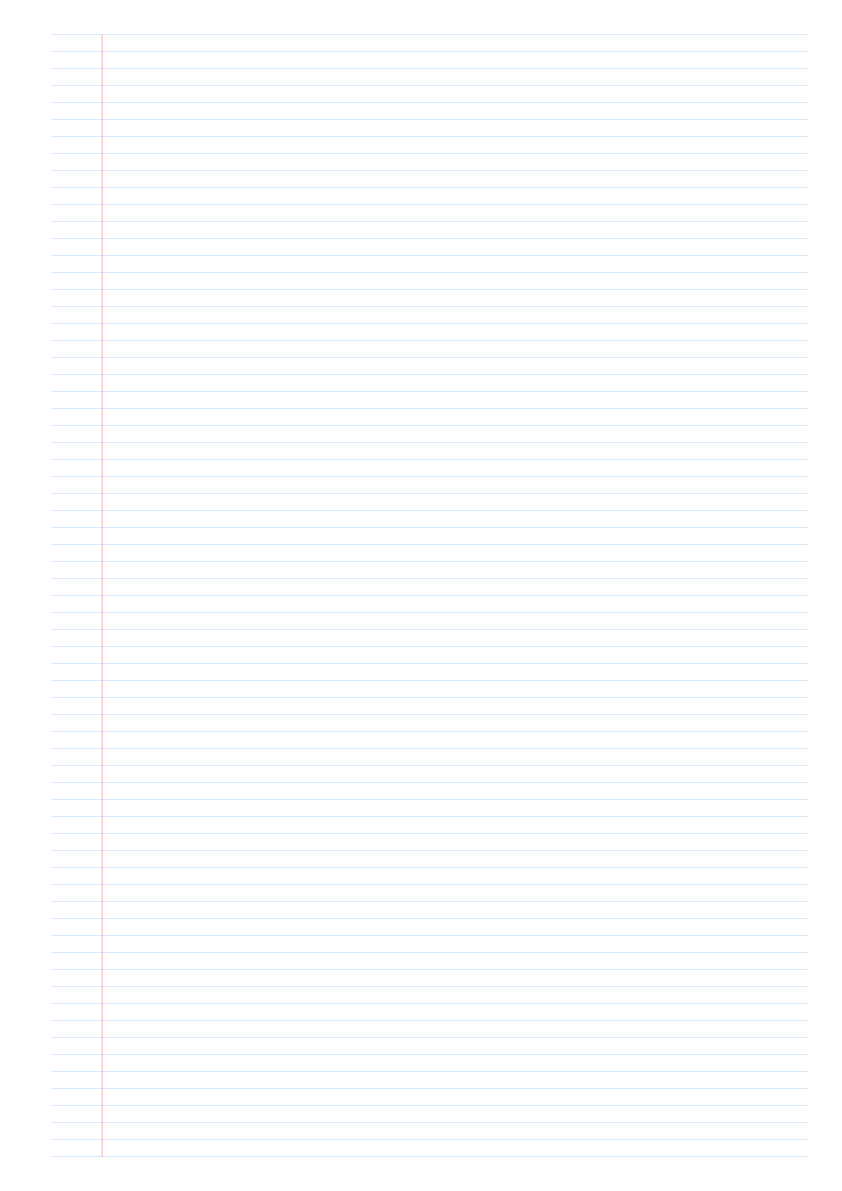
A3 portrait · 6mm ruling · Red margin line

A3 portrait · 8mm ruling · Red margin line

A3 portrait · 10mm ruling · Red margin line

A3 portrait · 12mm ruling · Red margin line

A3 landscape · 6mm ruling · Red margin line

A3 landscape · 8mm ruling · Red margin line

A3 landscape · 10mm ruling · Red margin line

A3 landscape · 12mm ruling · Red margin line

A2 portrait · 6mm ruling · Red margin line
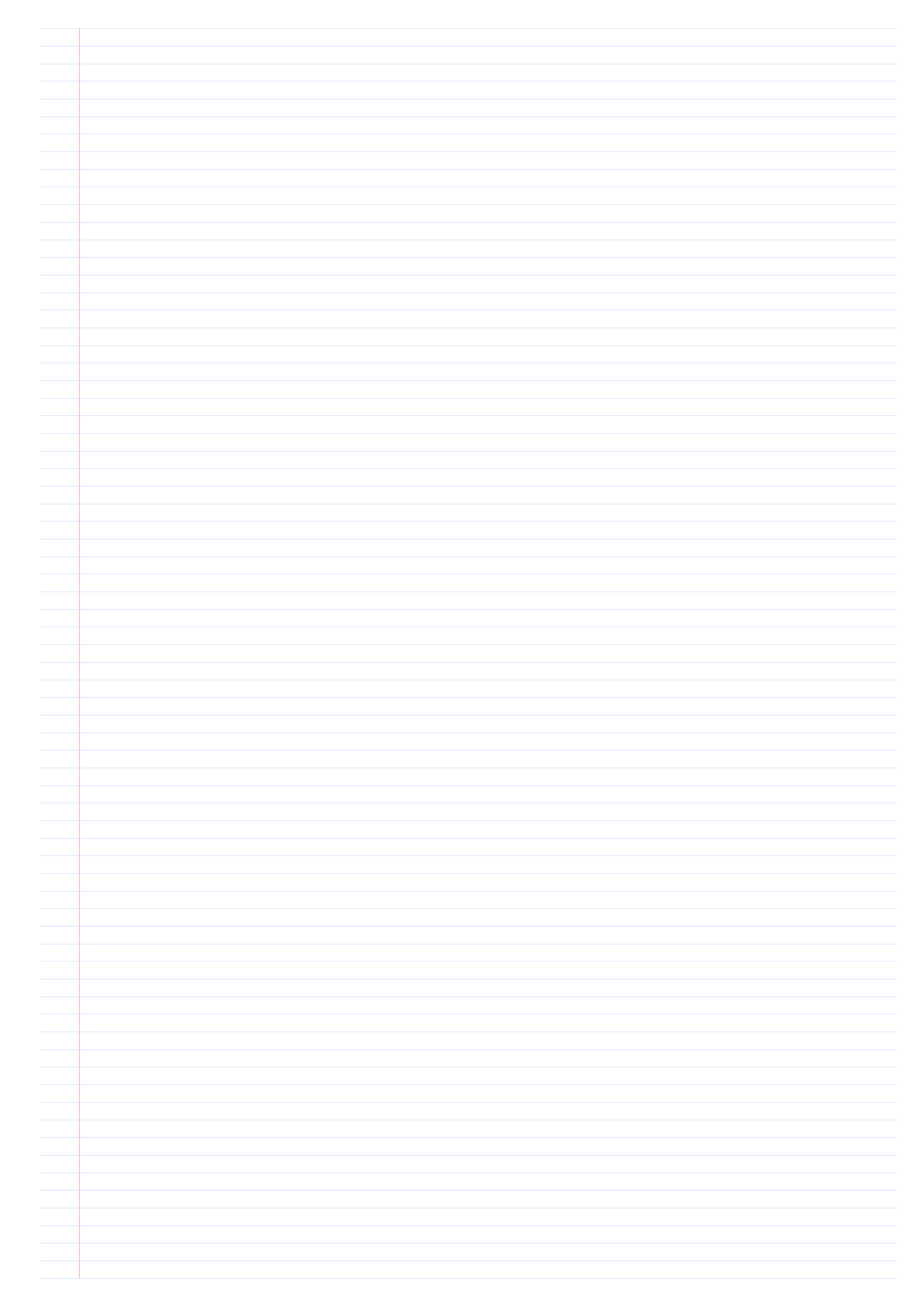
A2 portrait · 8mm ruling · Red margin line

A2 portrait · 10mm ruling · Red margin line

A2 portrait · 12mm ruling · Red margin line

A2 landscape · 6mm ruling · Red margin line

A2 landscape · 8mm ruling · Red margin line

A2 landscape · 10mm ruling · Red margin line

A2 landscape · 12mm ruling · Red margin line
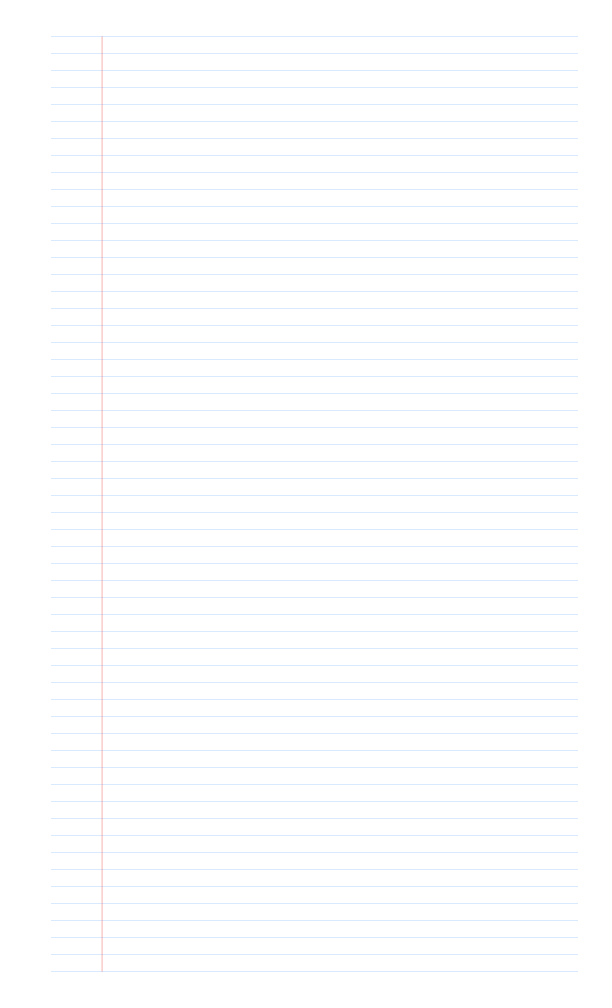
Legal portrait · 6mm ruling · Red margin line
Legal portrait · 8mm ruling · Red margin line

Legal portrait · 10mm ruling · Red margin line

Legal portrait · 12mm ruling · Red margin line

Legal landscape · 6mm ruling · Red margin line

Legal landscape · 8mm ruling · Red margin line

Legal landscape · 10mm ruling · Red margin line

Legal landscape · 12mm ruling · Red margin line
Tabloid portrait · 6mm ruling · Red margin line

Tabloid portrait · 8mm ruling · Red margin line
Tabloid portrait · 10mm ruling · Red margin line

Tabloid portrait · 12mm ruling · Red margin line

Tabloid landscape · 6mm ruling · Red margin line

Tabloid landscape · 8mm ruling · Red margin line

Tabloid landscape · 10mm ruling · Red margin line

Tabloid landscape · 12mm ruling · Red margin line

Poster portrait · 6mm ruling · Red margin line

Poster portrait · 8mm ruling · Red margin line

Poster portrait · 10mm ruling · Red margin line

Poster portrait · 12mm ruling · Red margin line

Poster landscape · 6mm ruling · Red margin line

Poster landscape · 8mm ruling · Red margin line

Poster landscape · 10mm ruling · Red margin line

Poster landscape · 12mm ruling · Red margin line
Answers about choosing, downloading, customizing, and printing this paper.
The 8mm option is a comfortable general-purpose ruling. Choose 6mm for compact writing, 10mm for wide ruling, or 12mm for large handwriting.
The red vertical line separates the writing area from space for headings, list numbers, corrections, or binding. Open the lined paper generator to move, recolor, or remove the margin line, adjust the ruling, and create a multi-page PDF.
Open the Lined Paper Generator →Choose PDF when you want to print at an accurate physical size. Use PNG for notes, worksheets, and image-based documents. Choose SVG when you need an editable vector file for a drawing or design application.
Portrait gives you more vertical working room for worksheets, notes, and tall diagrams. Landscape gives you more horizontal room for charts, maps, tables, timelines, and wide drawings. The prepared measurements stay the same in either orientation when you print at 100%.
The print dialog probably scaled the page. Print the PDF at Actual Size or 100%, and turn off Fit to Page, Shrink, and other automatic scaling options. The paper size selected in the print dialog must also match the file you downloaded.