
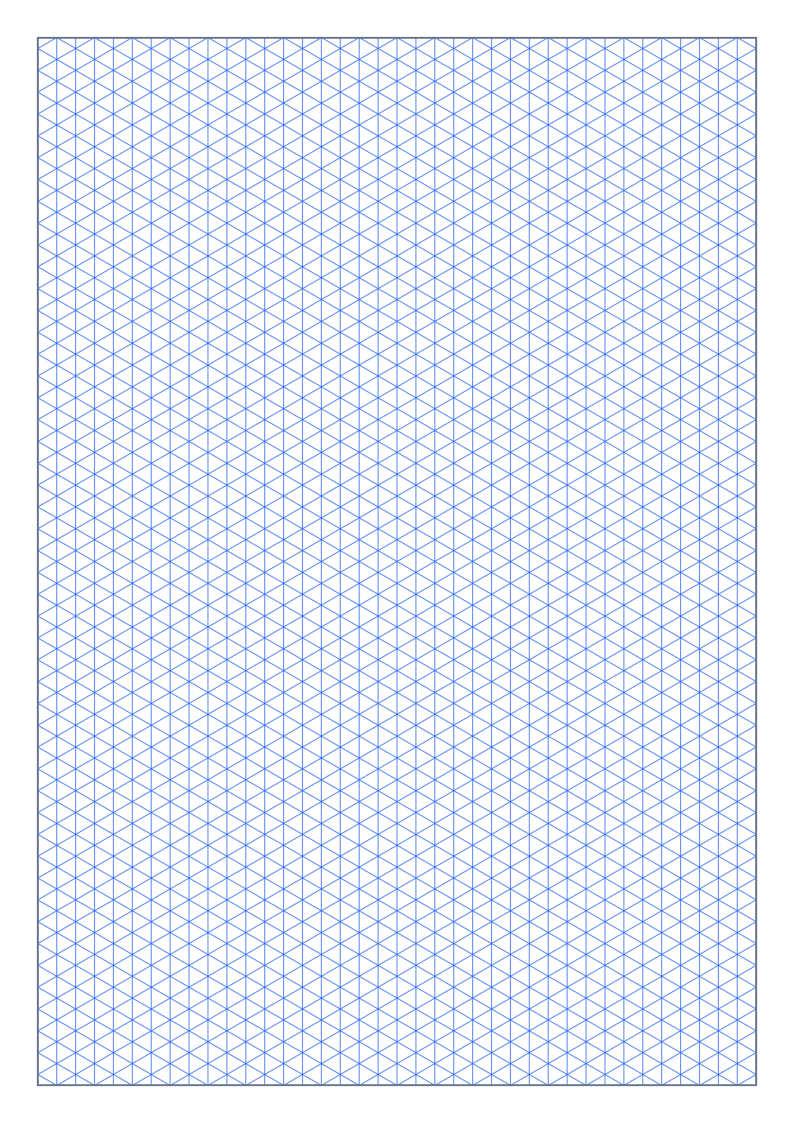
A4 Isometric Grid
Most countries210 x 297 mm (8.27 x 11.69 in)
International home, school, and office printing
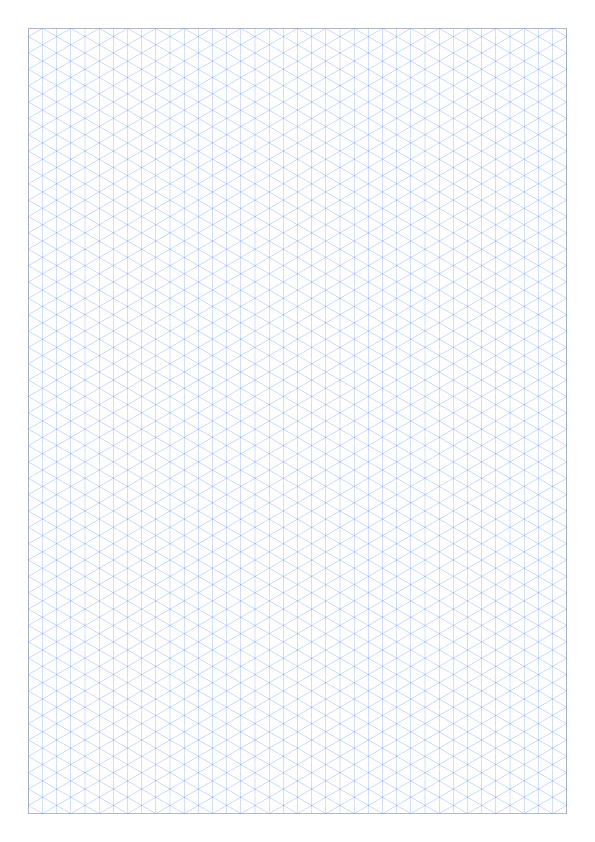
Printable Isometric Grid
Choose 5mm for detailed work or 10mm for larger drawings, then select portrait or landscape.
Print at Actual Size or 100% so the prepared measurements stay accurate.
Isometric graph paper combines vertical guides with diagonal lines at 30 degrees, giving you three equal drawing directions for width, height, and depth. It makes three-dimensional forms easier to sketch with straight, parallel edges and consistent proportions.
Use it for cubes, product concepts, furniture, mechanical parts, room layouts, voxel art, and isometric game maps. Choose 5mm spacing when the drawing needs detail, or 10mm spacing for larger shapes, labels, and quick classroom sketches.
Check the size printed on your paper pack or shown in the printer tray. A4 is standard in most countries, while US Letter is standard in the United States and Canada. Choose a larger size only when your printer or print service supports it.
210 x 297 mm (8.27 x 11.69 in)
International home, school, and office printing
8.5 x 11 in (215.9 x 279.4 mm)
US home, school, and office printing
297 x 420 mm (11.69 x 16.54 in)
Engineering sketches and larger diagrams
420 x 594 mm (16.54 x 23.39 in)
Large plans, displays, and technical drawings
8.5 x 14 in (215.9 x 355.6 mm)
Long worksheets, calculations, and plans
11 x 17 in (279.4 x 431.8 mm)
Large handouts, plans, and presentation sheets
18 x 24 in (457.2 x 609.6 mm)
Wall charts, maps, displays, and large plans
The choices below explain what changes and when each option is useful. Make the actual selection in the download panel at the top of the page.
A 5mm isometric grid supports detailed 3D drawing, compact technical sketches, product concepts, geometric constructions, and designs that need precise alignment.
A 10mm isometric grid creates larger triangular cells for classroom demonstrations, quick 3D concepts, simple block forms, labels, and presentation-friendly drawings.
Keep parallel edges aligned while drawing components, furniture, packaging, mechanisms, and product concepts.
Build cubes, voxel scenes, room layouts, geometric solids, and exploded diagrams on three equal drawing axes.
Plan isometric rooms, terrain, routes, and game maps while keeping repeated forms consistent.
Choose from 28 ready-made templates. Open a paper-size group, then download the PDF for accurate printing, save a PNG, or customize the same layout in the generator.
A4 portrait · 5mm spacing · Blue 30° grid
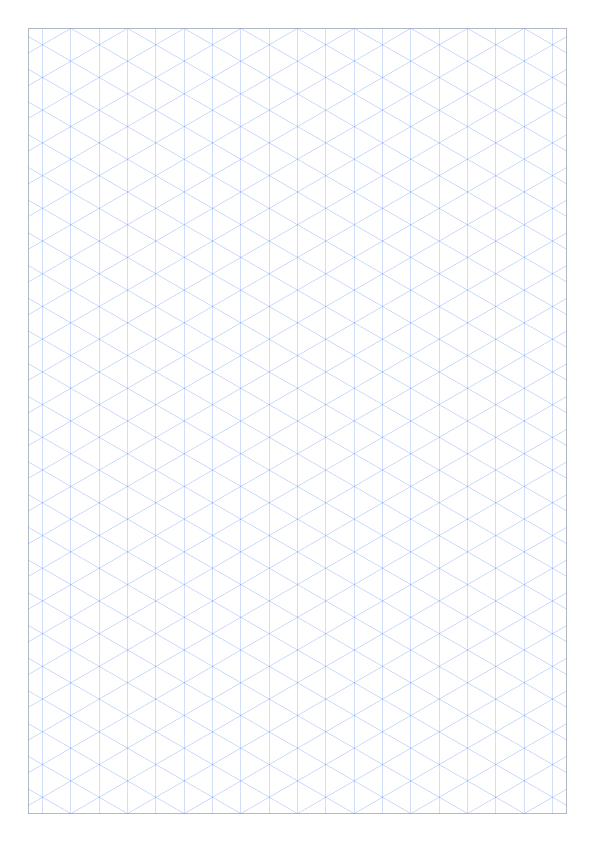
A4 portrait · 10mm spacing · Blue 30° grid
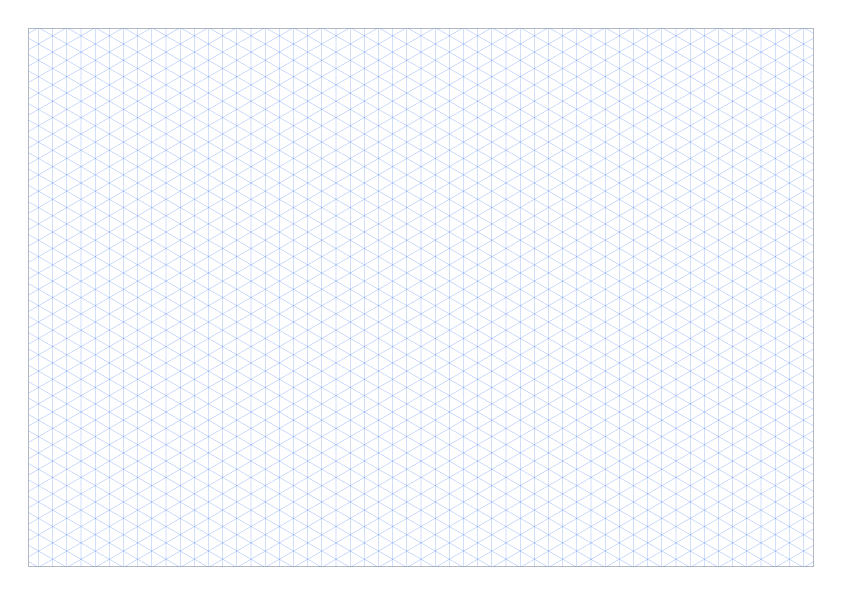
A4 landscape · 5mm spacing · Blue 30° grid
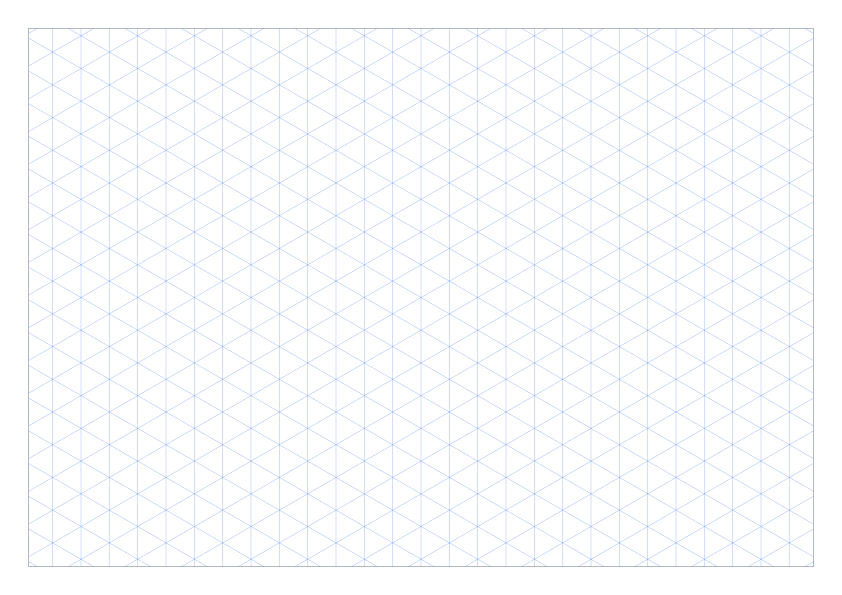
A4 landscape · 10mm spacing · Blue 30° grid
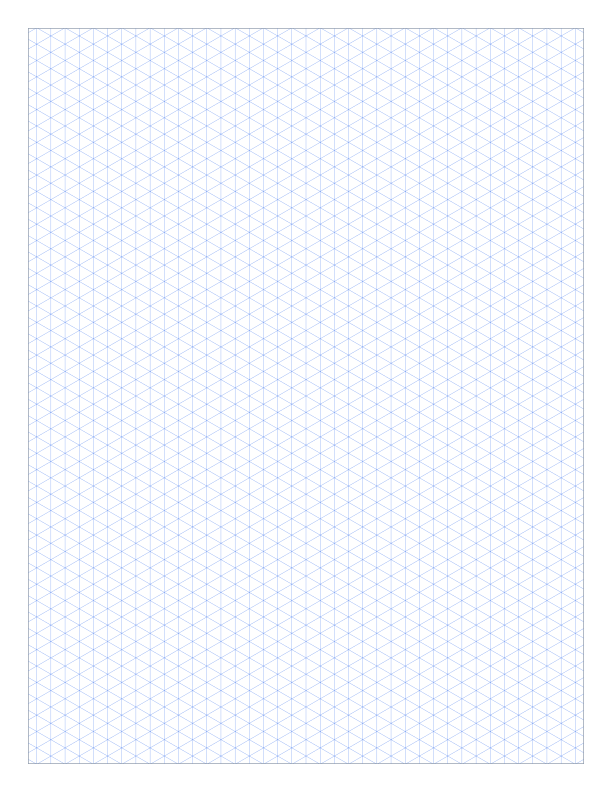
Letter portrait · 5mm spacing · Blue 30° grid
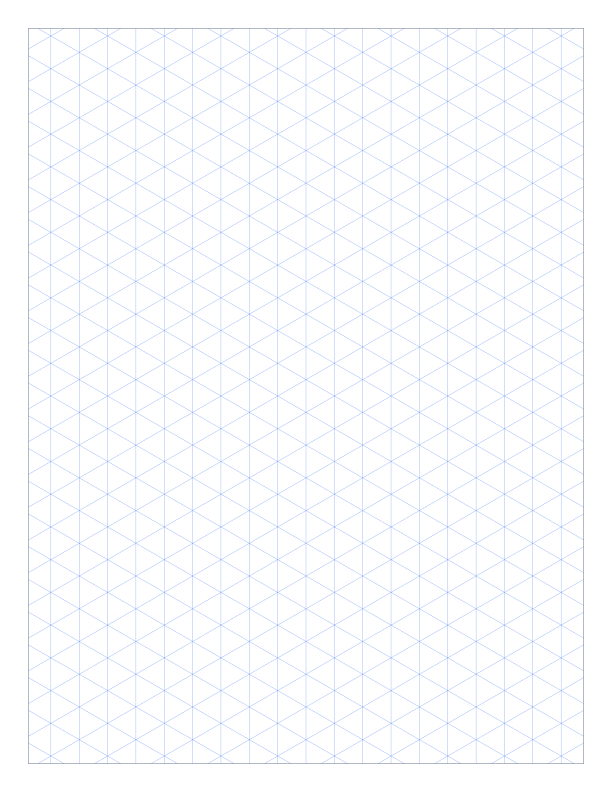
Letter portrait · 10mm spacing · Blue 30° grid
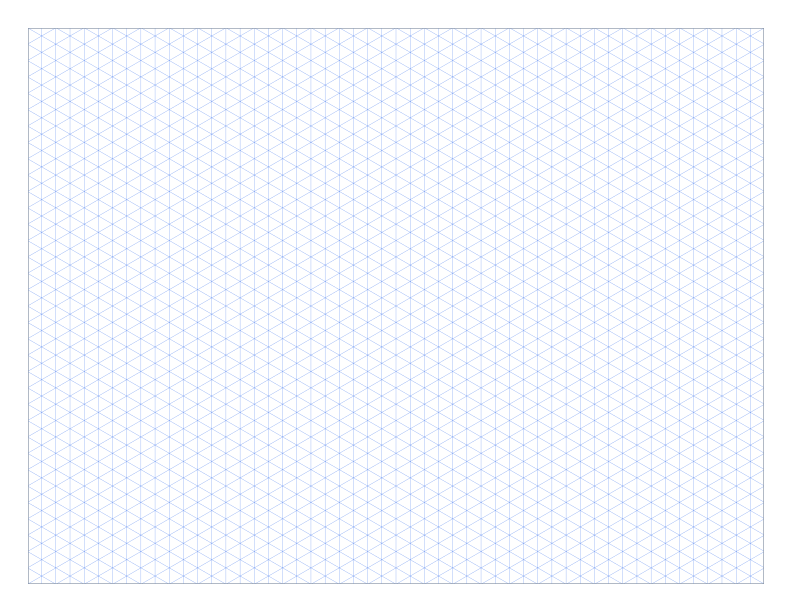
Letter landscape · 5mm spacing · Blue 30° grid
Letter landscape · 10mm spacing · Blue 30° grid
A3 portrait · 5mm spacing · Blue 30° grid
A3 portrait · 10mm spacing · Blue 30° grid
A3 landscape · 5mm spacing · Blue 30° grid
A3 landscape · 10mm spacing · Blue 30° grid

A2 portrait · 5mm spacing · Blue 30° grid
A2 portrait · 10mm spacing · Blue 30° grid

A2 landscape · 5mm spacing · Blue 30° grid
A2 landscape · 10mm spacing · Blue 30° grid
Legal portrait · 5mm spacing · Blue 30° grid
Legal portrait · 10mm spacing · Blue 30° grid
Legal landscape · 5mm spacing · Blue 30° grid
Legal landscape · 10mm spacing · Blue 30° grid
Tabloid portrait · 5mm spacing · Blue 30° grid
Tabloid portrait · 10mm spacing · Blue 30° grid
Tabloid landscape · 5mm spacing · Blue 30° grid
Tabloid landscape · 10mm spacing · Blue 30° grid

Poster portrait · 5mm spacing · Blue 30° grid
Poster portrait · 10mm spacing · Blue 30° grid

Poster landscape · 5mm spacing · Blue 30° grid
Poster landscape · 10mm spacing · Blue 30° grid
Answers about choosing, downloading, customizing, and printing this paper.
The grid uses one vertical direction and two diagonal directions at 30 degrees to the horizontal. Together they form equilateral triangles.
Choose 5mm for smaller objects and technical detail. Choose 10mm for quick concepts, classroom work, larger labels, and presentation drawings.
Choose PDF when you want to print at an accurate physical size. Use PNG for notes, worksheets, and image-based documents. Choose SVG when you need an editable vector file for a drawing or design application.
Portrait gives you more vertical working room for worksheets, notes, and tall diagrams. Landscape gives you more horizontal room for charts, maps, tables, timelines, and wide drawings. The prepared measurements stay the same in either orientation when you print at 100%.
The print dialog probably scaled the page. Print the PDF at Actual Size or 100%, and turn off Fit to Page, Shrink, and other automatic scaling options. The paper size selected in the print dialog must also match the file you downloaded.
Yes. Open the isometric grid generator when the ready-made sizes or styles on this page do not match your project.
Open the Isometric Grid Generator →