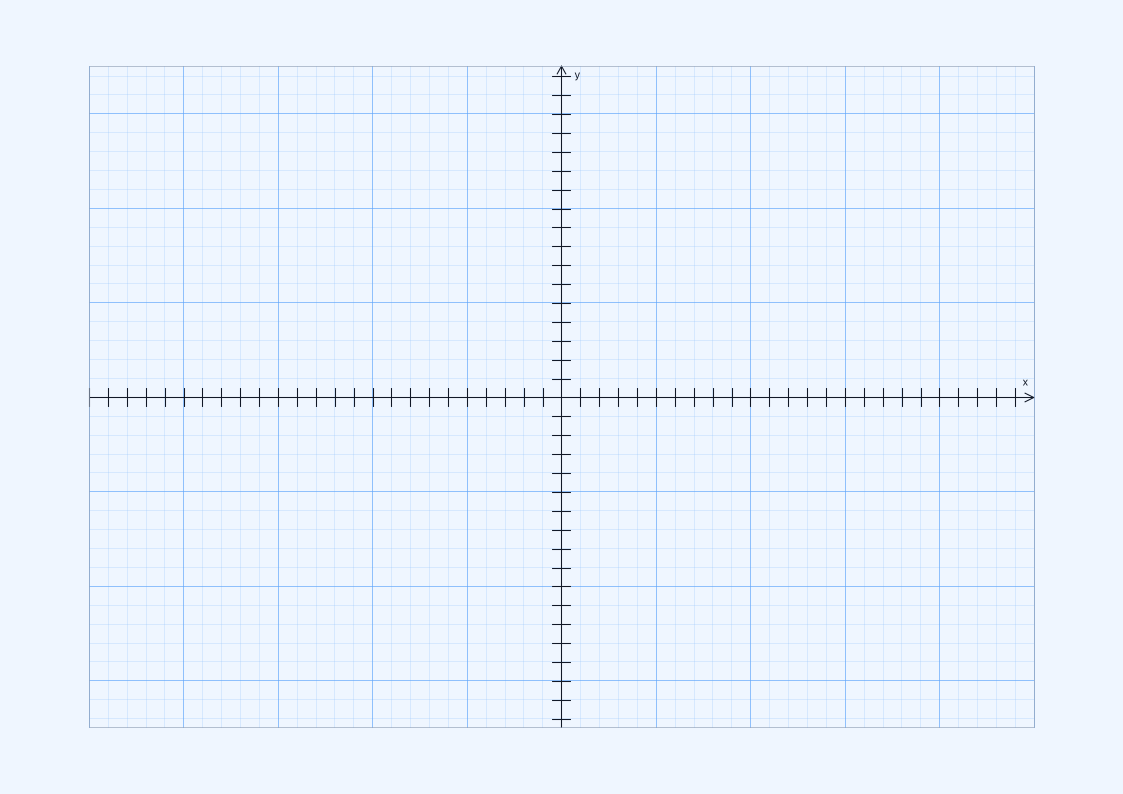
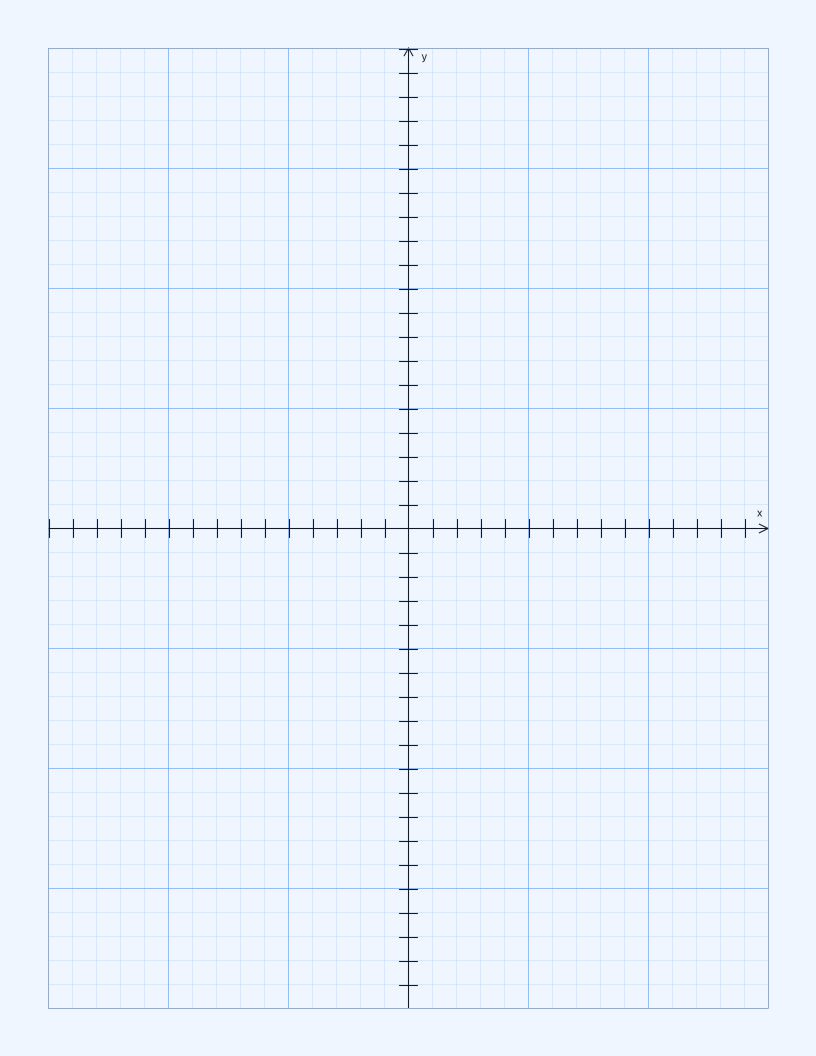
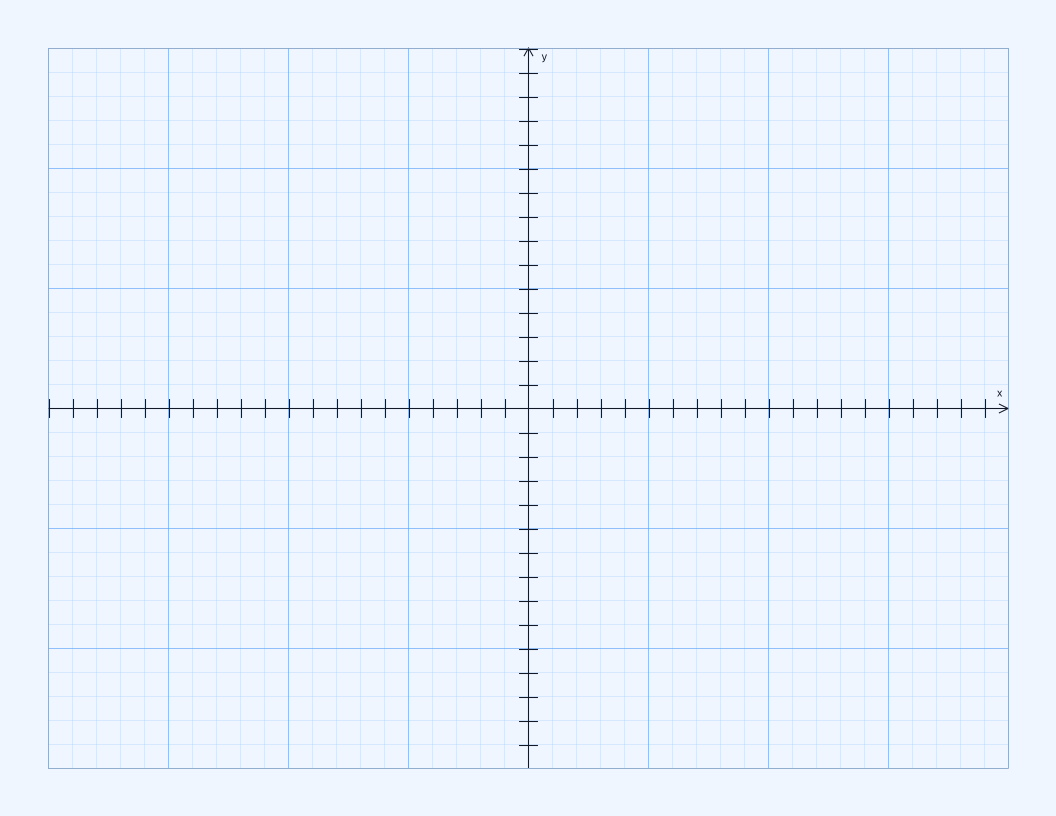
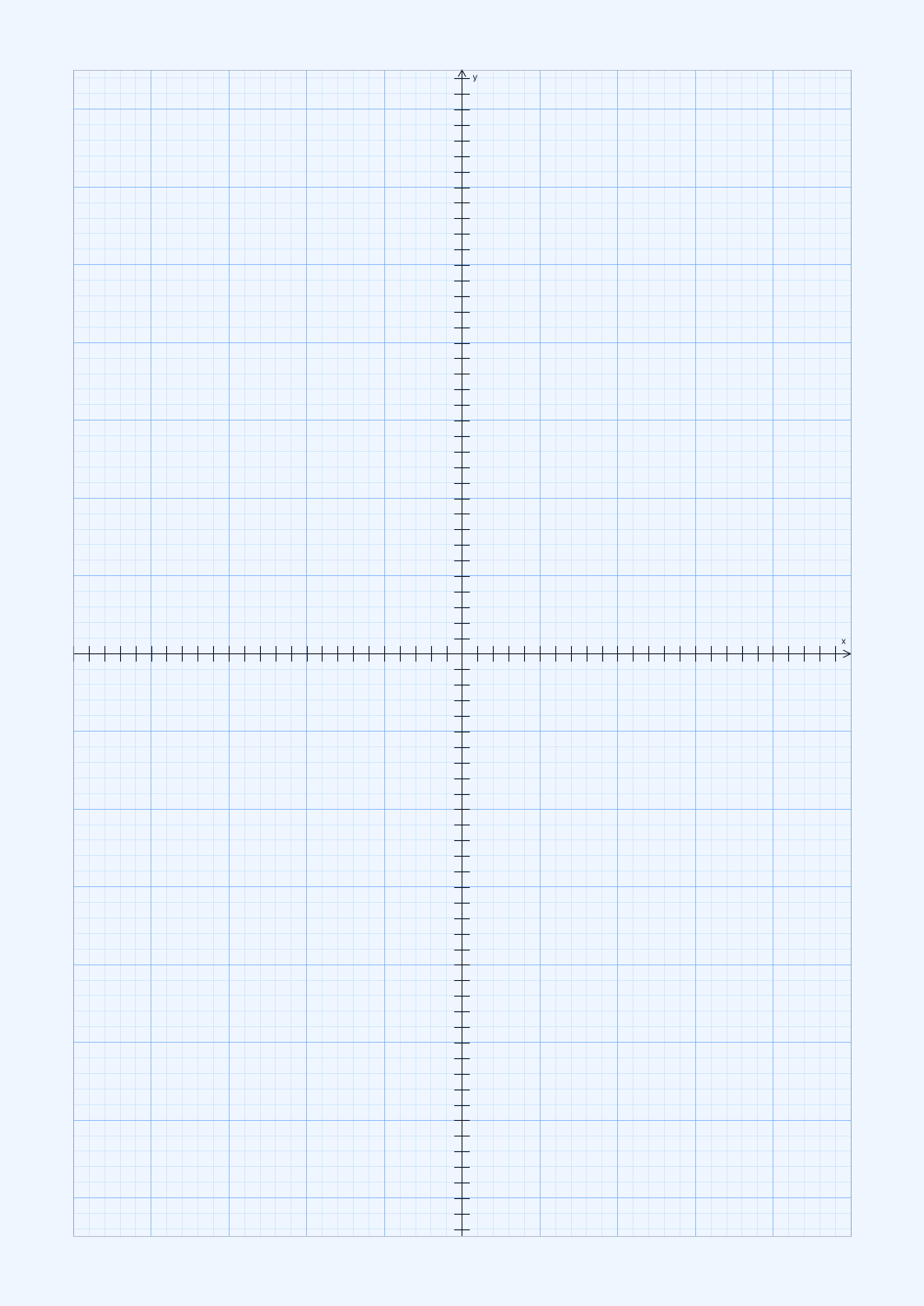
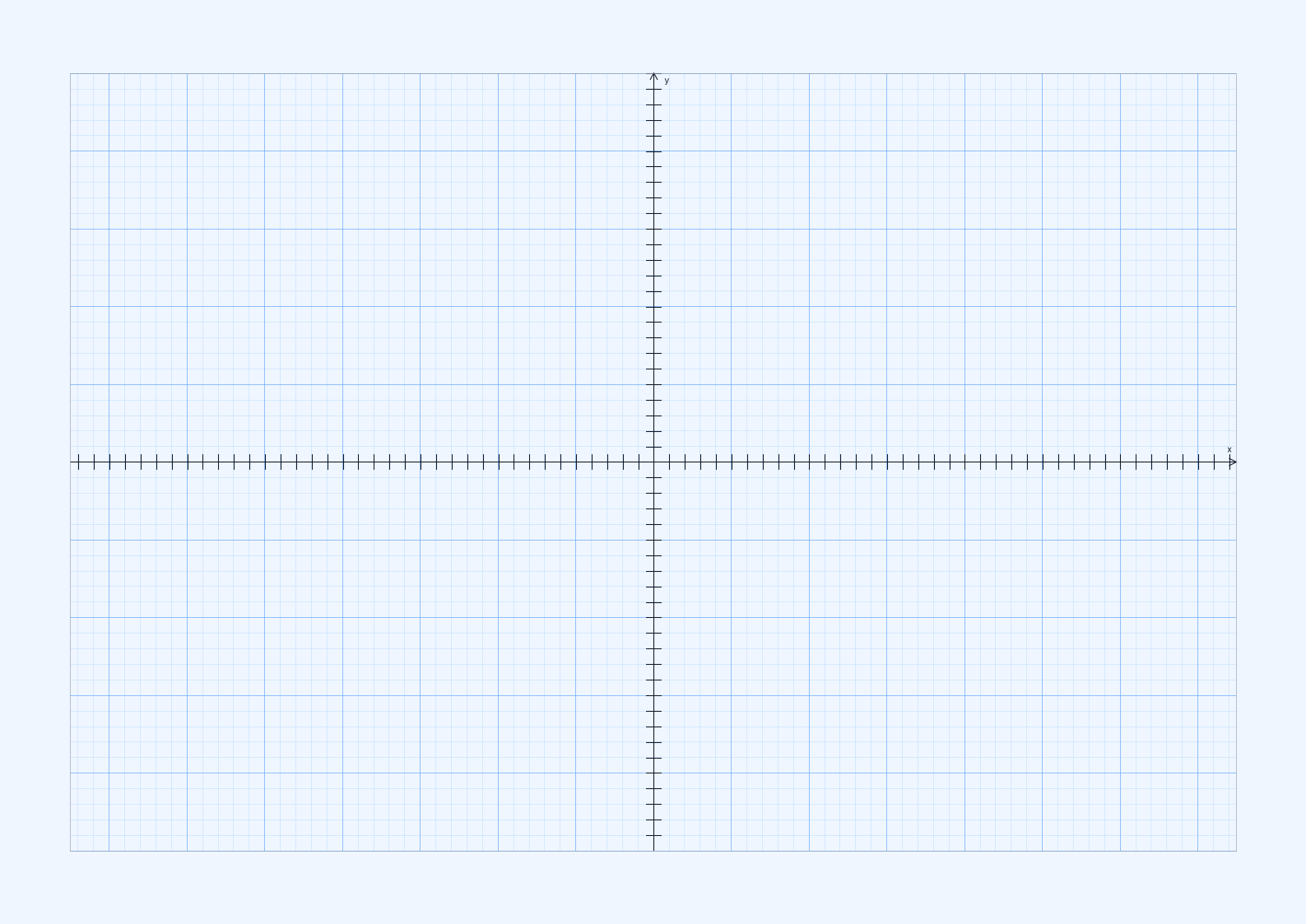
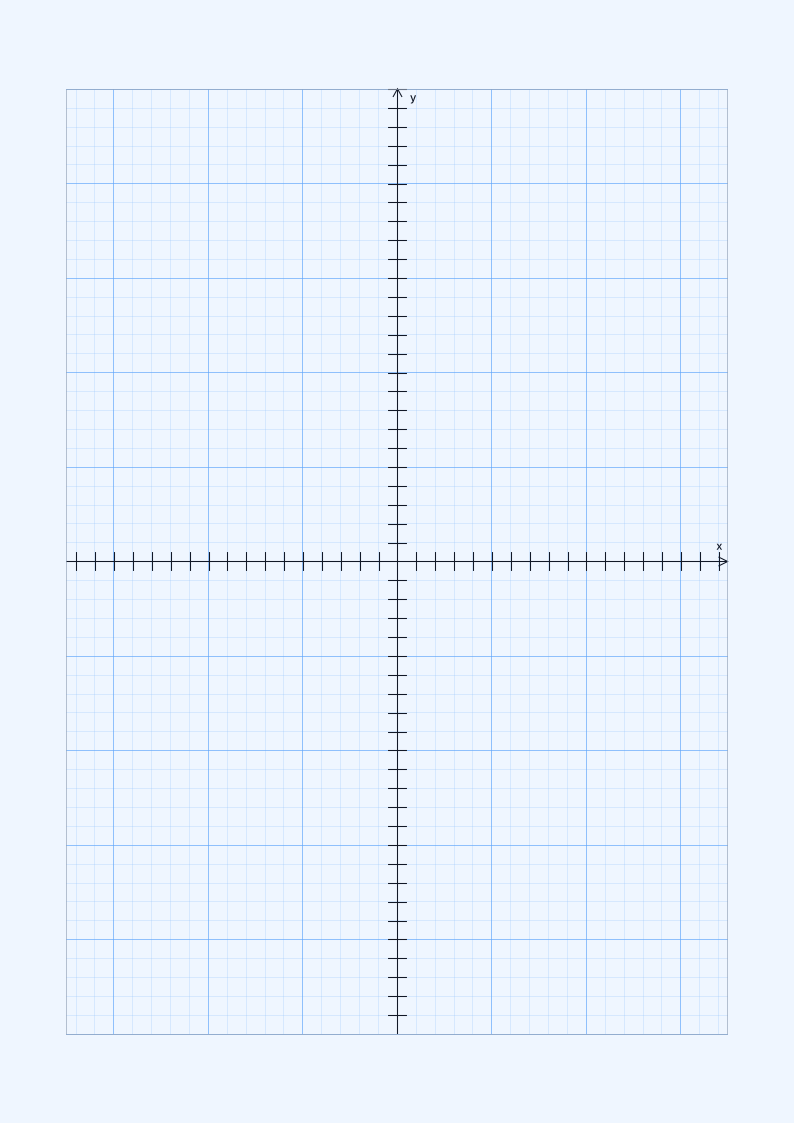
A4 Coordinate Grid
Most countries210 x 297 mm (8.27 x 11.69 in)
International home, school, and office printing
Printable Coordinate Grid
Choose portrait or landscape, then download a coordinate plane sized for the paper in your printer.
Print at Actual Size or 100% so the prepared measurements stay accurate.
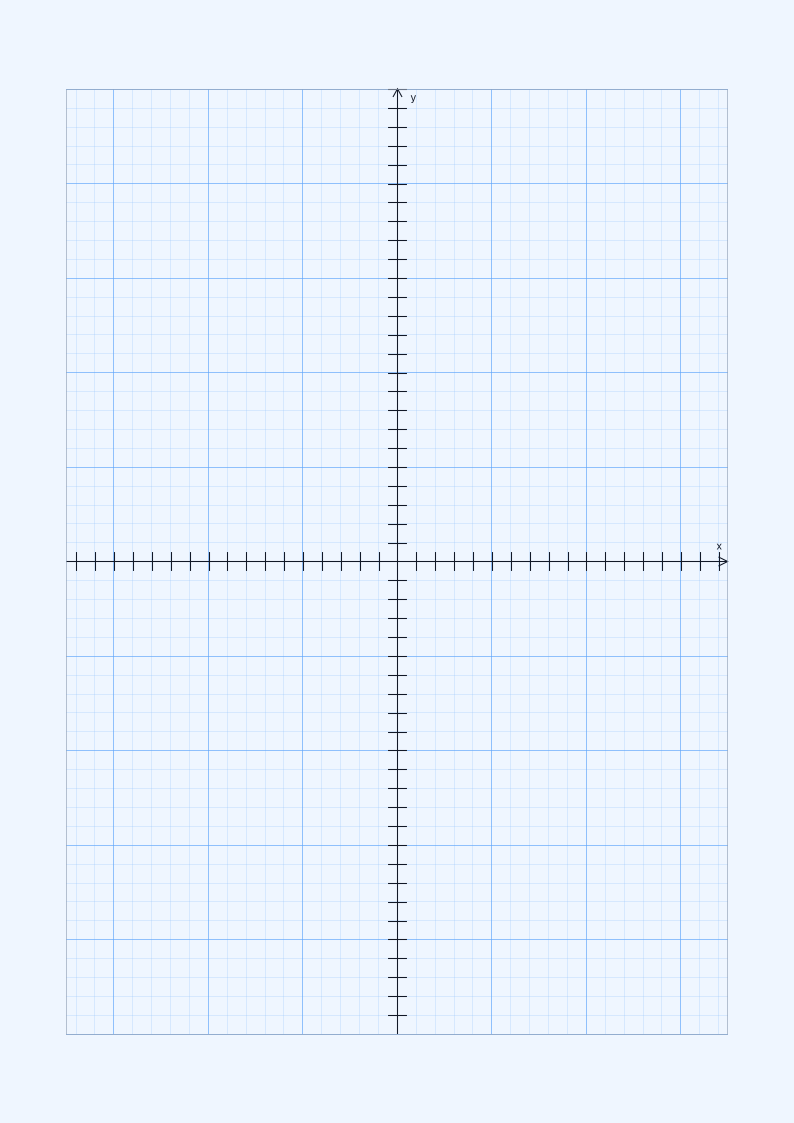
Coordinate plane paper has a horizontal X-axis and vertical Y-axis that meet at the center of the page, creating four ready-to-use quadrants. Tick marks and stronger guide lines make coordinates easier to read than they are on plain square grid paper.
Use it to plot ordered pairs, graph linear or nonlinear equations, compare slopes, and show reflections, translations, and rotations. Because the origin and axes are already printed, students can start the graph without drawing and centering them by hand.
Check the size printed on your paper pack or shown in the printer tray. A4 is standard in most countries, while US Letter is standard in the United States and Canada. Choose a larger size only when your printer or print service supports it.
210 x 297 mm (8.27 x 11.69 in)
International home, school, and office printing
8.5 x 11 in (215.9 x 279.4 mm)
US home, school, and office printing
297 x 420 mm (11.69 x 16.54 in)
Engineering sketches and larger diagrams
Use all four quadrants for positive and negative coordinates, reflections, translations, and rotations.
Plot linear and nonlinear functions with centered axes, regular ticks, and stronger major grid lines.
Leave room around the graph for equations, working steps, axis labels, and written explanations.
Choose from 6 ready-made templates. Open a paper-size group, then download the PDF for accurate printing, save a PNG, or customize the same layout in the generator.
Answers about choosing, downloading, customizing, and printing this paper.
Yes. The centered X and Y axes create Quadrants I, II, III, and IV for plotting positive and negative ordered pairs, functions, and transformations.
Yes. Open the coordinate paper generator to adjust grid spacing, line colors, major guides, axis width, tick marks, numbers, origin label, margins, and orientation.
Open the Coordinate Grid Generator →Choose PDF when you want to print at an accurate physical size. Use PNG for notes, worksheets, and image-based documents. Choose SVG when you need an editable vector file for a drawing or design application.
Portrait gives you more vertical working room for worksheets, notes, and tall diagrams. Landscape gives you more horizontal room for charts, maps, tables, timelines, and wide drawings. The prepared measurements stay the same in either orientation when you print at 100%.
The print dialog probably scaled the page. Print the PDF at Actual Size or 100%, and turn off Fit to Page, Shrink, and other automatic scaling options. The paper size selected in the print dialog must also match the file you downloaded.